44
Intelect
®
Mobile Ultrasound
The coupling feature of the Intelect Mobile Ultrasound is designed to indicate when the sound head is not making adequate contact
with the patient’s skin. “Good coupling” is achieved when the appropriate amount of gel is used, and the sound head is making
satisfactory contact to the patient’s skin. Good coupling results in the most efficient use of ultrasound therapy.
NOTE: The green light located on the back of the applicator flashes intermittently when the sound head breaks contact with the
patient.
Also, while the sound head is in good contact with the patient, the
icon displays. However, when the sound head breaks
contact with the patient’s skin, the icon displays (assuming the Coupling Setting feature is enabled).
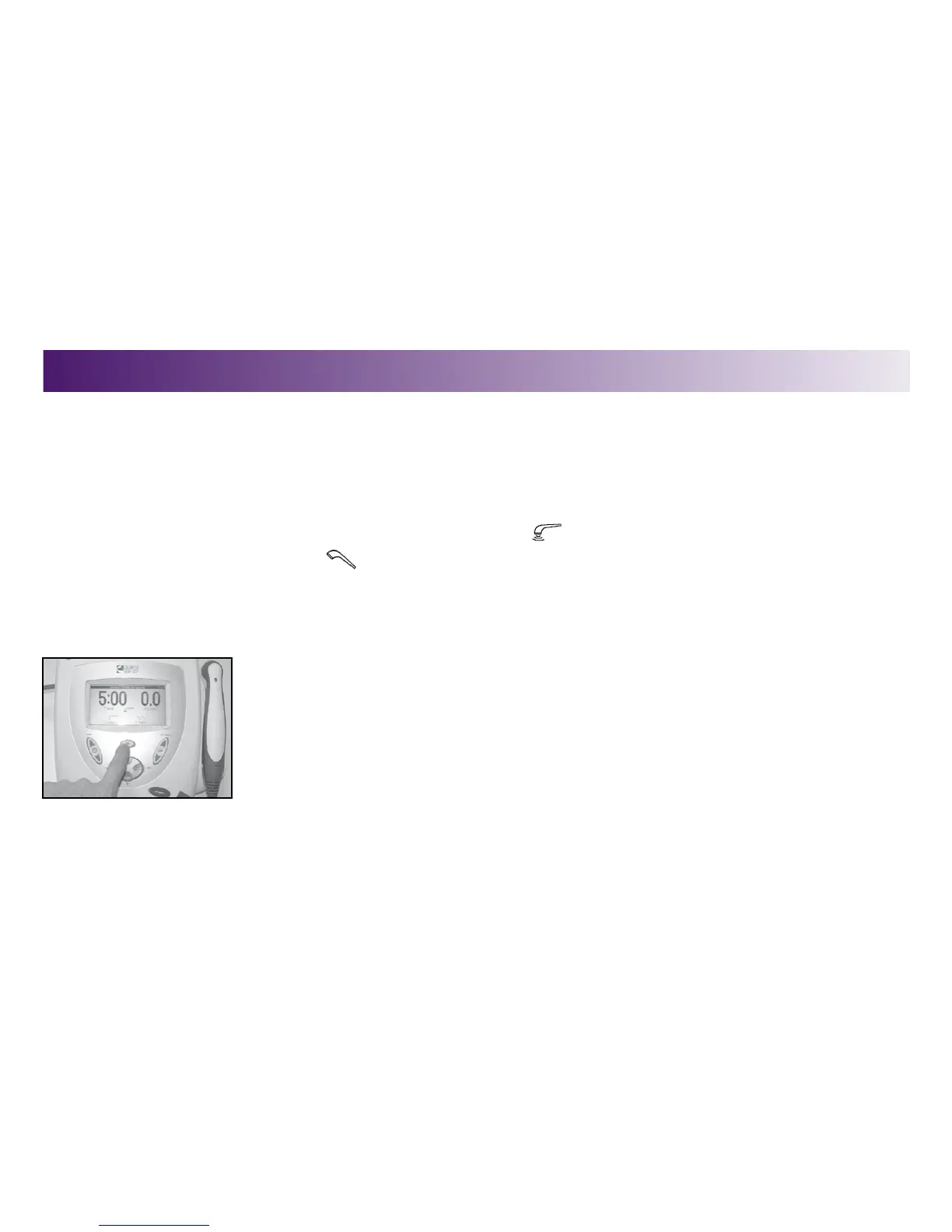
To use the coupling feature, do the following:
1. Press the Clinical Resources Folder button.
The Clinical Resources menu displays.
USING THE COUPLING FEATURE
OPERATION



 To Next Page
 Loading...










