34
Intelect
®
Mobile Ultrasound
RESTORING FACTORY SETTINGS
Certain default utility settings on the unit may be changed to suit your requirements. These settings consist of the unit’s language,
coupling settings, and head warming activation. However, you may want to return the unit to its original settings.
To restore the original power up default settings on the unit, do the following:
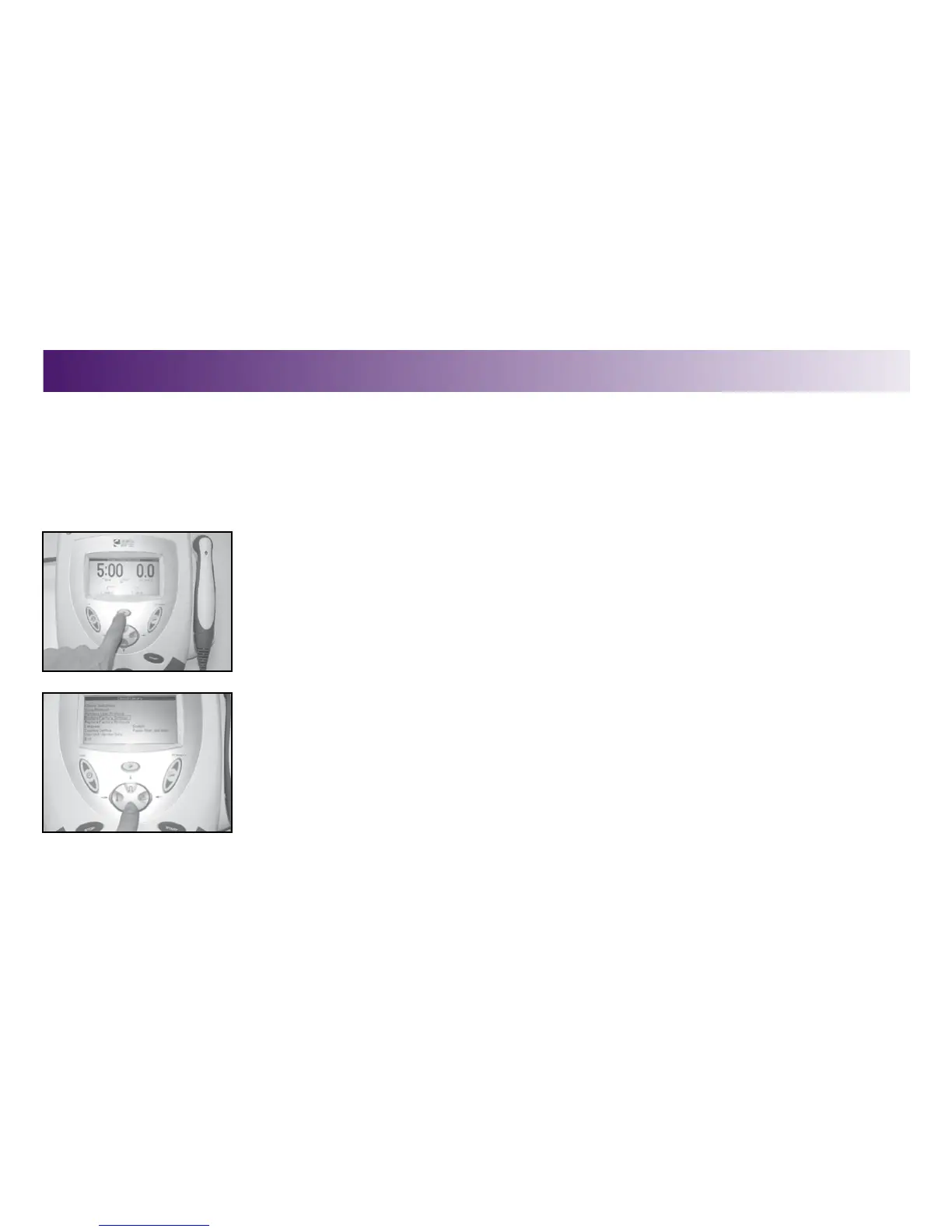
1. Press the Clinical Resources button.
The Clinical Resources menu displays.
2. Press the DUTY CYCLE (up arrow) or FREQUENCY (down arrow) buttons to highlight the
Restore Factory Settings option.
OPERATION


 To Next Page
 Loading...











