CHCNAV RS10 USER MANUAL | 2024-04 P a g e | 14
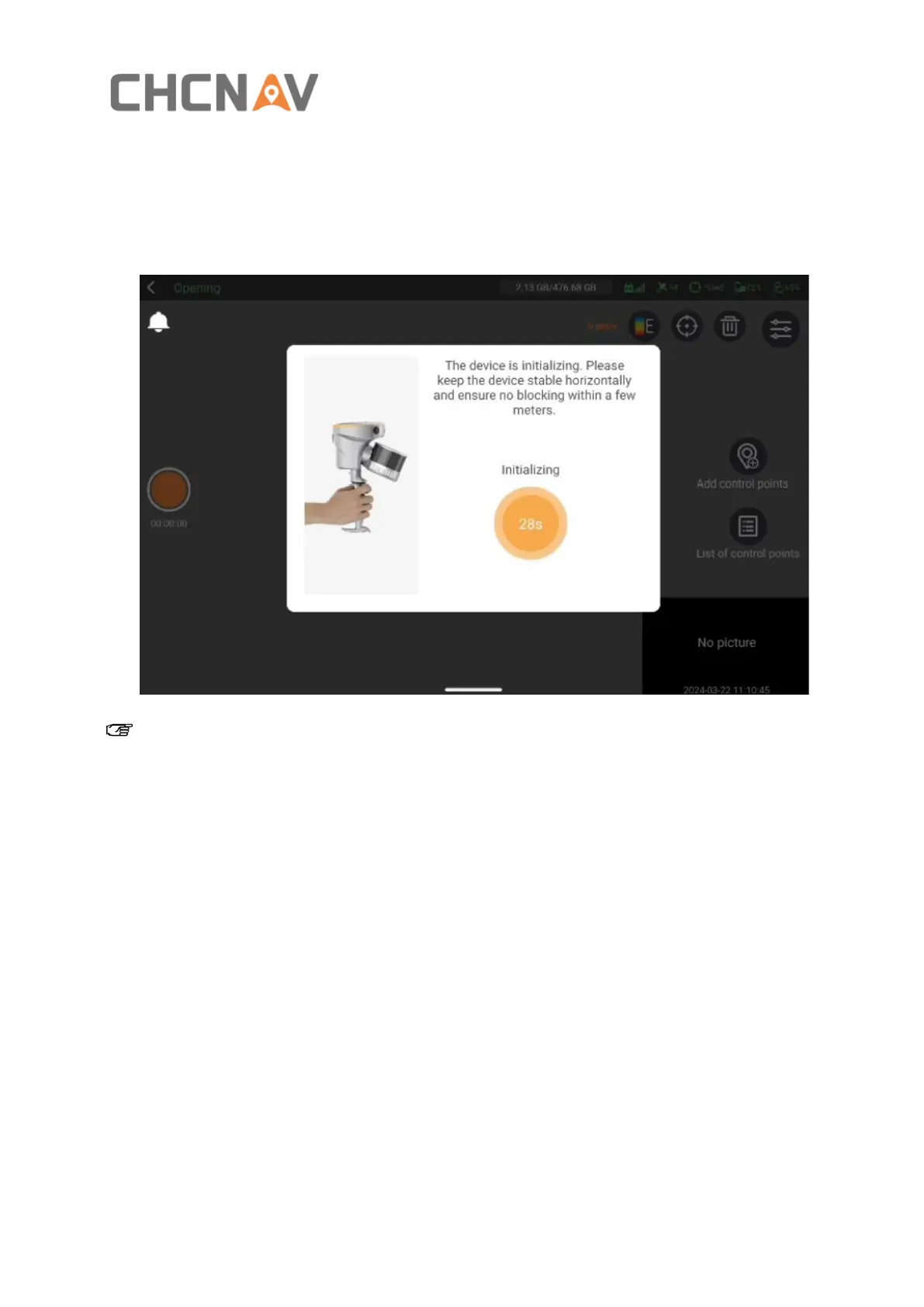
4.2.5 Device initialization
▪ Initialization starts automatically after selecting capture scene , please keep the device
stable and ensure no obstructions around.
Note:
You'll want to aim it at a scene with lots of features, like buildings or uneven rocks. And watch out
for moving objects or obstacles that could block these features. Try to minimize scanning highly
reflective surfaces, like glass facades or car windows, to reduce noise in your cloud data.



 To Next Page