CHCNAV RS10 USER MANUAL | 2024-04 P a g e | 15
4.2.6 Start data acquisition
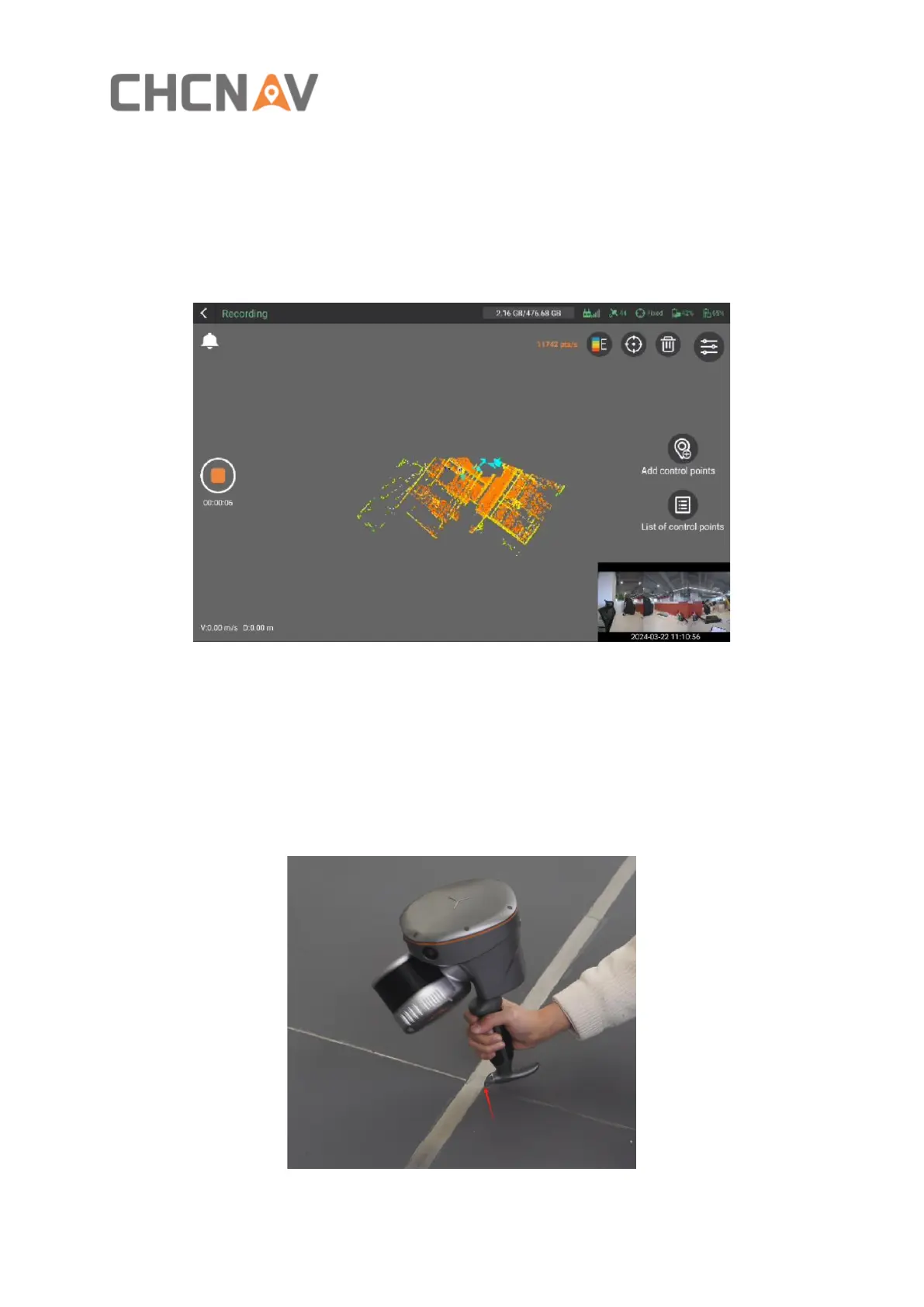
▪ After the initialization is successful, the device will enter the capture interface, where real-
time point cloud and live captured images will appear, which means the device has started
data collection automatically.
4.2.7 Add control point
▪ You can add some control points during the data collection. First, align the metal tip of
the device's handle with the desired control point. Then click "Add control Points" , select
the corresponding operation mode, input the control point number, and click "OK" to add
the control point.



 To Next Page