CHCNAV RS10 USER MANUAL | 2024-04 P a g e | 20
5.3 Coordinate System Setting
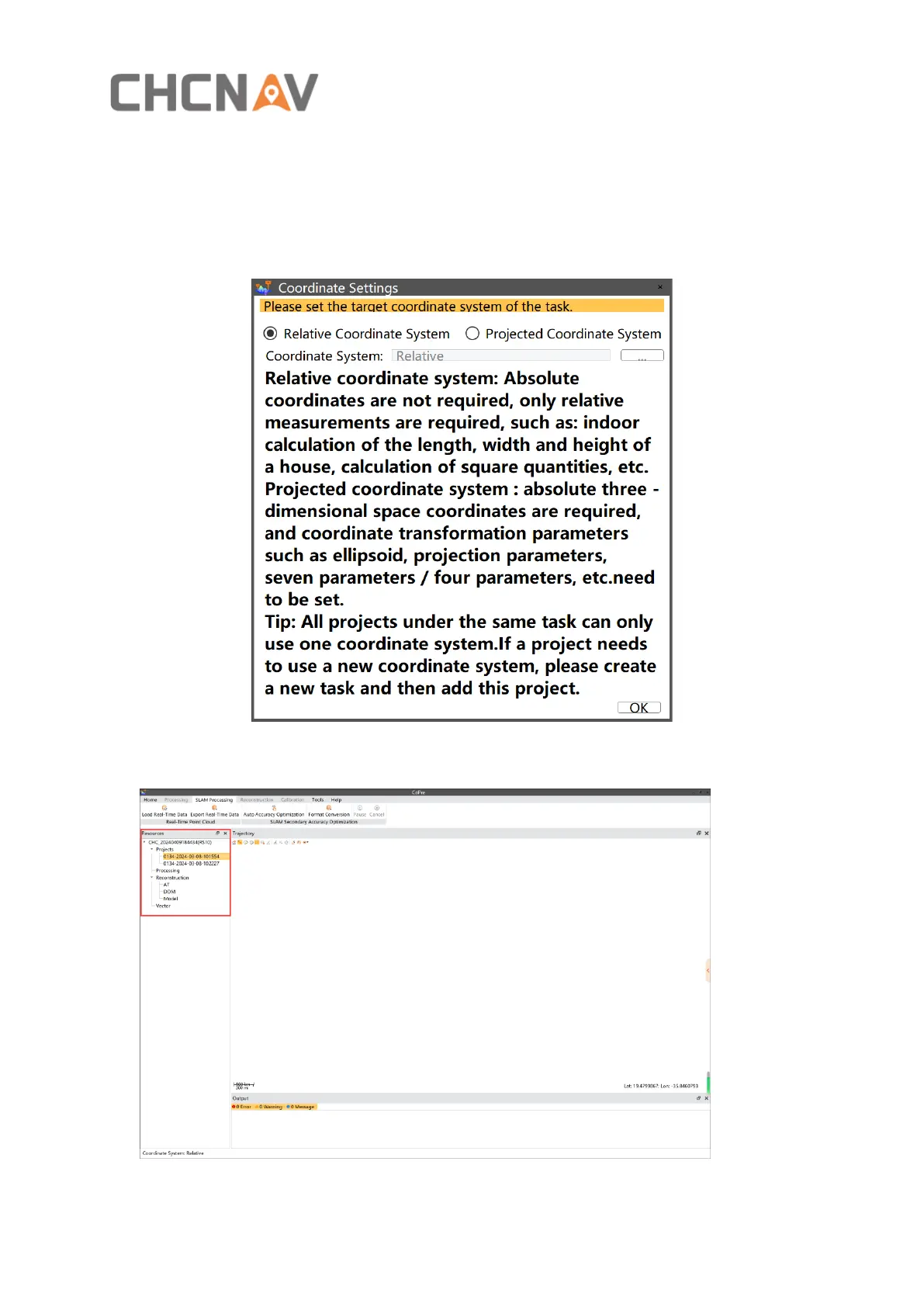
▪ After clicking “Create” , a coordinate settings window will pop up, you can choose relative
coordinate system or projected coordinate system .
▪ Click “OK” to complete the new task, the management bar now shows the taskname, :



 To Next Page