UTM-1 Getting Started Guide | 19
High Availability, see the applicable version of the Security Management Administration
Guide.
Search for these guides in the Support Center
(http://supportcontent.checkpoint.com/solutions?id=sk67581).
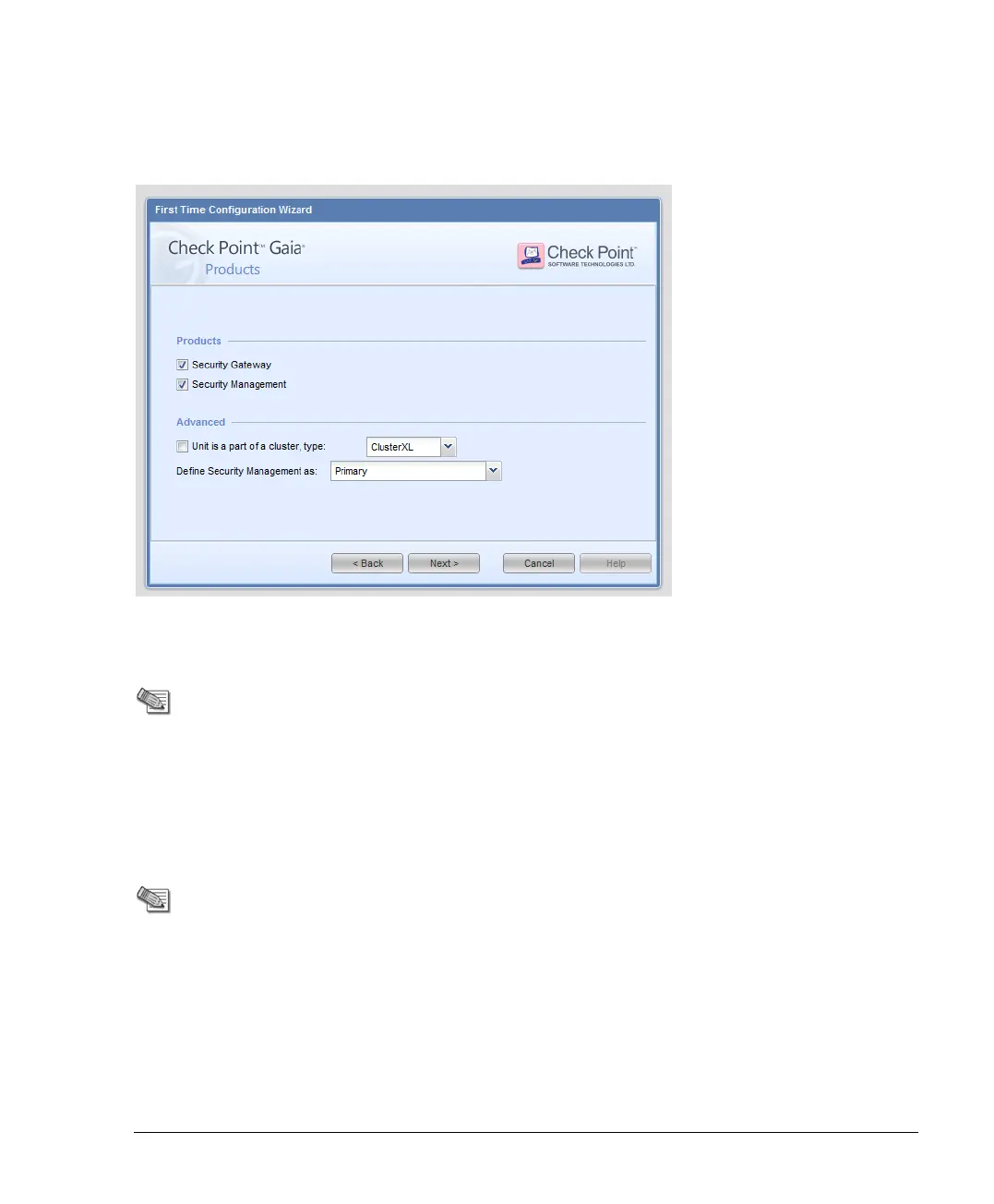
Security Management Administrator
Note - You only see this page when the Gaia appliance is a
Security Management server.
Define the name and password of an administrator that can connect to the Security
Management server using SmartConsole clients.
Security Management GUI Clients
Note - You see this page when the appliance is a Security
Management.
Define the clients that are allowed to connect to the appliance using a web browser or SSH
client. These clients can manage the appliance using a web or SSH connection. For security
reasons, we recommend that you do not use the Any IP address option.












 To Next Page