26 | UTM-1 Getting Started Guide
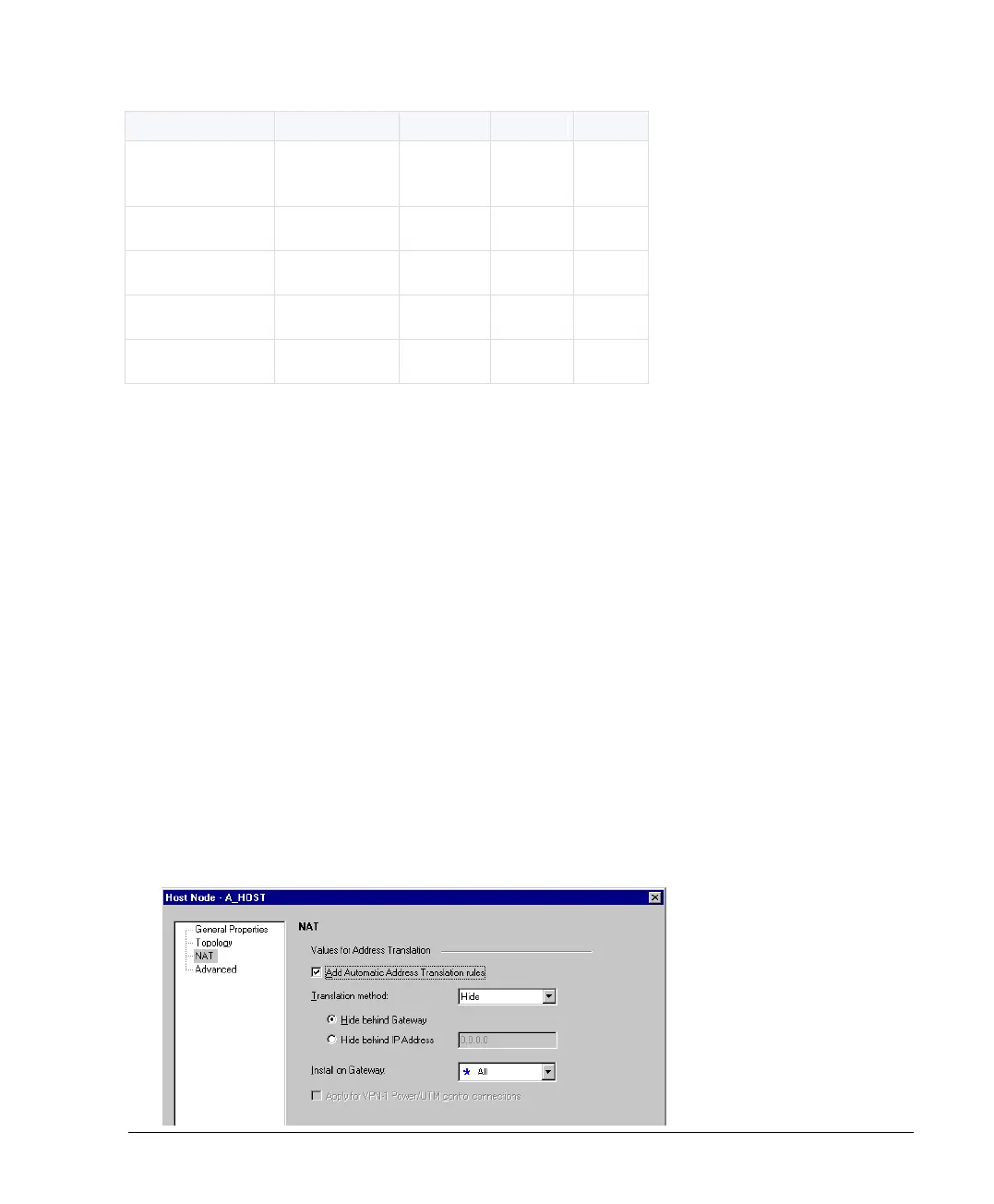
The following is a very simple Firewall rule base:
The last rule in the rule base, known as the Cleanup Rule, is to drop all traffic that is not
permitted by the previous rules. There is an implied rule that does this, but the Cleanup Rule
allows you to log any access attempts.
Create a security policy as follows:
Create a New Policy Package
1. In SmartDashboard, click File > New. The Save window appears.
2. Click Save and continue. The New Policy Package window appears.
3. Enter a name for the new policy, select a policy type and click OK.
Define a Host
Define the hosts to be used in the Firewall Rule Base.
To define a host:
1. Click Manage > Network Objects > New > Node > Host. The Host Node window
appears.
2. Enter a Name and IP Address (for example, 10.10.10.51).
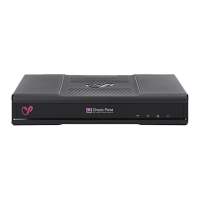
3. In the NAT page, select Add Automatic Address Translation rules.












 To Next Page