1-8 In Brief
Heated Seats
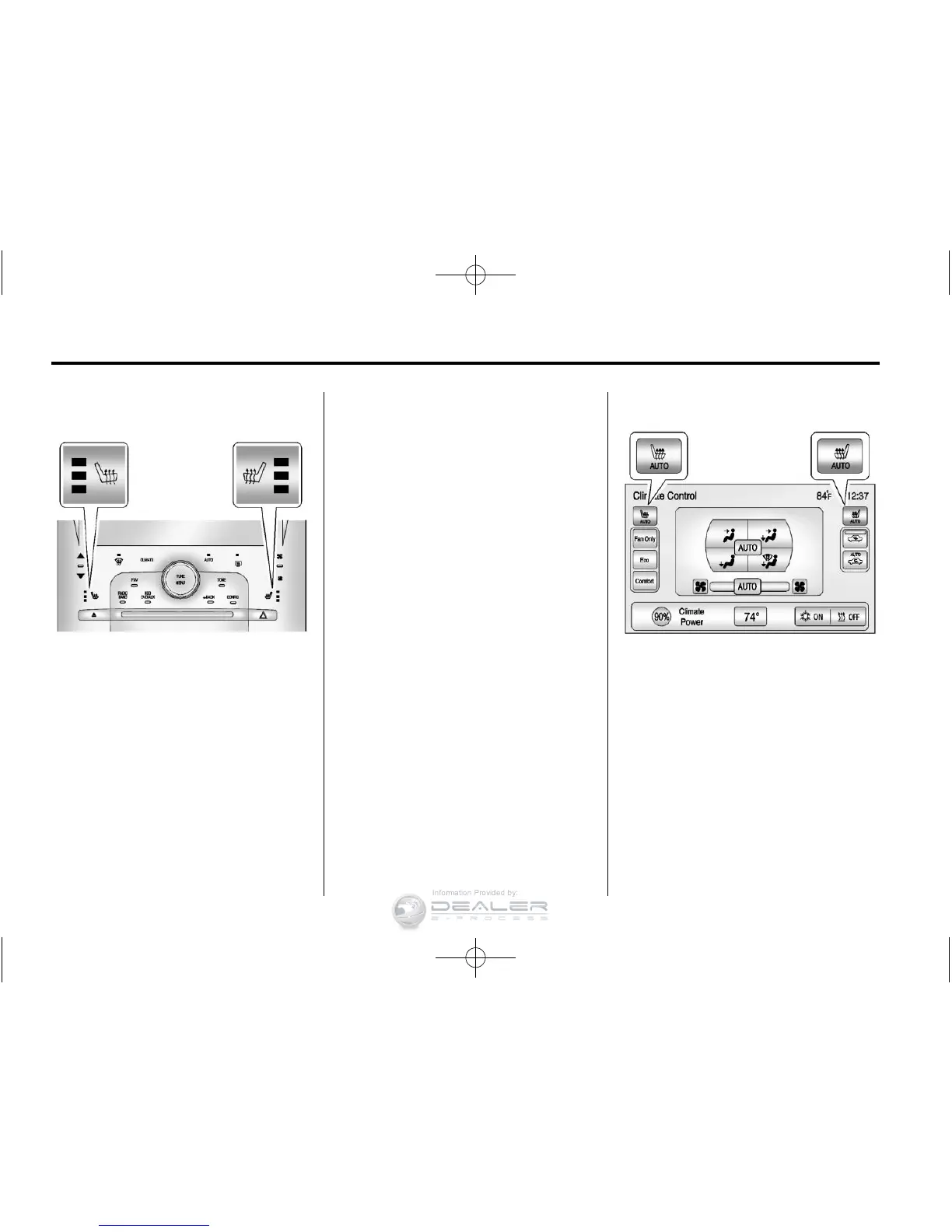
If available, the controls are on the
center stack. To operate, the vehicle
must be on.
Press
M or L to heat the driver
or passenger seat cushion and
seatback.
Press the button once for the
highest setting. With each press
of the button, the heated seat will
change to the next lower setting,
and then the off setting. Three lights
indicate the highest setting and one
light the lowest.
See Heated Front Seats on
page 3‑6 for more information.
Auto Heated Seats
If available, the controls can be
accessed while the vehicle is on by
pressing the CLIMATE button on the
center stack.












 To Next Page