In Brief 1-9
Press the touch screen M AUTO or
L AUTO button. The button color
will change to green when this
feature is on.
When the vehicle is on, this feature
will automatically activate the
heated seats at the level required
by the vehicle's interior temperature.
The active high, medium, low, or off
heated seat level will be indicated
by the manual heated seat button
lights on the center stack. Use the
touch screen buttons or the manual
heated seat buttons on the center
stack to turn auto heated seats off.
See Heated Front Seats on
page 3‑6 for more information.
The heated seats can also be
programmed to come on during a
remote start. See “Remote Start
Auto Heat Seats” under Vehicle
Personalization on page 5‑53 for
more information.
Head Restraint
Adjustment
Do not drive until the head restraints
for all occupants are installed and
adjusted properly.
To achieve a comfortable seating
position, change the seatback
recline angle as little as necessary
while keeping the seat and the
head restraint height in the proper
position.
For more information see Head
Restraints on page 3‑2 and Seat
Adjustment on page 3‑4.
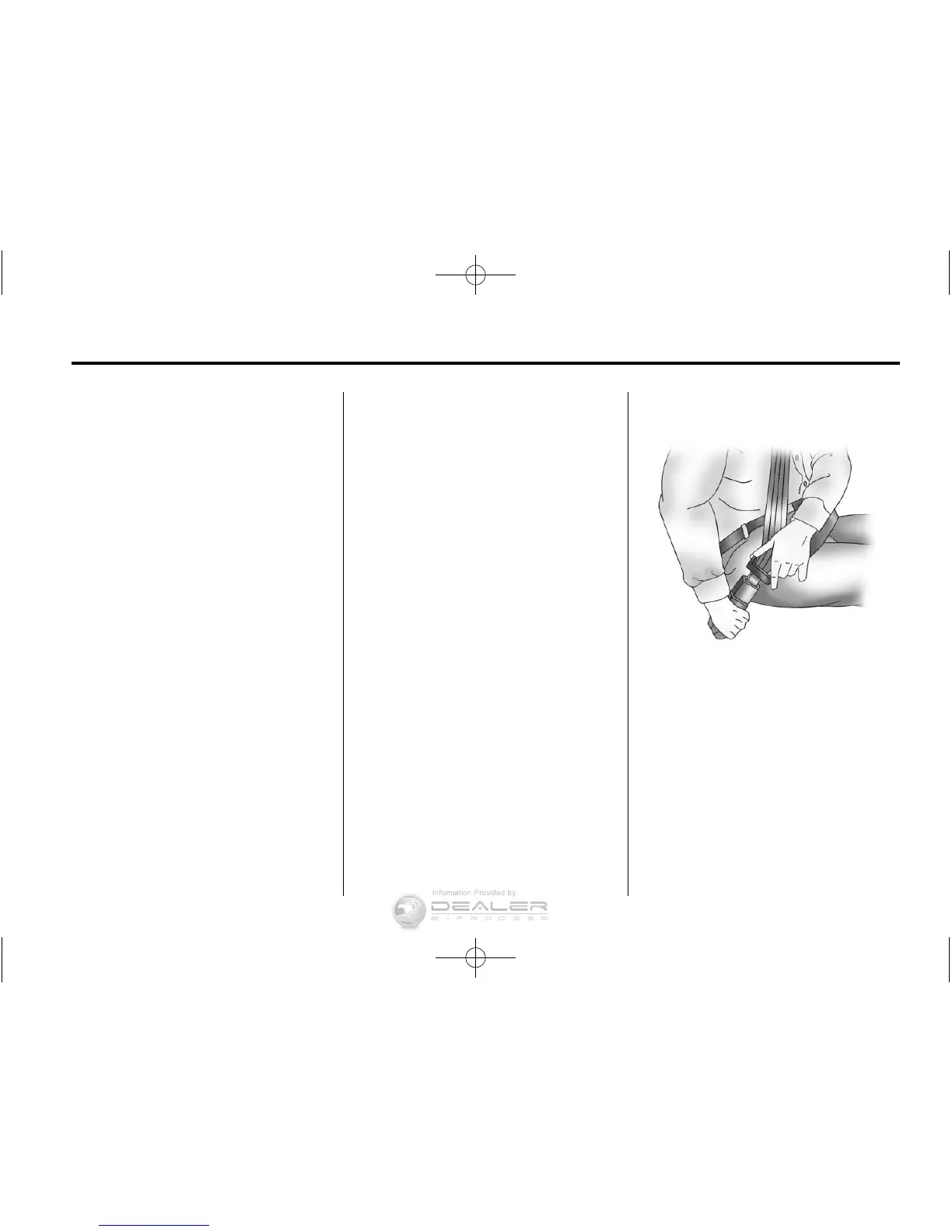
Safety Belts
Refer to the following sections for
important information on how to use
safety belts properly.
.
Safety Belts on page 3‑10.
.
How to Wear Safety Belts
Properly on page 3‑13.
.
Lap-Shoulder Belt on page 3‑19.
.
Lower Anchors and Tethers for
Children (LATCH System) on
page 3‑49.












 To Next Page