7-24 Infotainment System
.
The Artist/Album/Song Titles/
Genre information requires a
CD to be fully scanned before
the music navigator works with
these menus. Disc scanning
does not occur when the disc
is being played.
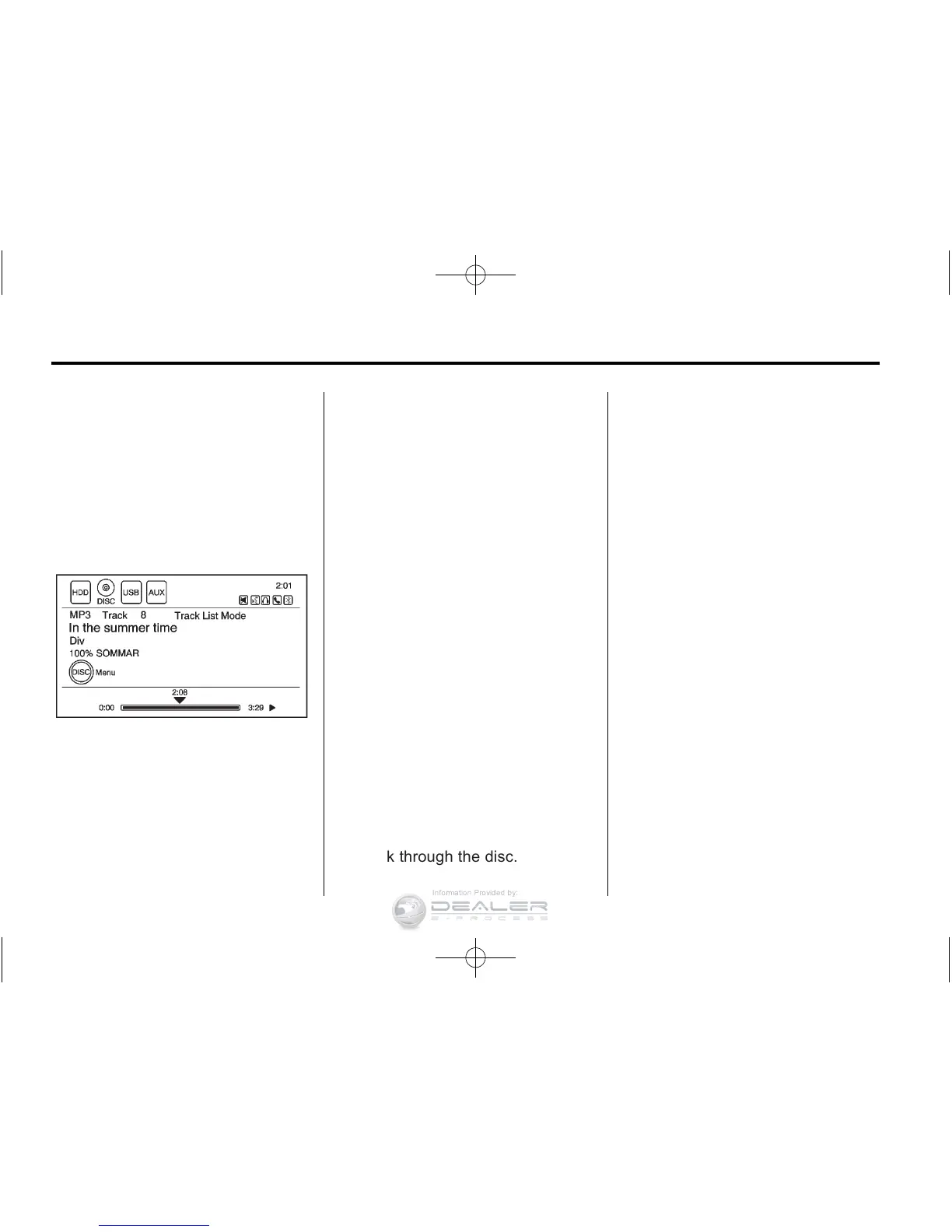
When an MP3 is loaded in the
player, MP3 displays.
If a disc is already loaded, but you
are currently on a map screen or
listening to a different audio source,
press the HDD/DVD/AUX button to
switch to the disc source. A track
number appears on the display
when each track starts to play.
To play a disc:
k (Play/Pause): Use to start,
pause, or resume play of a
loaded disc.
SEEK
[ :
1. Press to seek to the next track.
2. Press again to continue moving
forward through the disc.
3. Press and hold to advance
quickly through playback.
4. Release the button to return to
playing speed. Elapsed time
displays.
r SEEK:
1. Press to seek to the beginning
of the current or previous track.
If the track has played for less
than five seconds, it goes to the
previous track. If longer than
five seconds, the current track
restarts.
2. Press again to continue moving
back through the disc.
3. Press and hold this button
to reverse quickly through
playback.
4. Release the button to return to
playing speed. Elapsed time
displays.
TUNE/MENU:
1. Turn to the right or left to display
the track list.
2. Turn it again to cycle through
the list.
3. Press TUNE/MENU to select
the track. The system plays the
selected track and returns to the
CD screen.
MP3 Music Menu
Press the Disc Menu screen button
or press the TUNE/MENU knob
on the faceplate while on the disc
audio screen to display the MP3
Music Menu.








 To Next Page