Infotainment System 7-47
Navigation Symbols
Following are the most common
symbols that appear on a map
screen.
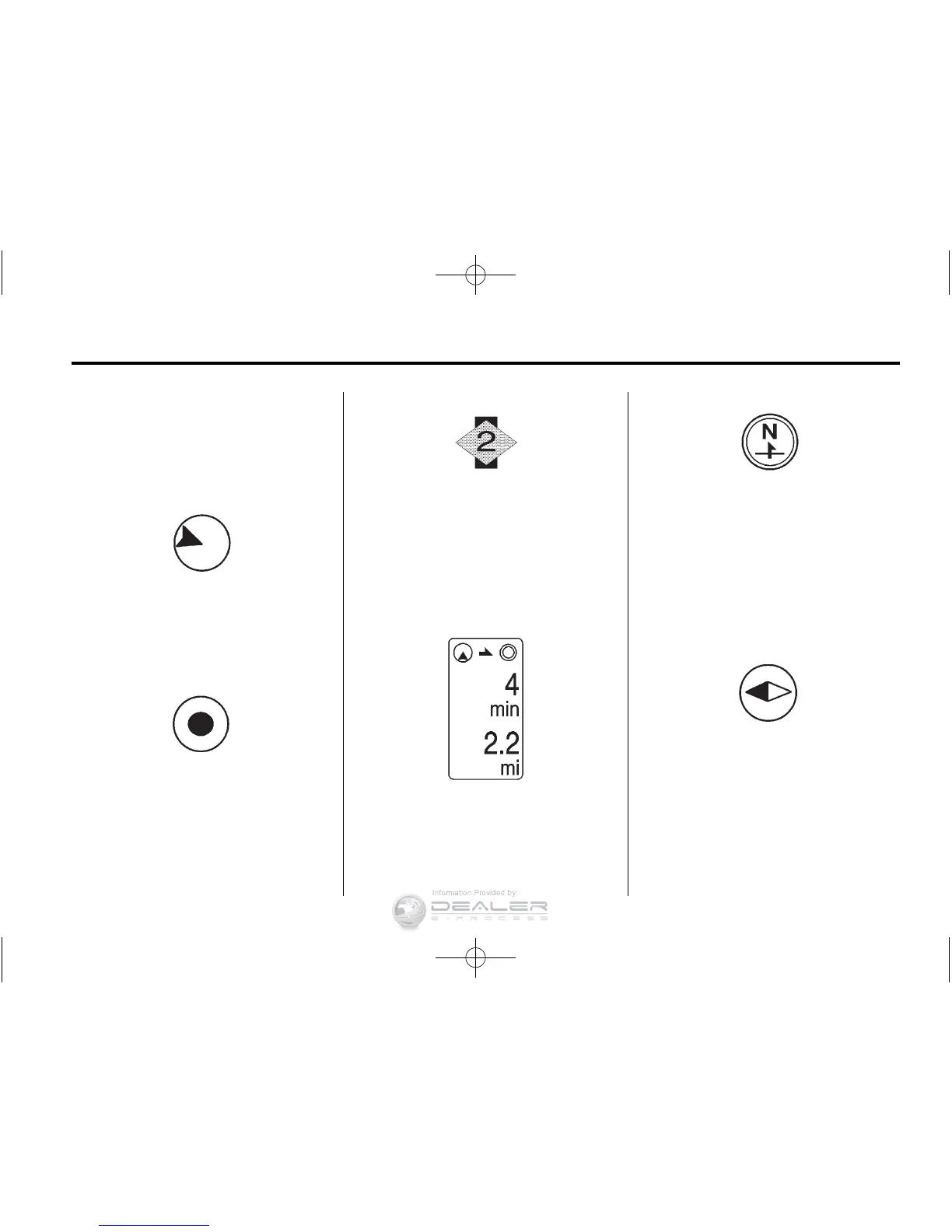
The vehicle symbol indicates
the current position and heading
direction of the vehicle on the map.
The destination symbol marks the
final destination after a route has
been planned.
The waypoint symbol marks
a set waypoint and is numbered
depending on how many have
been set.
A waypoint is a stopover destination
point added to the planned route.
If waypoints have been added
to the current route, each waypoint
destination displays estimated time
and distance to the destination.
This symbol indicates that the map
view is North-up: North-up displays
North at the top of the map screen
regardless of the direction the
vehicle is traveling. Select this
screen symbol to change the
view to Heading-up or 3-D.
This symbol indicates that the map
view is Heading-up.
Heading-up view displays the
direction the vehicle is traveling
at the top of the map screen.
The shaded triangle indicates North.












 To Next Page