7-46 Infotainment System
Map Adjustments
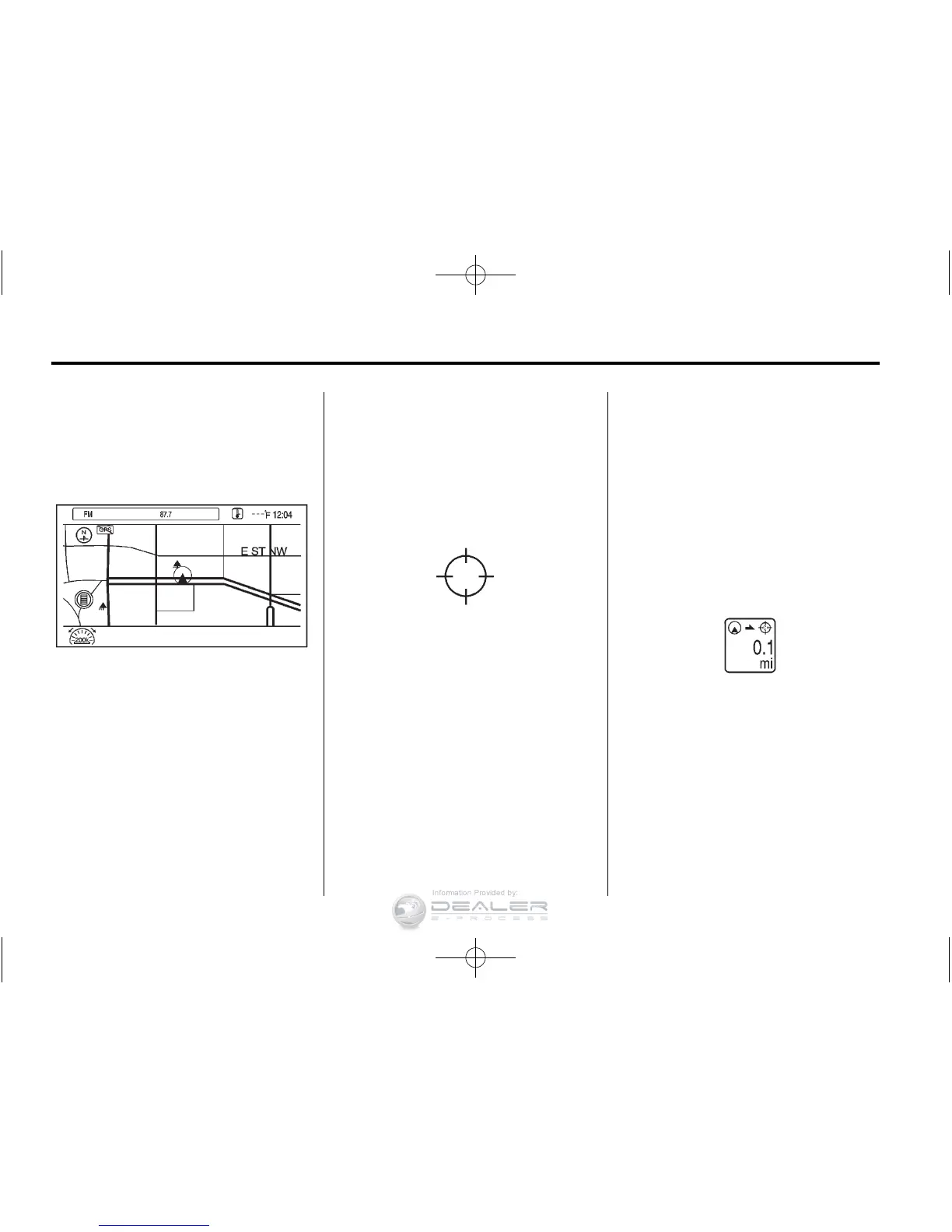
The scale of view on the map can
be adjusted.
Map Scales
There are two methods to change
the map scale:
.
Turn the TUNE/MENU knob
clockwise or counterclockwise
to zoom out or in.
.
Press the Map Scale button on
the left bottom corner of the map
screen to change the zoom
level.
The map scale bar times out if
the zoom level is not changed
within a few seconds.
The scale ranges from 100 m
(150 ft) to 400 km (250 mi).
To change from metric to English,
see Driver Information Center (DIC)
on page 5‑43 for more information.
Scroll Features
.
To scroll within the map, touch
anywhere on the map screen
and the scroll symbol displays.
.
Tap the map to center that
location on the screen.
.
Press the screen in any direction
outside the scroll symbol to
scroll the map in that direction.
.
Scroll speed increases when
touching closer to the edge of
the screen.
.
Press NAV on the faceplate to
exit map scrolling and return to
the current vehicle location on
the map.
.
While scrolling the map, this
symbol can display the distance
to the crosshair area.
For example, this shows that the
map has been scrolled 160 m
(0.1 mi) away from the current
vehicle position.












 To Next Page