Instruments and Controls 5-37
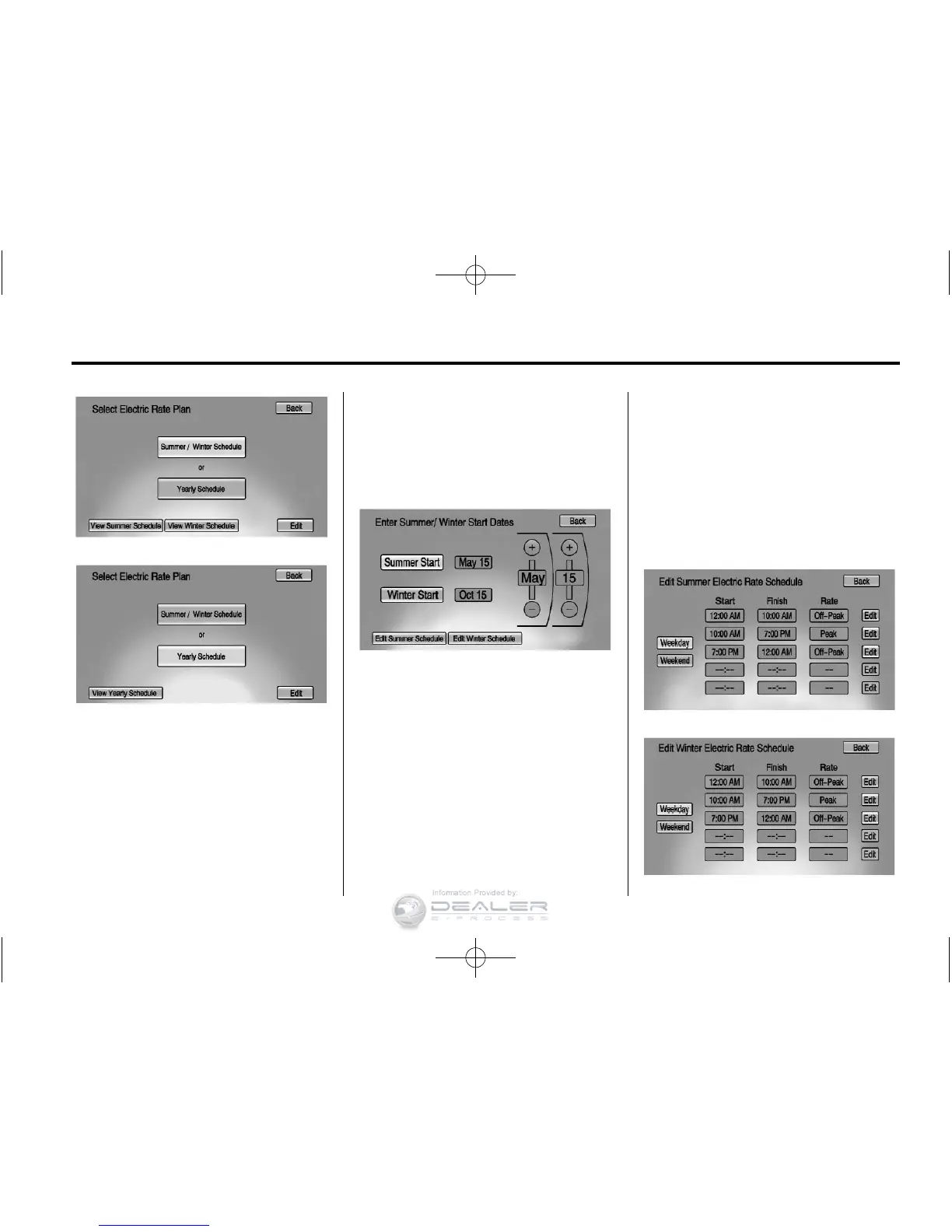
To edit the Summer/Winter
Schedule:
1. Press Summer/Winter Schedule.
2. Press Edit.
To edit the Yearly Schedule:
1. Press Yearly Schedule.
2. Press Edit.
Summer/Winter Schedule Start
Date Entering
From the Select Electric Rate Plan
screen, press Summer/Winter
Schedule then press Edit.
1. Press Summer Start.
2. Press + or − to set the month
and day for the start of summer.
3. Press Winter Start.
4. Press + or − to set the month
and day for the start of winter.
5. Press Edit Summer Schedule or
Edit Winter Schedule to edit the
daily electric rate schedule.
Electric Rate Schedule Editing
From the Enter Summer/Winter
Start Dates screen, press Edit
Summer Schedule or Edit Winter
Schedule.
From the Select Electric Rate Plan
screen, press Yearly Schedule and
then press Edit.


 To Next Page
 Loading...