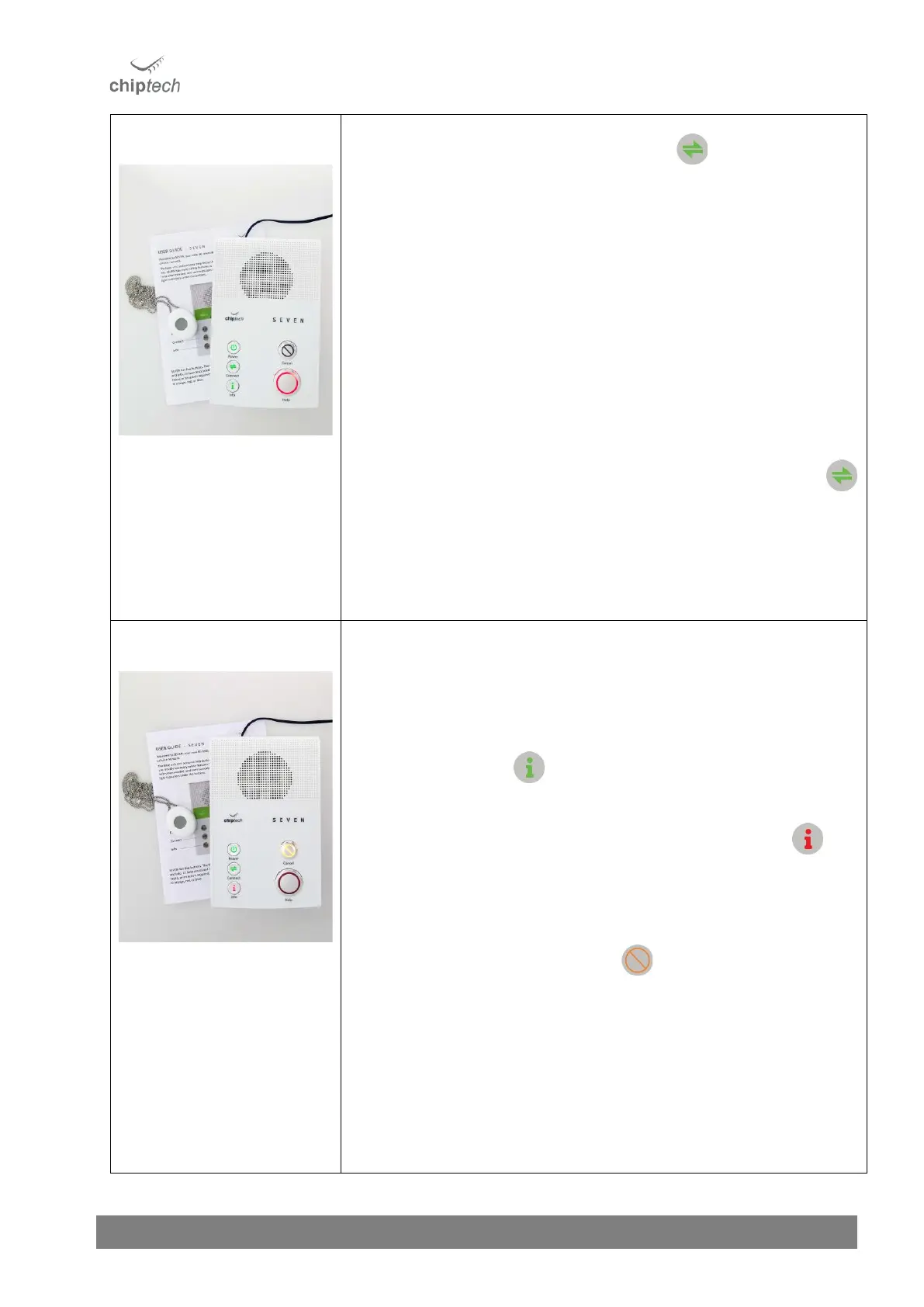
Once connected to the cellular network and all the enabled communication
pathways, the Connect button will be solid green.
• When utilising a single SIM card it should take approximately 15-30
seconds to achieve a cellular connection with the local towers, and you
should NOT continue until this light is green.
• When two SIM cards are enabled it should take approximately 1-2
minutes to achieve a cellular connection with the local towers, and you
should NOT continue until this light is green.
When the Connect button is green press it to hear the connection status. You
need to install the base unit in a location where the cellular connection is either
“Excellent” or “Good.”
You may need to move the SEVEN base unit to another location in the house
to get better signal strength.
When two SIMs are enabled and the Connect button doesn’t turn green
after 1 – 2 minutes, press it to confirm which pathway is unavailable. If you are
unable to get an “Excellent” or “Good” connection on both Cellular A and B, you
will need to adjust the unit’s configuration to single SIM only.
(See Section 14.1).
The Pearl personal help button supplied in the box will already be learned into
SEVEN. If you do not need to learn in any additional RF devices then proceed to
Step 7.
If you need to learn in other personal help buttons, GO, or RF devices, please
follow the quick guide below. For the full instructions, see Section 9.
• Press the Info button three (3) times.
• SEVEN will beep and play the message, “RF Learn. Please activate all your RF
devices.”
While in the RF Learn mode the Info button will be solid red.
• Press each of the RF devices that you want to learn in (Pearl, SID, and GO).
• SEVEN will announce when a device has been successfully learned into the
base unit, as well as its allocated zone number.
e.g. “One RF Learned, Zone 1.”
• Press the orange Cancel button to exit or it will time out after two
minutes*.
o If a device has been learned, SEVEN will play “RF devices saved.”
o If no changes have been made, SEVEN will play “RF devices
restored.”
o Range is reduced while in RF Learn mode.
o After exiting, the lights under the Info button will return to green,
or blue if a message is pending and the Cancel button will not
display a light.



 To Next Page