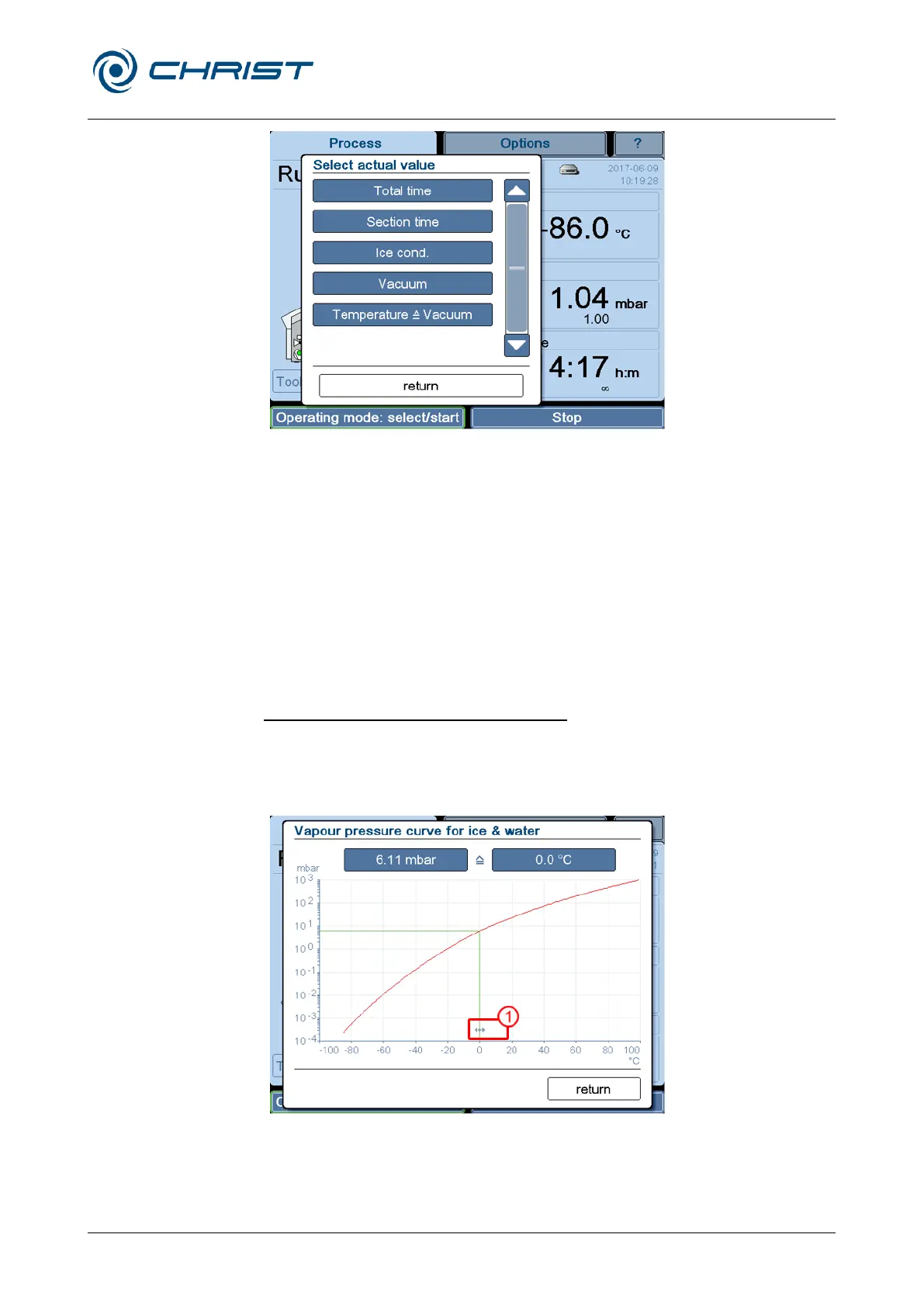
Fig. 21: Dialogue box "Select actual value"
• Select the desired configuration or exit the dialogue box by pressing the
"return" button.
In this way, it is possible to configure a personalised overview of the actual
values.
Dialogue box "Tools" (4)
This dialogue box is used to call up various aids and resources.
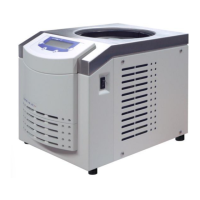
Vapour pressure curve for ice and water
A diagram shows the relationship between the pressure and sample
temperature. The pressure and temperature values can be changed by way
of the buttons or by moving the arrows (see item 1 in the screenshot). The
other value will be adapted automatically.


 To Next Page