Freeze-dryer Beta 1-8 LSCbasic
Freeze-dryer Beta 2-8 LSCbasic
Version 03/2018, Rev. 1.5 of 09/03/2020 • sb-dc
Translation of the original operating manual
Operator/maintenance/administrator password: For each of these access
levels, certain editing rights have been defined. They can be enabled with
the corresponding password.
The rights of the various access levels are detailed in the following table.
Editing of the data of the current
process run (e.g. selection of the
operating mode, changing of set
values)
Editing of maintenance functions
(e.g. oil change of the vacuum
pump)
Editing of the default settings
(e.g. editing of the access protection
configuration, creating and editing of
programs, editing of system settings)
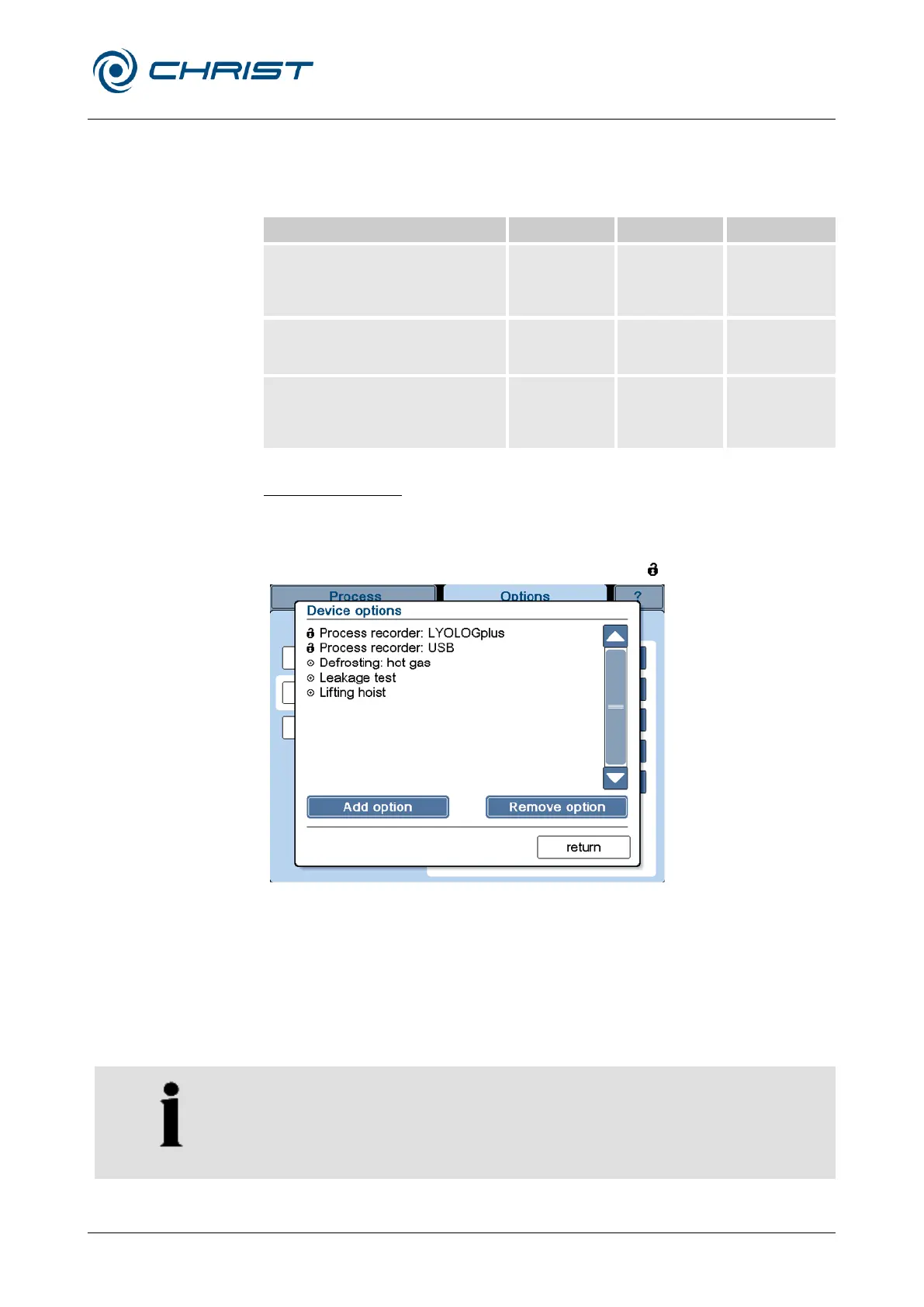
Device options (5)
This dialogue box lists all of the device options that are available for the
freeze-dryer in question. A list of all the possible options can be found at
chapter 6.6 - "Optional extensions". Options that require a series-number-
specific release code are marked with the symbol " ".
Fig. 41: Dialogue box "Device options" (example)
If the freeze-dryer is to be extended by an option, this option must be
enabled via this dialogue box.
• Select the button "Add option". An input window opens.
• Enter the six-digit CHRIST activation code that was supplied for this
option. Note that the code is case-sensitive.
Options can be removed in the same way.
The changes will not become effective until after a restart of the freeze-
dryer.


 To Next Page