Programmable AC Source 6430/6420/6415 User‘s Manual
3.2.5 System Test
The user can check if the set value of output power is within specification. To do the test the
user has to take the following procedures:
Action Display
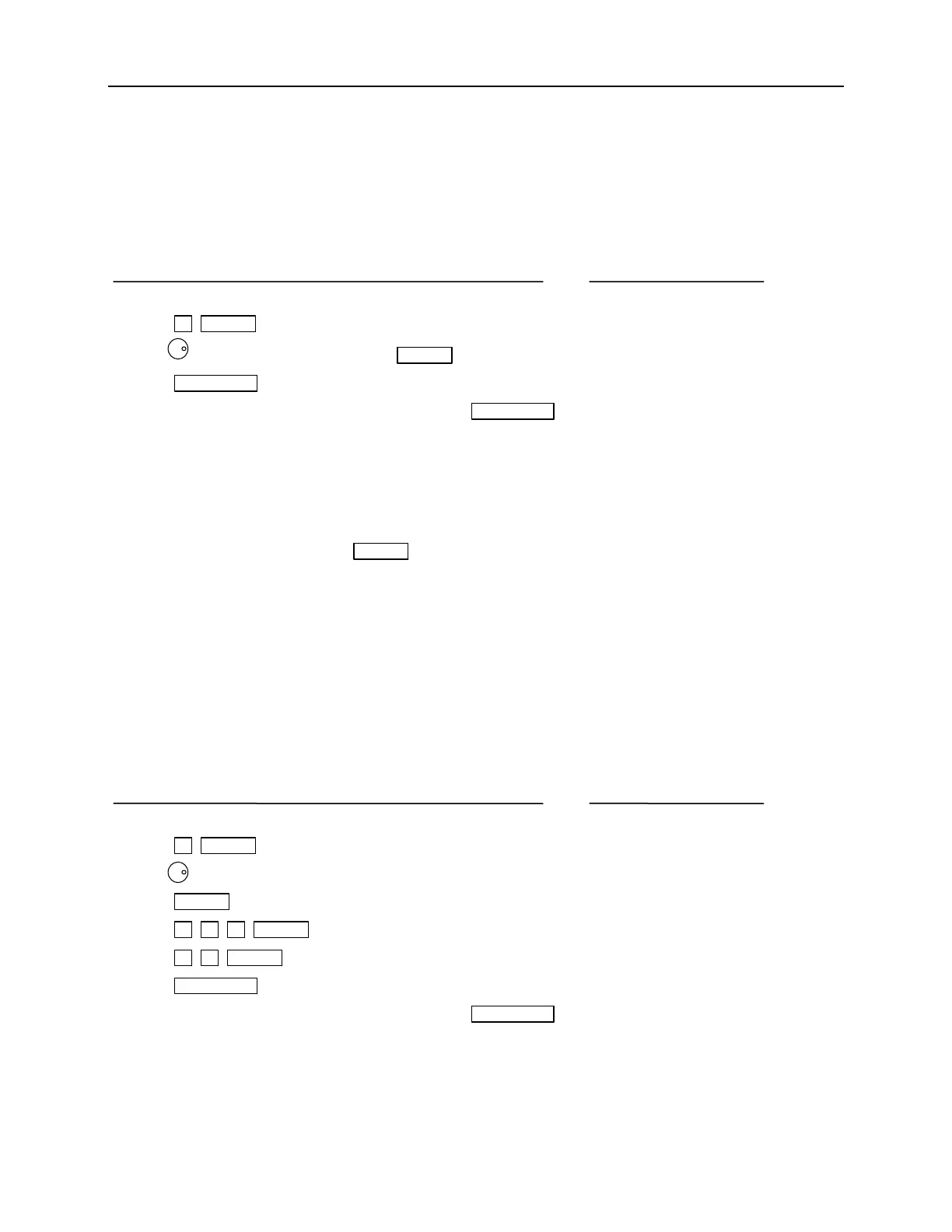
1. Enter configurational setup as stated in 3.2 if required. SEt Up 1
2. Press 5 , ENTER . SYS tESt no
3. Use to select “YES” and press ENTER . SYS tESt YES
4. Press OUT/QUIT . SEt Up 5
5. Select other setups by numeric keys, or press OUT/QUIT
again to exit from setup.
Note 1 : Disconnect any output load when doing the system test.
Note 2 : In step 3 after pressing ENTER , the 6430/6420/6415 will perform the system test.
Upon completion of the test, the 6430/6420/6415 will display the test result as “PASS”
or “FAIL”. In case of failure please contact your dealer for help.
3.2.6 Power on Status
The user can set the initial value on output voltage, frequency, and range when the power switch
is on. For example, the initial output data can be set as 230V, 50Hz, and range 300 as follows:
Action Display
1. Enter configurational setup as stated in 3.2 if required. SEt Up 1
,
ENTER . turn on r 150 2. Press 6
3. Use to select output voltage range “300”. turn on r 300
4. Press ENTER . turn on V 110
5. Press
2 , 3 , 0 , ENTER . turn on V 230
6. Press 5 , 0 , ENTER . turn on F 50
7. Press OUT/QUIT . SEt Up 6
8. Select other setups by numeric keys, or press OUT/QUIT
again to exit from setup.
3-4



 To Next Page