Installation 2-33
3916 Service Delivery Switch Hardware Installation and Start-up Manual
009-3226-001 Standard Revision E
Copyright
©
2013-2015 Ciena
®
Corporation July 2015
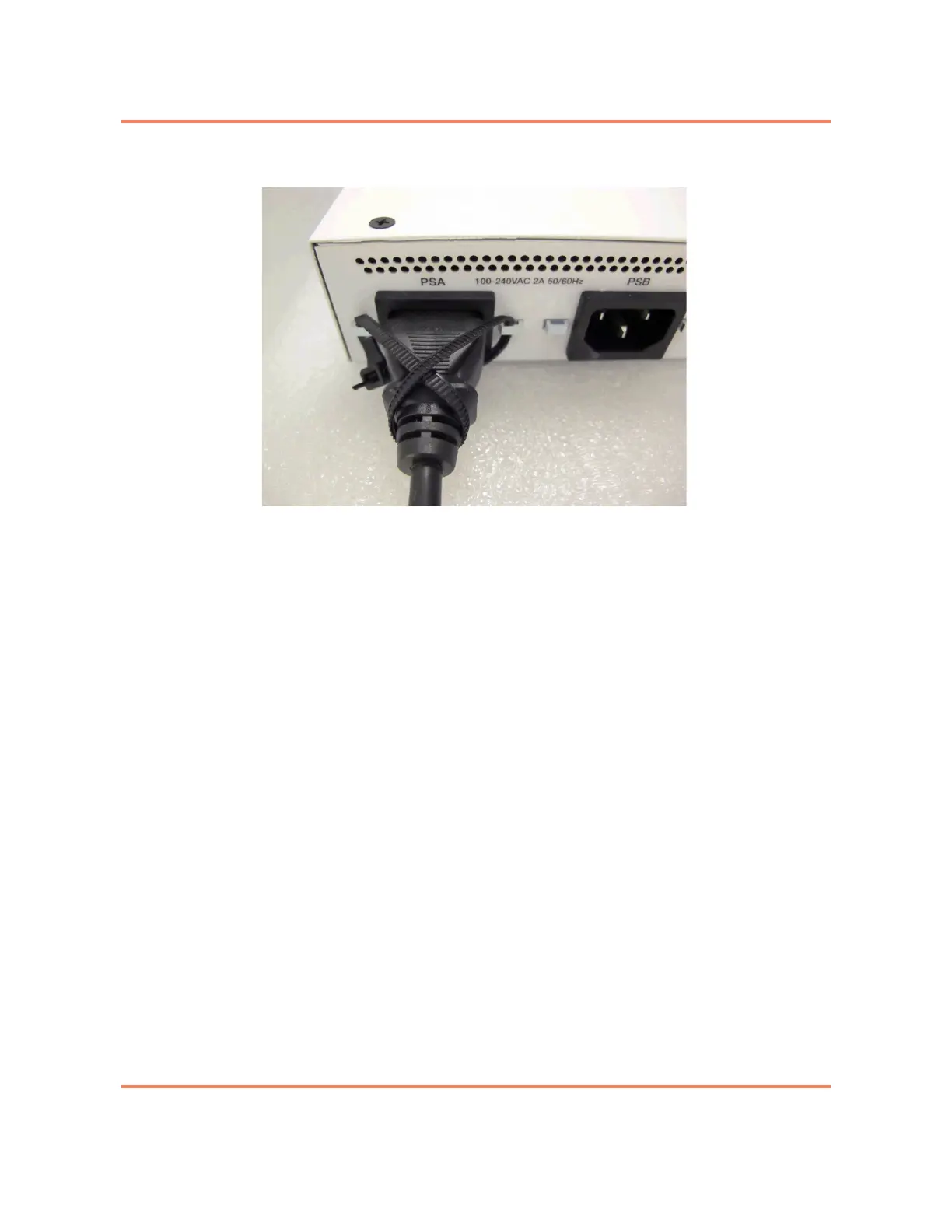
Figure 2-8
AC Power Receptacle with installed Tie Wrap
3 Dress the power cable to the left, through the cable support bracket at the left
of the chassis.
4 Plug the other end of the power cord into a power source.
The 3916 will turn on.
5 If this is a 3916 Dual AC Mini with Dual AC power supplies, repeat step 1 to
step 5 to install power to the second AC power supply.
Note: In order to provide power redundancy to the system, each input power
cable should be connected to an independent power feed. If one power feed
fails, the remaining power supply will compensate to maintain uninterrupted
system operation.
The AC power supply has now been cabled and the system has been
powered on.



 To Next Page