4-2 LED Overview
3916 Service Delivery Switch Hardware Installation and Start-up Manual
009-3226-001 Standard Revision E
Copyright
©
2013-2015 Ciena
®
Corporation July 2015
Unit Status LEDs
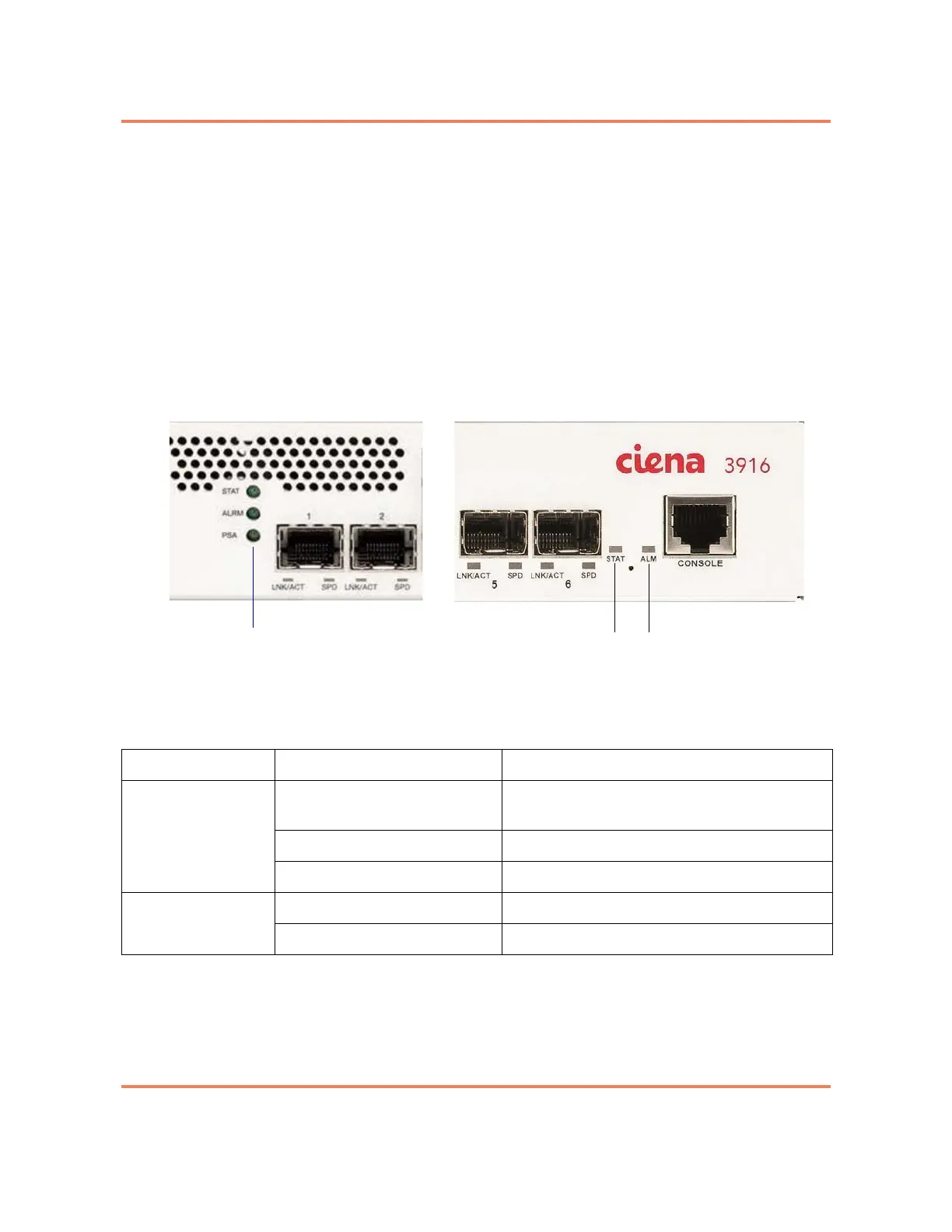
The unit status LEDs communicate system operational status. The placement
of the LEDs varies by chassis type as follows:
• Standard chassis — status LEDs are located on the right of the faceplate
as shown in Figure 1-1 on page 1-4.
• Mini chassis — status LEDs are located near the center of the faceplate
as shown in Figure 1-2 on page 1-4.
Figure 4-1 shows the detailed view of the LEDs for both types of chassis.
Figure 4-1
Unit Status LEDs
Table 4-1
Unit Status LEDs
LED Indication Description
STAT Off System is not powered or is not operating
normally.
Green Indicates status normal/system ready.
Blinking Green System is initializing and performing self tests.
ALRM Off Normal operating conditions.
Yellow An error has been detected.
Status LEDs
Mini Chassis
Standard Chassis
Status LEDs



 To Next Page