Installation 2-35
3916 Service Delivery Switch Hardware Installation and Start-up Manual
009-3226-001 Standard Revision E
Copyright
©
2013-2015 Ciena
®
Corporation July 2015
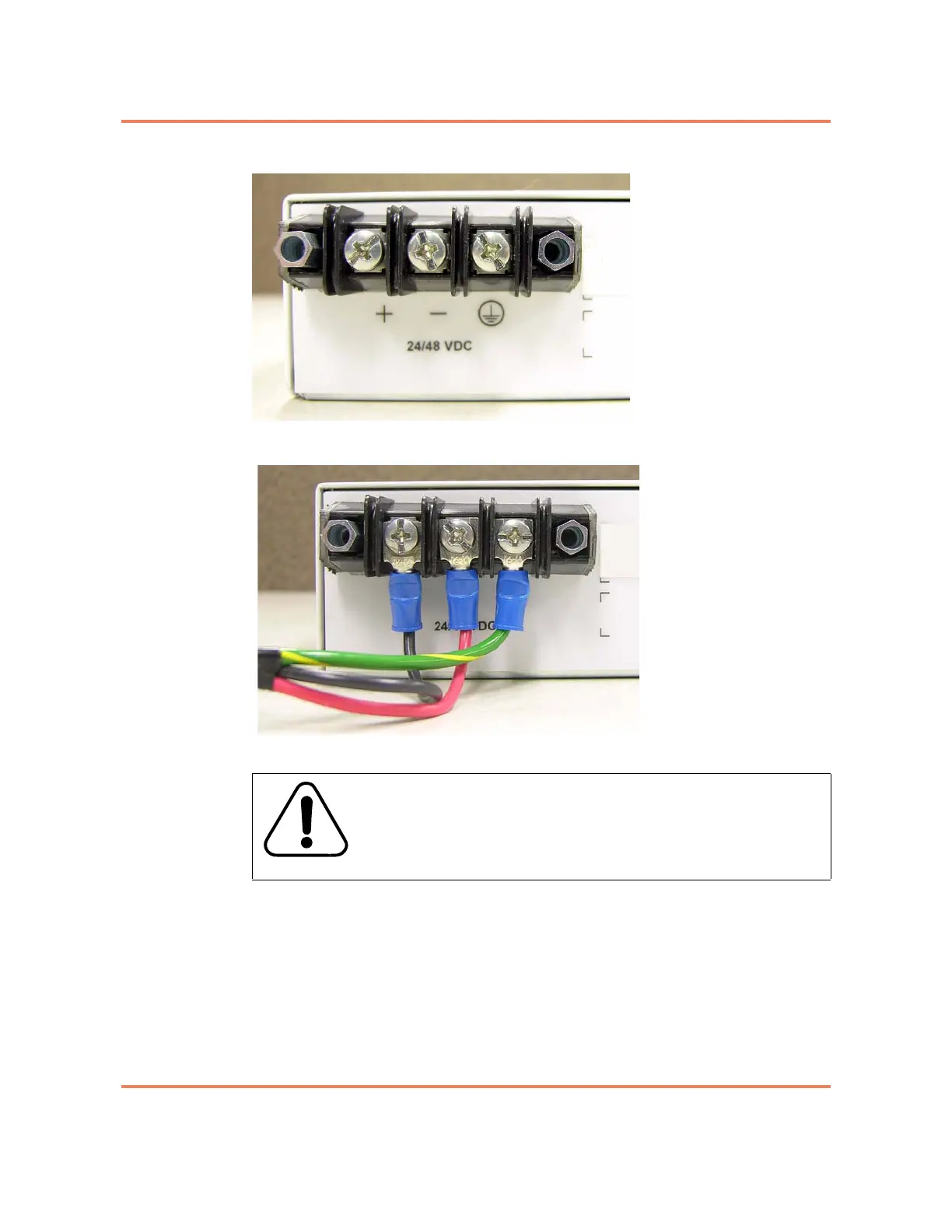
Figure 2-9
DC Terminal Block
Figure 2-10
DC Connections
5 Tighten the set screws with a Phillips screwdriver.
6 Using a flat head screwdriver, re-install the plastic terminal block cover
removed in step 3 on page 2-34. See Figure 2-11 on page 2-36.
WARNING
When making connections to the terminal block, make sure
that no stray strands of the input wire come into contact with
any other part of the terminal block.



 To Next Page