Once installed the machine can be switched on with main switch. After few seconds, necessary to
perform a graphics initialization (shown by a progress bar), on the display will appear the following
message:
E-00 POWER ON STAND BY STATUS - PRESS START
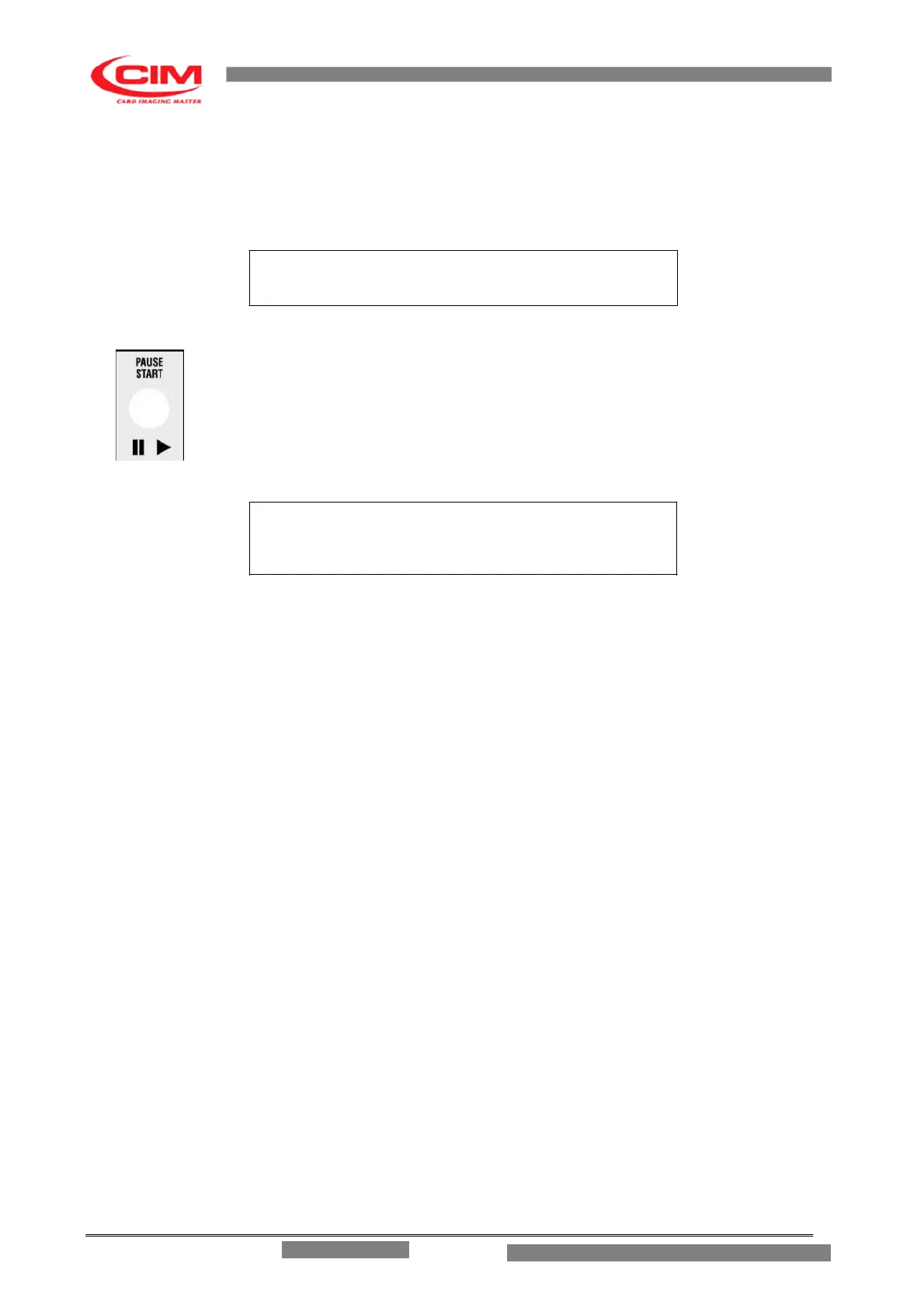
Press the START key on right side of the front panel beside the display. This activates a
general reset which, when completed, will leave another message on the display to
indicate the Ready State of the machine.
ME1500 V.Y.YY READY
If the machine does not start verify that the power supply is correctly set and that the main fuses have
not been opened.
For other breakdown please refer to the Chapter “Error Messages and Problem Solving”.
NOTE: If the display is turned on but nothing appears on the screen switch the machine off
and call Technical Assistance.
ME 1500 – Operators Manual


 To Next Page
 Loading...


