5.2 SWITCHING ON THE MACHINE
Connect the USB cable to the PC with the
Powertag software then switch on the machine (see
chapter 3 “Installation” fig. 3.3).
If the machine does not start (verify display light
and fans) verify that the power supply is correctly set
and that the main fuse has not opened.
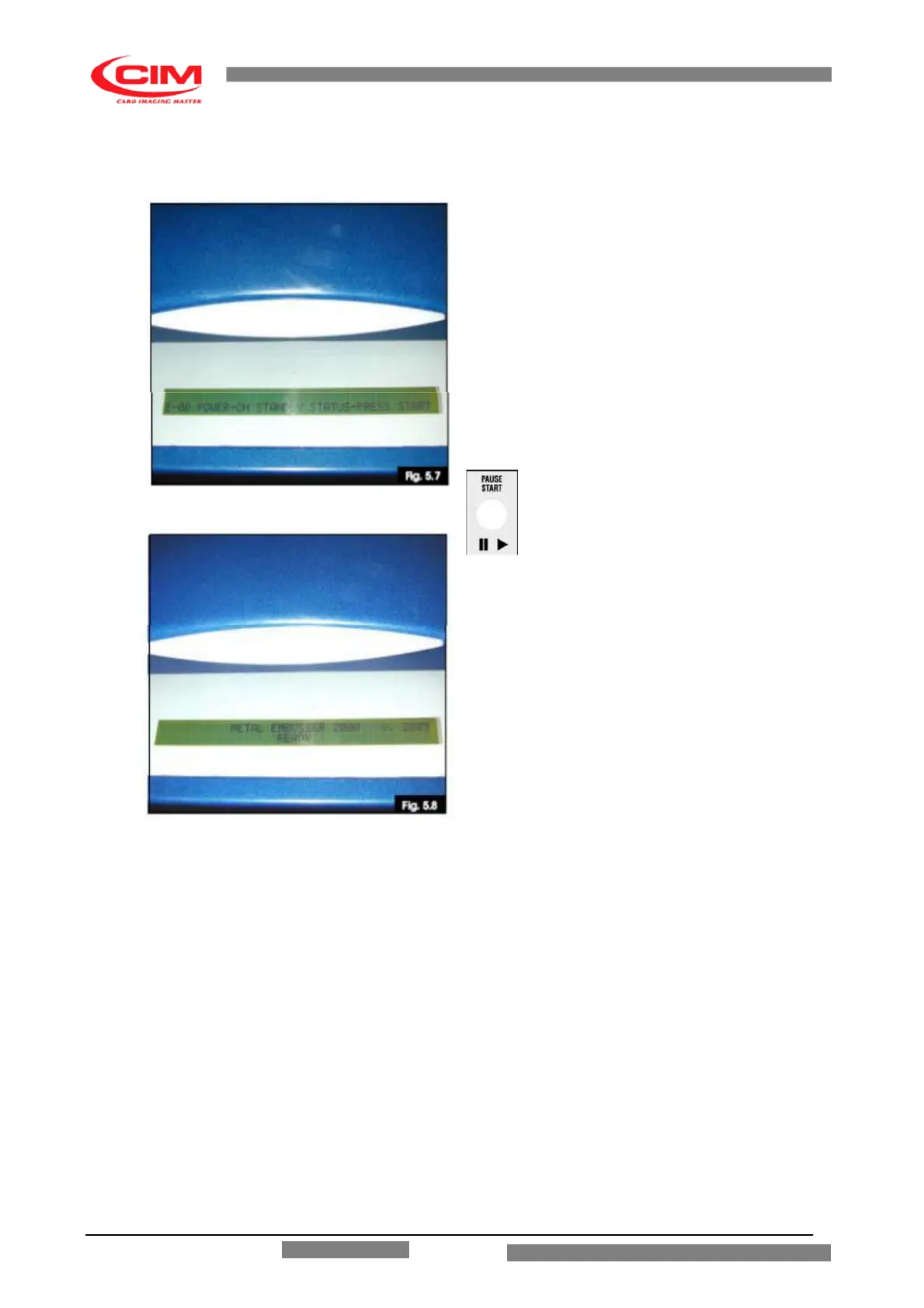
When the machine is switched on after the
initialization verify that the display shows as in
figure 5.7
Press the key on front panel to cause a
general reset. If the machine does not start and the
display message does not change please verify
that the top cover is closed and the red mushroom
pushbutton is not pressed, then retry.
The machine will make a reset cycle and the
display will show the model of the machine, the Fw
release with READY status (as show in fig. 5.8) (the
model will be “METAL EMBOSSER 1500”.)
NOTE: IF THE DISPLAY IS TURNED ON
BUT NOTHING APPEARS ON THE SCREEN
SWITCH THE MACHINE OFF AND CALL
TECHNICAL ASSISTANCE.
For other breakdowns please refer to the appropriate chapter 7 “TROUBLE SHOOTING”.
The machine is now ready to run. If the Software Powertag has already been installed on the PC,
the machine can start the production immediately. If however another Software or Offline is used it
is necessary to verify the relative parameters for the communications protocol and formats. To do
this Machine Setup and or LCD Edit is needed. (refer to advanced chapters for details).
ME 1500 – Operators Manual



 To Next Page