EasyManua.ls Logo

Cincinnati Sub-Zero WarmAir 135 - User Manual

Cincinnati Sub-Zero WarmAir 135
44 pages
Print Icon
To Next Page IconTo Next Page
Loading...
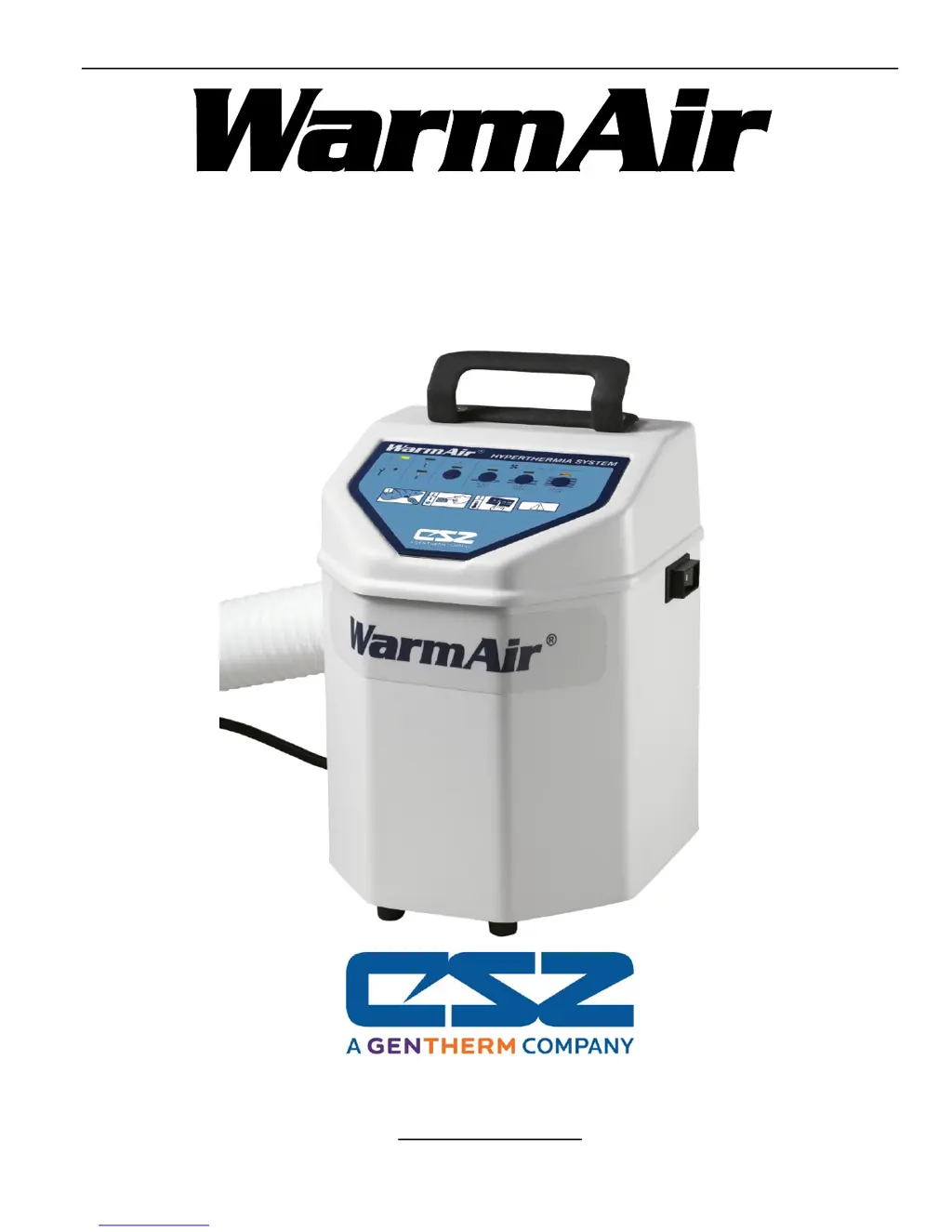
Operation & Technical Manual
Model 135 Warming Unit
Cincinnati Sub-Zero Products, LLC 12011 Mosteller Road Cincinnati, Ohio 45241, U.S.A.
www.cszmedical.com

Table of Contents

Questions and Answers

  • M
    Mr. Mark BrownJul 31, 2025
    How to fix a Cincinnati Sub-Zero Medical Equipment Warming Unit that won't turn on?
    • S
      Samantha BensonAug 1, 2025
      If your Cincinnati Sub-Zero Medical Equipment Warming Unit isn't turning on, start by ensuring the power cord is securely plugged in and undamaged; replace it if necessary. Confirm that the outlet has power. Check the circuit breaker power switch and reset it by turning it off and then on again. Also, check all wire connections to make sure they are secure, including the power cord and base wire harness at the terminal block. Finally, allow the unit to cool in case of overheating, and if the problem continues, check the continuity of each safety thermostat, replacing them if needed.
  • K
    karina22Aug 9, 2025
    Why is my Cincinnati Sub-Zero Medical Equipment Warming Unit blowing air but not heating?
    • M
      Mary PenningtonAug 9, 2025
      If your Cincinnati Sub-Zero Medical Equipment Warming Unit blows air but doesn't heat, check the thermistor's resistance value at room temperature for each leg (White/Gray & Red/Green); replace the sensor if necessary. Verify the heater header/terminals are secure on the control board (J4) and the main connector (J10/P10). Check the heater wires' resistance (approximately 12 ohms); if open, replace the heater.
  • S
    Sophia NunezAug 13, 2025
    What to do if Cincinnati Sub-Zero Medical Equipment Warming Unit heats then shuts off?
    • M
      Michelle DavisAug 13, 2025
      If your Cincinnati Sub-Zero Medical Equipment Warming Unit heats up but shuts off before reaching the set temperature, allow the unit to cool from a possible overheat condition. If it persists, check the continuity of the thermostat and replace if necessary. Check the thermistor's resistance value at room temperature for each leg (White/Gray & Red/Green) and replace the sensor if necessary. Ensure the unit has adequate airflow; replace the filter if needed and verify that the blower wheel spins freely after removing the top cover, thermistor, and hose.
  • D
    Dana HallAug 18, 2025
    Why Cincinnati Sub-Zero Medical Equipment Warming Unit alarms at too low or too high a temperature?
    • S
      smithheidiAug 18, 2025
      If your Cincinnati Sub-Zero Medical Equipment Warming Unit is alarming due to temperatures being too low or too high, check the resistance value of each leg (White/Gray & Red/Green) of the thermistor at room temperature and replace the sensor if necessary. Confirm the unit is being used in an ambient temperature between 15°C/59°F and 30°C/86°F.
  • J
    Jeffrey DuranAug 22, 2025
    How to fix temperature settings not selectable on Cincinnati Sub-Zero Medical Equipment Warming Unit?
    • J
      Jason LopezAug 22, 2025
      If you're unable to select temperature settings on your Cincinnati Sub-Zero Medical Equipment Warming Unit, remove the top cover and inspect the membrane connection to the control board. If the unit has recently been serviced, confirm the pin to receptacle alignment. Verify continuity between appropriate pin locations.
  • P
    Paul DouglasAug 27, 2025
    How to reset the hour meter on a Cincinnati Sub-Zero Medical Equipment?
    • A
      amandamonroeAug 27, 2025
      If the Hour Meter light is activated on your Cincinnati Sub-Zero Medical Equipment, check the filter conditions and replace the filter if necessary. Reset the hour meter by holding the "Fan Only" and "High" buttons while turning the unit on.
  • H
    hortizNov 3, 2025
    What to do if Cincinnati Sub-Zero Medical Equipment Warming Unit turns on but does not blow air?
    • T
      thamiltonNov 3, 2025
      If your Cincinnati Sub-Zero Medical Equipment Warming Unit turns on but doesn't blow air and might be tripping off, begin by checking the air inlet for obstructions; remove the filter and inspect for any blockage, also inspect the screen area around the heater. Clear any debris and replace the filter if necessary. Inspect the connectors and wire harness connecting the motor to the power supply, as well as the incoming line voltage to the power supply; look for loose crimps, broken wires, or terminals that may have pushed out of the connector housings and repair using appropriate terminals and crimping tool. Check if the blower wheel is obstructed; remove the top cover and thermistor, remove the hose and verify that the blower spins freely. Verify connectors and terminals are properly secur...

Summary

Technical Support and Initial Setup

Contacting Technical Support

Contact information and procedures for technical assistance.

Service Preparation and Inspection

Steps for preparing for service and inspecting the unit upon receipt.

Critical Safety Information

Essential safety instructions and precautions for safe operation.

Safety Precautions and Warnings

Unit Description and Indications

Overview of the unit's purpose and intended uses.

Contraindications for Use

Conditions or situations where use of the unit is not recommended.

Critical Safety Warnings

Essential warnings to prevent patient or equipment harm.

General Precautions and Notes

Important precautions and notes for safe operation and servicing.

Product Specifications and Features

Physical and Electrical Specifications

Unit dimensions, weight, power requirements, and electrical safety.

Temperature Control and Safety Systems

Details on temperature settings, limits, alarms, and safety features.

Approvals, EMC, and Accessories

Certifications, electromagnetic compatibility, and compatible accessories.

Shipping and Storage Conditions

Guidelines for transporting and storing the unit.

Operating the Warming Unit

Control Panel and Operation Fundamentals

Overview of the control panel layout and basic operating principles.

Selecting Temperature Settings

Instructions for choosing and using temperature settings (Fan Only, Low, Medium, High).

Mounting the Unit Safely

Guidelines for securely mounting the unit to prevent tipping and injury.

Maintenance and Troubleshooting

Preventive Maintenance Procedures

Instructions for cleaning, filter replacement, and hour meter reset.

Functional & Safety Inspection

Periodic checks to ensure unit functionality, performance, and safety.

Troubleshooting Common Problems

Identifies common issues, causes, and solutions for unit malfunctions.

Repair Procedures

Hose and Power Switch Replacement

Step-by-step guides for replacing the unit's hose and power switch.

Control Board and Power Cord Replacement

Instructions for replacing the control board and power cord.

Sensor, Clamp, and Hook Replacement

Guides for replacing the temperature sensor, IV pole clamp, and bed hook.

Blower Motor;Heater Service Note

Note regarding the return of the unit for blower motor or heater replacement.

Parts, Diagrams, and Ordering

Warranty, Parts, and Disposal

Information on warranty, obtaining parts, and proper disposal procedures.

Assembly Diagrams and Parts List

Visual diagrams of unit assemblies and a comprehensive list of all parts.

Wiring Diagram

Electrical schematic showing connections for all voltages and frequencies.

Cincinnati Sub-Zero WarmAir 135 Specifications

General IconGeneral
BrandCincinnati Sub-Zero
ModelWarmAir 135
CategoryMedical Equipment
LanguageEnglish

Related product manuals