WarmAir
Model 135 Manual OPERATING INSTRUCTIONS
Page 18 of 43
Operating Instructions
Control Panel and Operation Label
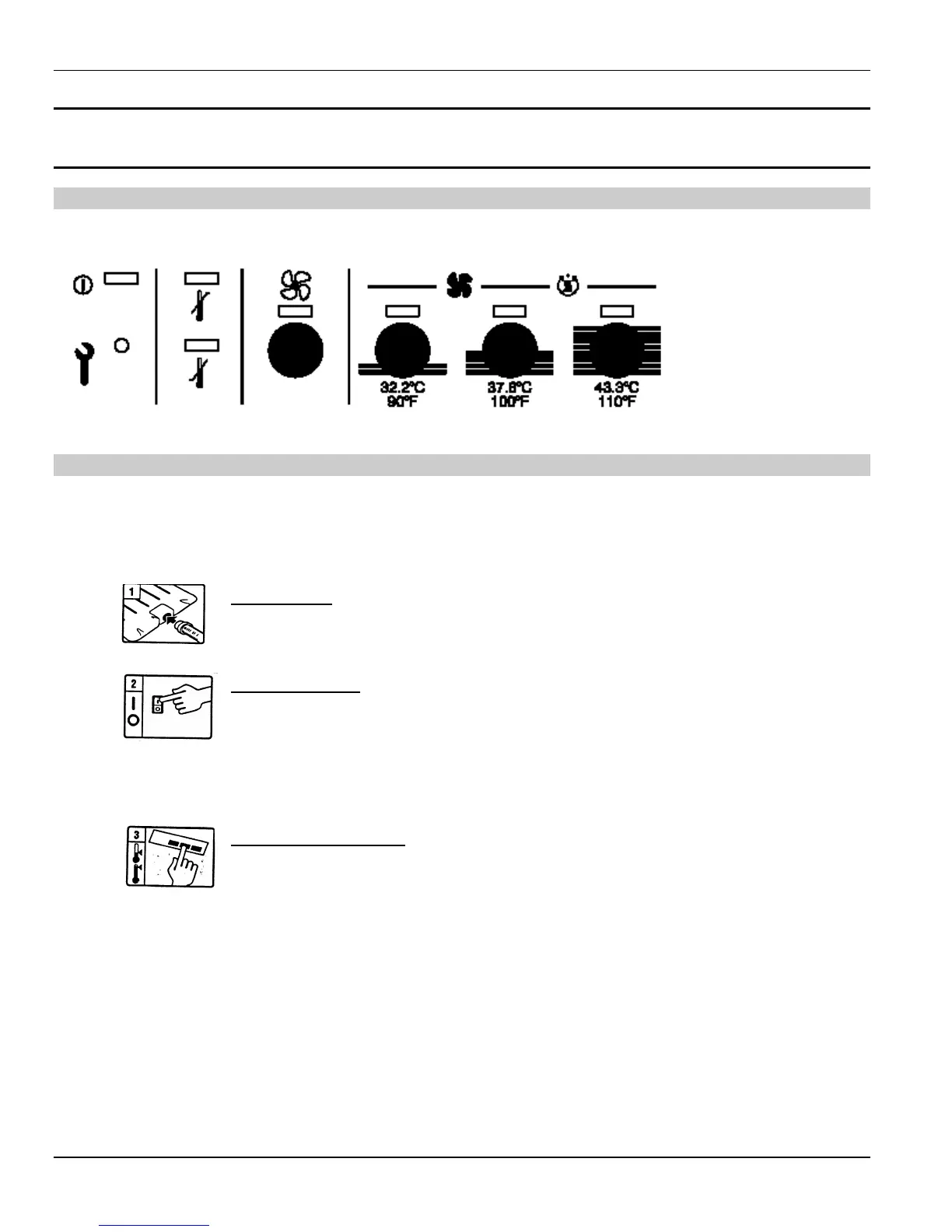
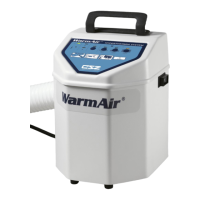
The control panel and operation label for the WarmAir
135 unit are located on the top of the unit.
Operation Fundamentals
The lower portion of the control panel gives a brief description of operating the WarmAir
135 unit.
Read all instructions and safety precautions included with the FilteredFlo
Blanket or Warming
Tube
™
.
For all WarmAir
units
Insert hose. Insert the free end of the flexible hose into the air
inlet port of the FilteredFlo
Blanket or Warming Tube
™
. Make
sure the hose is pushed in beyond the raised areas on the fitting.
Power Unit On. Using the rocker switch on the side of the unit,
depress the “I” side to activate power to the unit. Depressing the
“O” side deactivates power.
Note: The blower and heater will not activate until a temperature
setting has been selected.
Select Temperature. Activate the desired temperature setting
using the four touch-sensitive buttons, applying the following
instructions.


 To Next Page