WarmAir
Model 135 Manual OPERATING INSTRUCTIONS
Page 19 of 43
Selecting Temperature and Using the Control Panel
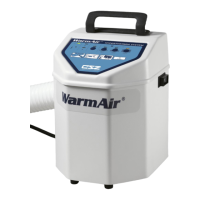
The control panel is located on top of the unit and is composed of four pressure sensitive touch
switches, each having a LED display. The external features on the control panel of the WarmAir
135
unit are described as follows:
For all WarmAir
units
Power On/Off Indicator. This LED light will indicate that the unit is
on. A temperature selection can now be made. Power is toggled at
the rocker switch on the side of the unit.
Temperature Selection Switches. Four temperature selection
switches on the control panel allow the caregiver to select a
temperature setting for the patient.


 To Next Page