33
Instruction Manual
CVM-C4
Before accessing the configuration menu, it is necessary to enter the access password.
>3s
2206
L1
2207
2208
V
L2
L3
.
.
.
ProG CodE
0000
>3s
>3s
CodE
0001
inpt
nEt
n34
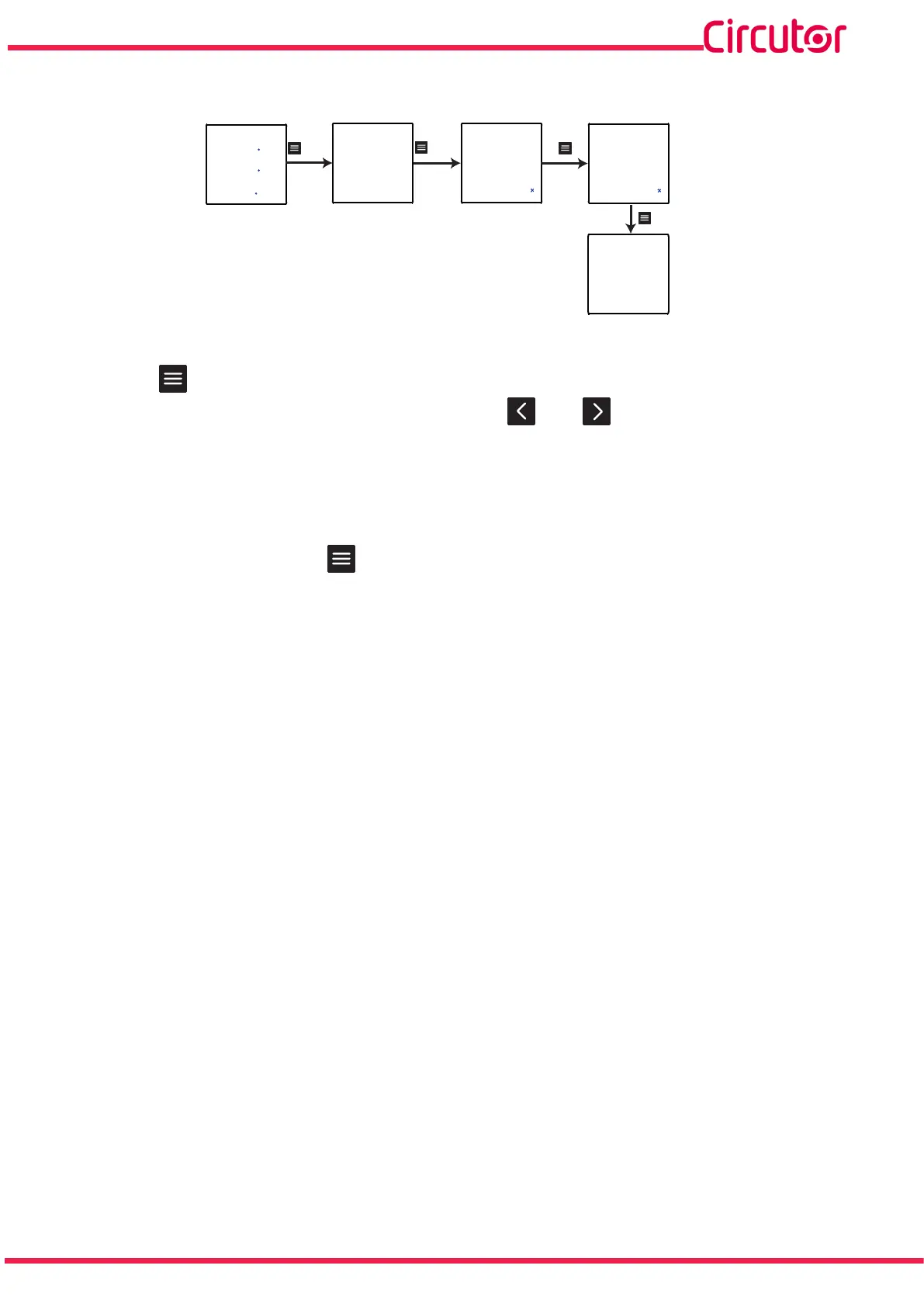
Figure 15: Access to the configuration menu in the programming mode.
Use the key to modify the value of the flashing digit.
When the desired value is shown on the screen, press the and keys to skip the digit.
Default password: 0001
Note: The password can be modified, see “6.5.5.- ACCESS PASSWORD”.
With a long keystroke (>3s), press to validate the data.
If the password entered is incorrect, the Err message will appear for a few seconds and the device
will return to the password configuration screen, Figure 15.














 To Next Page