Service Manual 85
Raption
OCPP 1.6
CS Connection FAILED. Fail reason: Underlying Transport Error
Hostname cannot be resolved in charge point side:http://ip_address:8080/html/
setup.html
Host URL introduced is not correct. Check it on OCPP configuration.
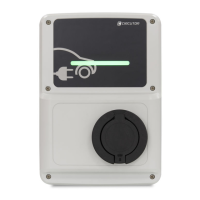
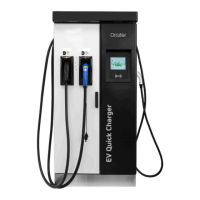
Raption / eVolve Master:
• Check 'Enable DNS protection' parameter in Teltonika router.
• Check if DHCP=ON whithin Network section on web page from CP. Reboot required.
Evolve / WB Smart:
• Check if embedded modem is connected to the network. Otherwise check modem
parameters (some celullar providers requires especial APN configuration).
• If no modem. Then ethernet IP address must be static, using gateway and DNS from
this network. Do not use DHCP=ON.
CS Connection FAILED. Fail reason: Timer Expired
Charge point has resolved the DNS of the URL but not able to reach CS.
Raption / eVolve Master:
• Check if DHCP=ON whithin Network section on web page from CP. Reboot required.
Evolve / WB Smart:
• Check if embedded modem is connected to the network. Otherwise check modem
parameters (some SIM card providers requires especial APN configuration).
• If no modem. Then ethernet IP address must be static, using gateway and DNS from
this network. Do not use DHCP=ON.


 To Next Page