1-3
Cisco Nexus 2000 Series Hardware Installation Guide
Chapter 1 Overview
Using a Fabric Extender with a Cisco Nexus 9000 Series Switch
All of the Cisco Nexus 2000 Series FEXs are 1 RU high and require 19-inch racks for installation. For
more information about the dimensions and weights of each FEX chassis, its power supplies, and fan
modules, see Physical Specifications, page B-5.
The following sections describe the Cisco Nexus 2000 Series FEXs and their components:
• Power Supply and Fan Modules, page 1-5
• Ports and Connectors, page 1-7
• Chassis Features, page 1-7
Using a Fabric Extender with a Cisco Nexus 9000 Series
Switch
This section describes the Cisco Nexus fabric extenders (FEXs) supported by the Cisco Nexus 9000
Series switches. For information about supported FEXs provided by other companies (B22 FEXs), see
the documentation provided by those companies.
Beginning with Cisco NX-OS Release 6.1(2)I2(3) and Cisco ACI Release 1.1(1j), you can extend the
Cisco Nexus 9332PQ, 9372PX, 9372PX-E, 9396PX, and 9500 switch architecture by connecting FEXs
as remote I/O modules to the supporting switches. Depending on which FEX model that you connect to
the switch, the FEX provides top-of-the-rack connectivity for up to 24, 32, or 48 hosts, and it becomes
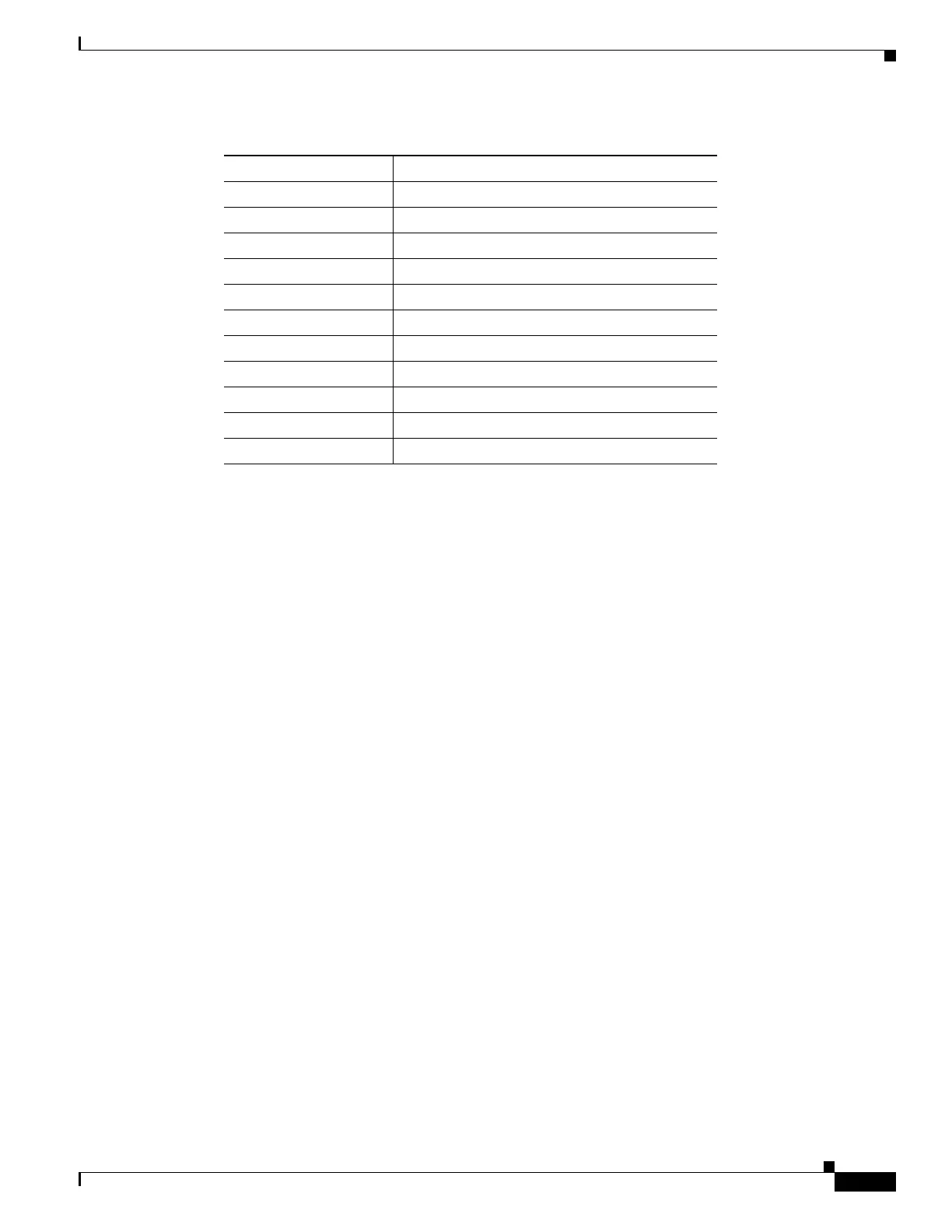
Cisco Nexus 2248TP X
Cisco Nexus 2248PQ X
Cisco Nexus 2232TM-E X
Cisco Nexus 2232TM X
Cisco Nexus 2232PP X
Cisco Nexus 2224TP X
Cisco Nexus 2148T —
B22IBM X
B22HP X
B22F (Fujitsu) —
B22DELL —
1. — implies not supported
2. X implies Supported
Table 1-2 FEXs Supported by Cisco Nexus 7000 Series Switches (continued)
FEX Model Cisco Nexus 7000 Series Switch
1
2


 To Next Page