E-4
Cisco Nexus 2000 Series Hardware Installation Guide
Appendix E LEDs
Port LEDs
Port LEDs
This section includes the following topics:
• Ethernet Port LEDs, page E-4
• Ethernet and Fibre Channel LEDs, page E-4
Ethernet Port LEDs
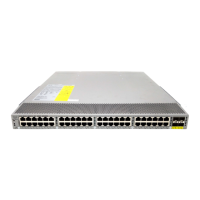
Table E-4 lists the LED descriptions for the RJ-45 Ethernet port LEDs.
Ethernet and Fibre Channel LEDs
There are 20 to 26 port activity LEDs on the FEX depending on whether the module is a Fibre Channel
or 10-Gigabit Ethernet module. Table E-5 describes the behavior of the port LEDs.
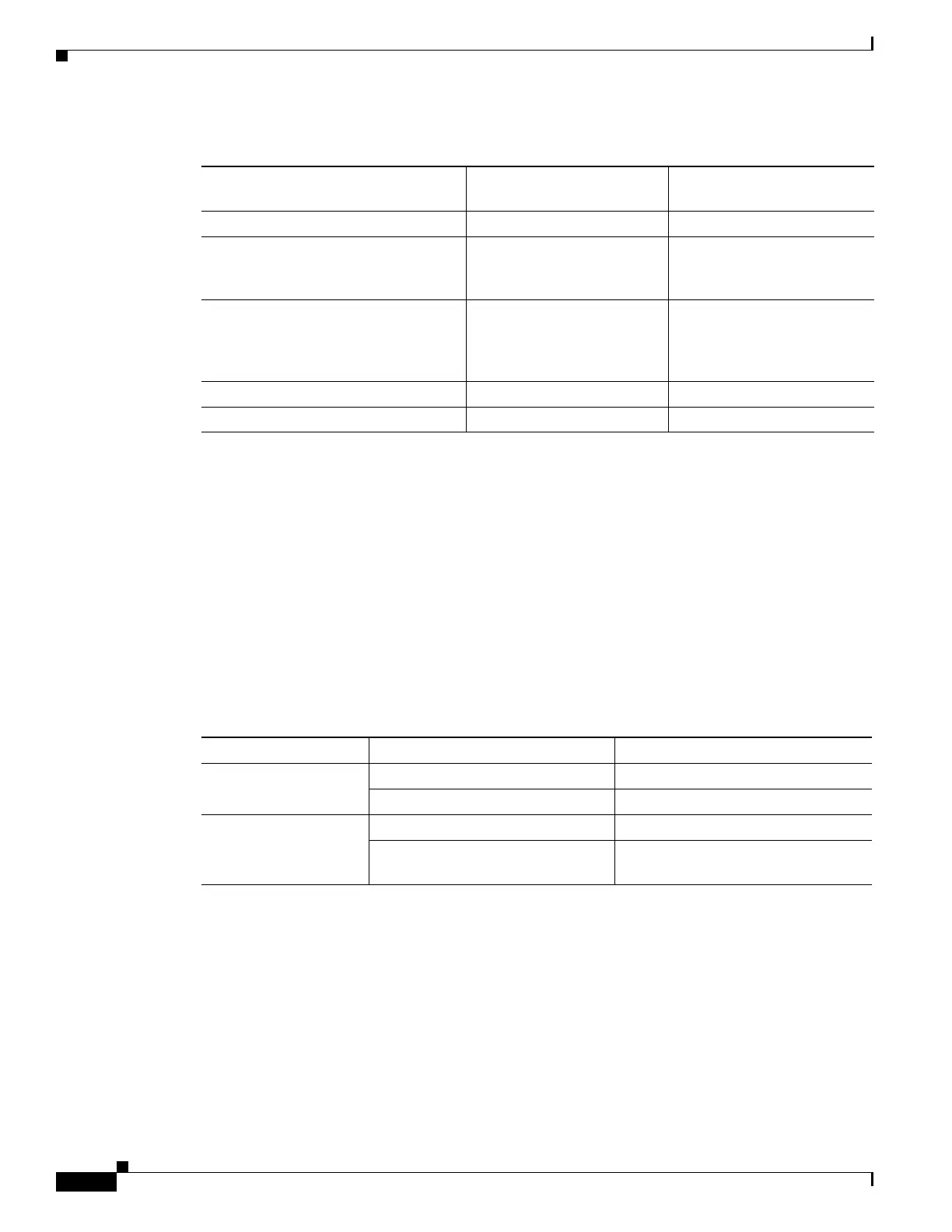
Table E-3 Power Supply LED Indicators for the Cisco Nexus 2148T
Condition
INPUT OK LED Status
(Green)
OUTPUT OK LED Status
(Red)
No AC power to the power supplies Off Off
Power supply failure (includes
overvoltage, overcurrent,
overtemperature, and fan failure)
Off On
Power supply warning events where the
power supply continues to operate
(high temperature, high power, and
slow fan)
Off Blinking
AC present and power supply unit off Blinking Off
Power supply On and OK On Off
Table E-4 Ethernet Port LED Descriptions
LED Status Description
Left Off No link
Solid green Physical link
Right Off No activity
Solid green (blinking green on the
Cisco Nexus 2348TQ-E)
Activity


 To Next Page