5-6
Cisco Wide Area Virtualization Engine 7541, 7571, and 8541 Hardware Installation Guide
Chapter 5 WAVE Interface Modules
Ports and LED Indicators
Figure 5-7 Copper Interface Module—Gigabit Ethernet LEDs
Table 5-2 describes the Gigabit Ethernet port LEDs.
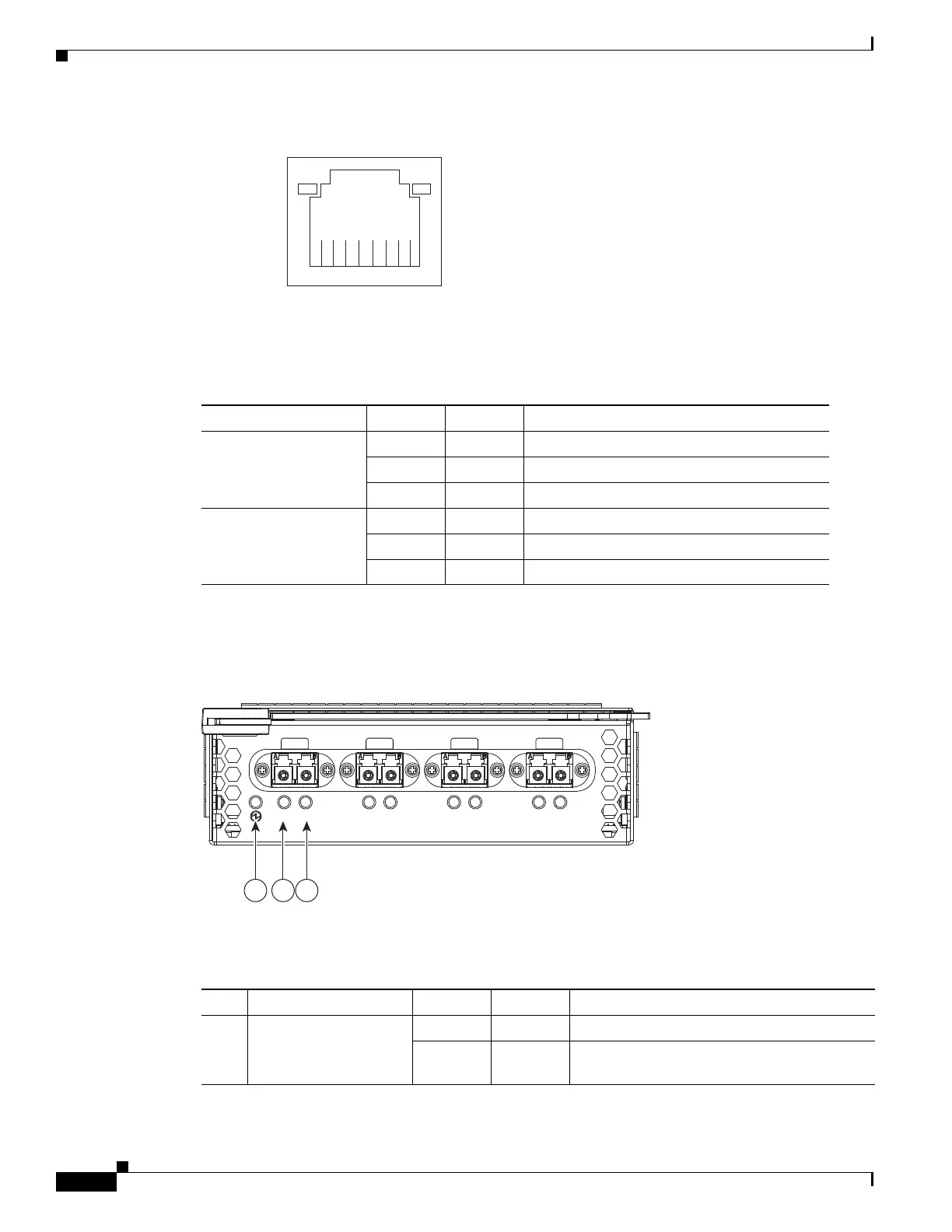
Figure 5-8 shows the 4-port Fiber Optic Gibabit Ethernet Interface Module port numbers, interface
designations, and LEDs.
Figure 5-8 4-Port Fiber Optic Gigabit Ethernet Interface Module—Port Numbering and LEDs
The Interface Module has an LED that corresponds to each port. Table 5-3 describes the LEDs.
1
8
Speed LE
ink/Activity
LED
330210
Table 5-2 Copper Interface Module—Gigabit Ethernet LEDs
Name Color State Description
NIC link/activity Green On Link exists.
Blinking Off Activity exists.
— Off No link detected.
NIC speed — Off 10Mbps connection.
Green On 100Mbps connection.
Yellow On 1000Mbps connection.
246550
GE 0 GE 1 GE 2 GE 3
4 Port GE SX Inline
A Status A Status A Status A Status
1 2 3
Table 5-3 Fiber Optic Interface Module—Power and Status LEDs
LED Name Color State Description
1 Interface Module
power LED
Green On Interface Module is receiving power.
— Off Interface Module is not installed or a power
supply failure has occurred.



 To Next Page