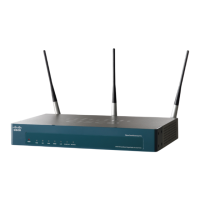
2 Cisco AP541N Dual-band Single-radio Access Point Quick Start Guide
REVIEW DRAFT — CISCO CONFIDENTIAL
Before You Begin
Decide if you are going to configure the device by using a static IP address
or the IP address assigned by a network DHCP server.
NOTE It is expected that a static IP address to be assigned to the
access point is based on the network topology and known prior
to installation.
If while displaying the configuration window the IP address is
changed, either by a DHCP server or manually, you will loose
connectivity between the PC and the access point.
Also make sure that you have the following equipment and services:
• Tools for installing the hardware
• PC with Microsoft Internet Explorer (version 6 and higher), Firefox
(version 3 or higher), or Safari (for Mac).
• TBD
• TBD
• Need Eng to provide the information for this section.




 To Next Page