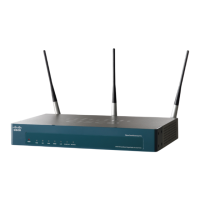
6 Cisco AP541N Dual-band Single-radio Access Point Quick Start Guide
REVIEW DRAFT — CISCO CONFIDENTIAL
Wall Mounting
Before you begin, you need 2 wallboard screws (included) to mount the
access point. We recommend using screws with a minimum of 4mm width
at the head and a shaft diameter of at least 1.5mm.
WARNING Cisco is not responsible for damages incurred by insecure wall-
mounting.
To mount the access point to the wall:
STEP 1 Determine where you want to mount the access point. Verify that
the surface is smooth, flat, dry, and sturdy.
STEP 2 Drill two pilot holes into the surface 5.75 inches (146 mm) apart,
and with a minimum of 4.0 inches (101 mm) of clearance.
STEP 3 Insert a screw into each hole, leaving a gap between the surface
and the base of the screw head of at least 0.1 inches (3 mm).
STEP 4 Place the access point wall-mount slots over the screws and slide
the access point down until the screws fit snugly into the wall-
mount slots.




 To Next Page