4 Cisco AP541N Dual-band Single-radio Access Point Quick Start Guide
REVIEW DRAFT — CISCO CONFIDENTIAL
WLAN 5.0G—Lights solid green when a 5.0 GHz wireless network link is
established. Blinks green when the link is passing traffic. The light is off
when the 5.0 GHz radio is off.
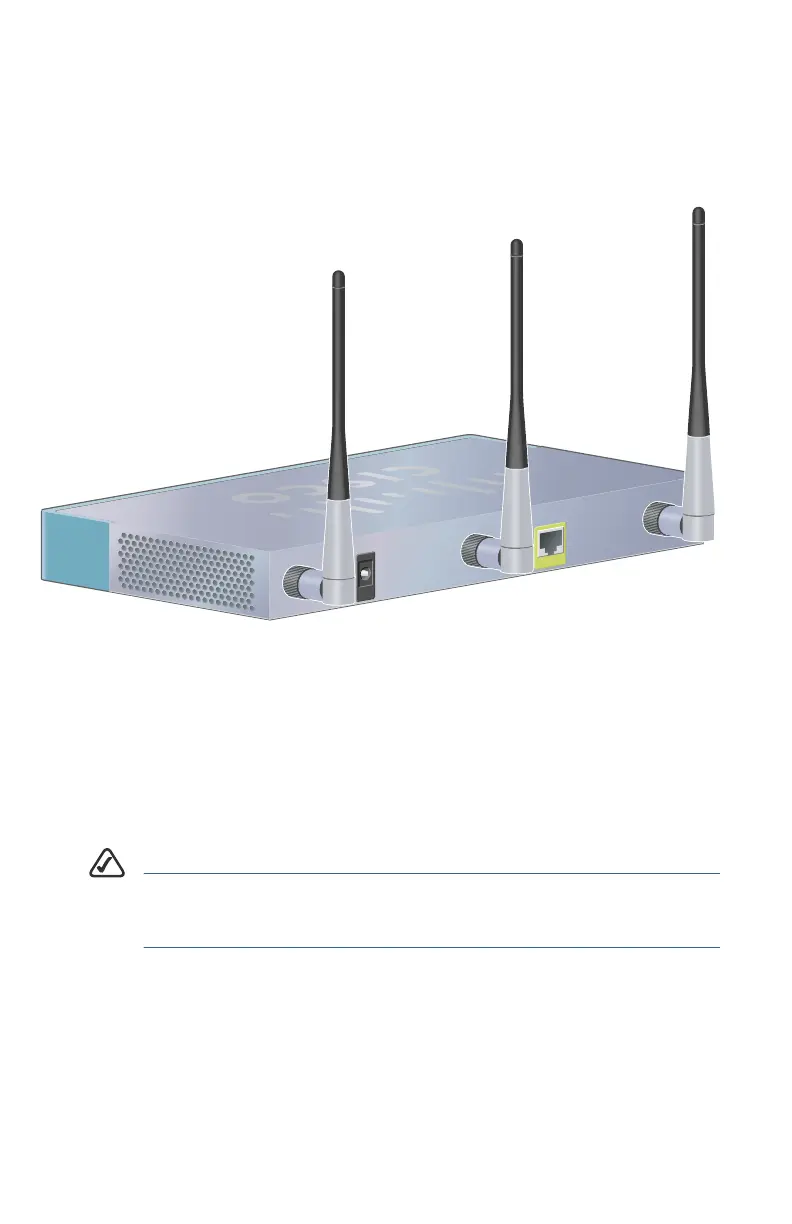
Back Panel Ports
Ethernet Port—The access point is equipped with an auto-sensing, Gigabit
Ethernet (802.3) port used for configuration and wired network
communications. Auto-sensing technology enables the port to
automatically detect the speed and duplex settings of the device
connected to it, and adjust its speed and duplex settings to match the
settings of the connected device. The Gigabit Ethernet port accepts an
RJ-45 connector and supports Power-over-Ethernet (PoE).
NOTE We recommend using Cat5e or better cable. Also, do not
exceed the maximum cabling distance of 328 feet (100
meters) per segment.
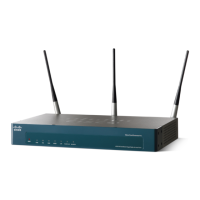
ANT01, ANT02, and ANT03—BNC connectors that accept the antennas
provided with the access point.




 To Next Page