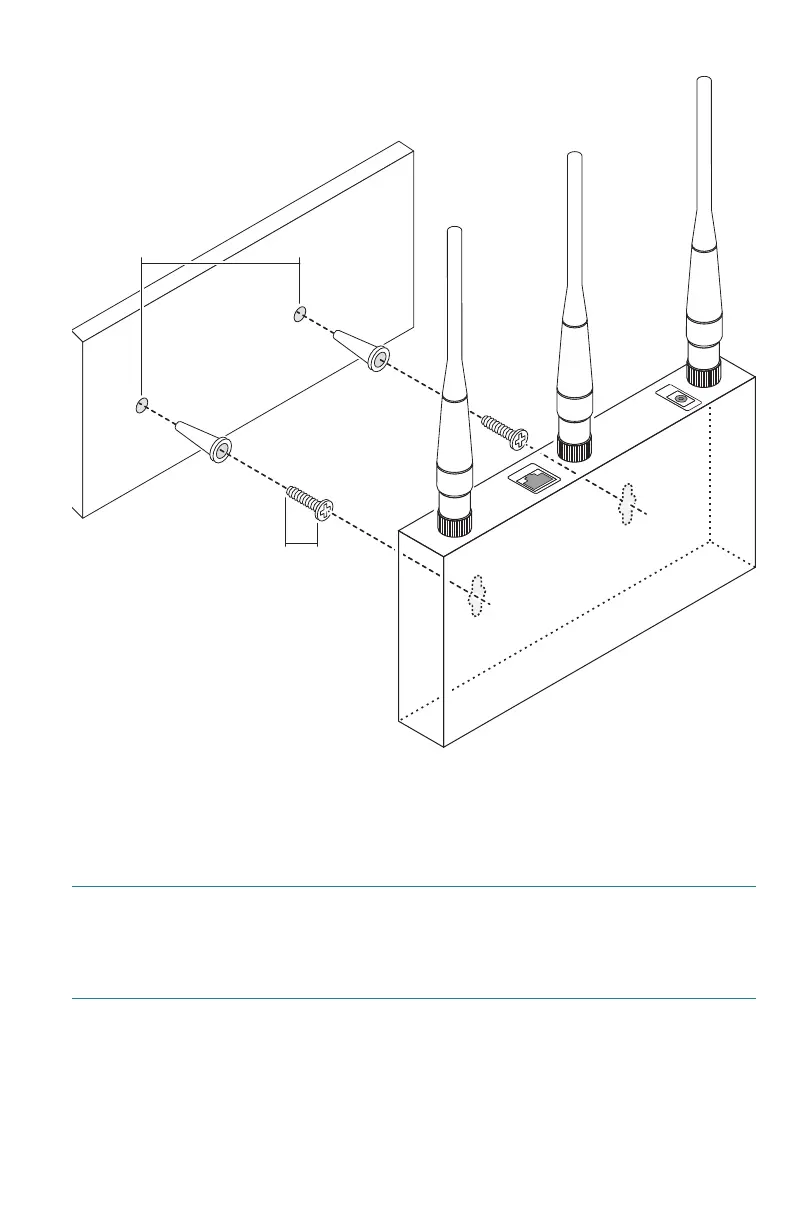
Cisco AP541N Dual-band Single-radio Access Point Quick Start Guide 7
REVIEW DRAFT — CISCO CONFIDENTIAL
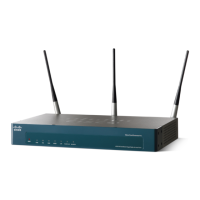
Flat Surface Installation
To prepare the device for placement the device on a flat surface, do the
following:
STEP 1 Install the four rubber feet (included) on the bottom of the device.
STEP 2 Place the access point on a desktop near an AC power source,
unless you are using PoE.
235432
15 cm15 cm15 cm
17 mm
Ethernet
Power




 To Next Page