Check the network firewall settings. Port 443 must be enabled.4.
Click5. this link.
• The Cisco Partners Portal page should open in your
browser.
6. If the Partners Portal cannot be accessed, contact the Cisco
support desk by sending an E-mail to support@cisco.com.
7. If the Partners Portal does not come back online, do a local
(offline) configuration using the Configurator interface. For further
information, refer to “Device configuration using the configurator
interface” (page 45).
If the unit cannot connect to the internet in Provisioning Mode, try to
connect to the internet by doing the following steps:
1. Enter alternative Local IP, Local Netmask, Default Gateway,
Local Dns 1 and Local Dns 2 values as needed, using the
RACER™ dialog.
Click the2. Save fallback IP button (Figure 17 (page 52)).
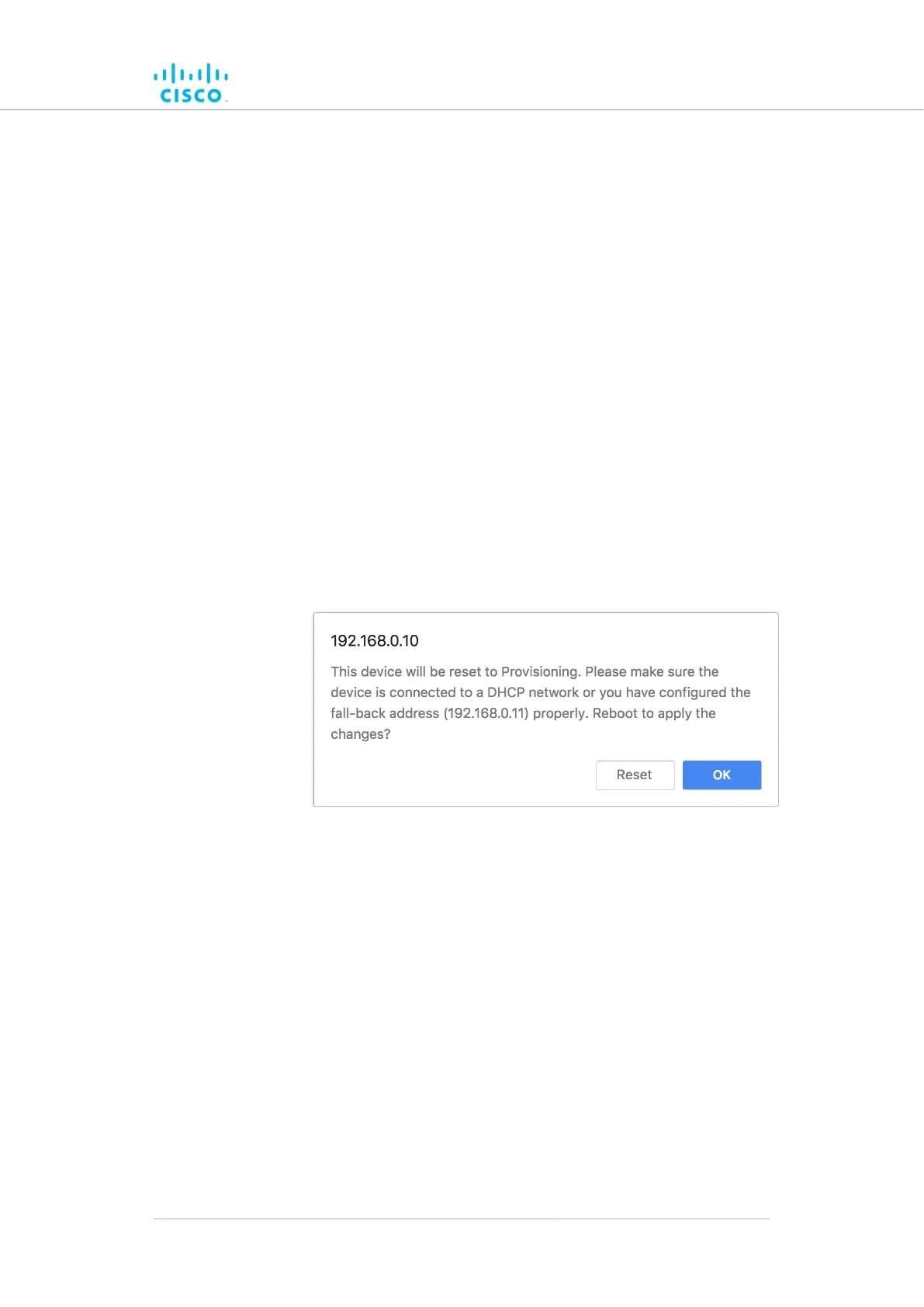
• dialogrebootunittheshowwillThe web browser
(Figure 19 (page 54)).
Figure 19. Unit reboot dialog (typical)
3. Click the OK button to proceed, or click the Reset button to go
back to the RACER™ dialog and adjust the settings.
• If you click the OK button, the unit will reboot, but will
remain in Provisioning Mode.
• The unit will attempt to connect to the internet using the
new connection values.
If the unit cannot connect to the internet using the DHCP fall-back
configuration settings, the RACER™ Cloud connection info Status will
be shown as Disconnected (Figure 20 (page 55)).
Device configuration using the configurator interface
© 2021 Cisco and/or its affiliates. All rights reserved. Page 54 of 175



 To Next Page