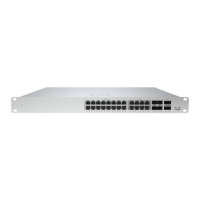
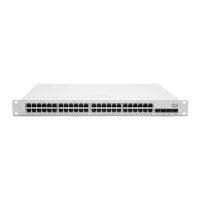
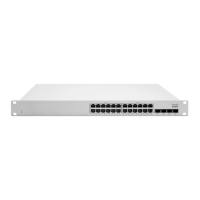
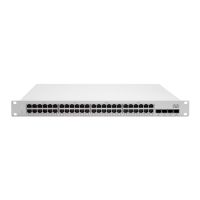
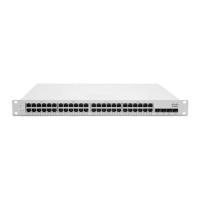
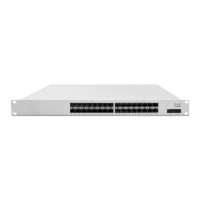
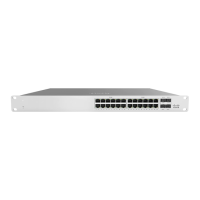
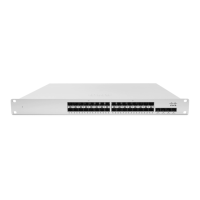
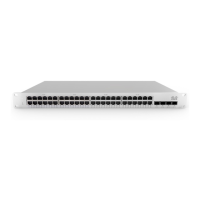
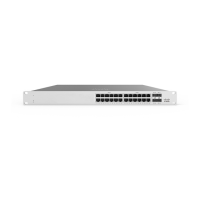
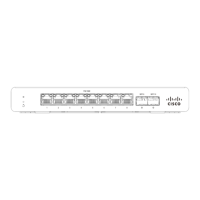
Note: The MS390 does not include stacking cables. Stacking cables sold separately.
Safety and Warnings
These operations are to be taken with respect to all local laws. Please take the following into consideration for safe
operation:
• Power off the unit before you begin. Read the installation instructions before connecting the system to the power
source.
• Before you work on any equipment, be aware of the hazards involved with electrical circuitry and be familiar with
standard practices for preventing accidents.
• Read the mounting instructions carefully before beginning installation. Failure to use the correct hardware or to
follow the correct procedures could result in a hazardous situation to people and damage to the system.
• This product relies on the building’s installation for short-circuit (overcurrent) protection. Ensure that the protective
device is rated not greater than: 15 A, 125 Vac, or 10A, 240 Vac.
• Please only power the device with the provided power cables to ensure regulatory compliance.
MS390 Deployment Best Practices
Before powering on devices or connecting an uplink port to the LAN, ensure to follow the steps outlined below or
watch this short video.
Configure your Dashboard Network
To add devices to your Meraki dashboard network please refer to the Creating a Dashboard Account and Organization
document.
Check and Set Network Firmware
Ensure that the switch network is set to the correct firmware version. As of September 24th, 2021 MS 14.31 is the
recommended version. Recommended versions are subject to change and are available in each dashboard by
navigating to Organization > Firmware Upgrades
You can refer to Managing Firmware Upgrades for steps to set network firmware to the desired version.
Check and Configure Upstream Firewall Settings
If a firewall is in place, it must allow outgoing connections on particular ports to particular IP addresses. The most
current list of outbound ports and IP addresses for your particular organization can be found under Help → Firewall info.
The help button is located on the top right corner of any dashboard page. For more information refer to Upstream
Firewall Rules for Cloud Connectivity.
7



 To Next Page
 Loading...