• Key — The shared secret key for WPA Personal security. Enter a string of at least 8 characters to a
maximum of 63 characters. Acceptable characters include uppercase and lowercase alphabetic letters,
the numeric digits, and special symbols such as @ and #.
• Show Key as Clear Text —When enabled, the text you type is visible. When disabled, the text is not
masked as you enter it.
• Key Strength Meter — The WAP device checks the key against complexity criteria such as how many
different types of characters (uppercase and lowercase alphabetic letters, numbers, and special characters)
are used and how long is the string. If the WPA-PSK complexity check feature is enabled, the key is not
accepted unless it meets the minimum criteria. See Configure WAP-PSK Complexity, on page 45 for
information on configuring the complexity check.
• Broadcast Key Refresh Rate — The interval at which the broadcast (group) key is refreshed for clients
associated with this VAP. The default is 86400 seconds and the valid range is from 0 to 86400 seconds.
A value of 0 indicates that the broadcast key is not refreshed.
WPA Enterprise
The WPA Enterprise with RADIUS is an implementation of the Wi-Fi Alliance IEEE 802.11i standard, which
includes CCMP (AES), and TKIP encryption. The Enterprise mode requires the use of a RADIUS server to
authenticate the users.
This security mode is backwards-compatible with the wireless clients that support the original WPA.
The dynamic VLAN mode is enabled by default, which allows RADIUS authentication server to decide which
VLAN is used for the stations.
These parameters configure WPA Enterprise:
• WPA Versions — Choose the types of client stations to be supported. The options are:
• WPA-TKIP — The network has some client stations that only support original WPA and TKIP
security protocol. Note that selecting only WPA-TKIP for the access point is not allowed as per the
latest Wi-Fi Alliance requirement.
• WPA2-AES — All client stations on the network support WPA2 version and AES-CCMP cipher/
security protocol. This provides the best security per the IEEE 802.11i standard. As per the latest
Wi-Fi Alliance requirement, the AP has to support this mode all the time.
• Enable Pre-authentication — If you choose only WPA2 or both WPA and WPA2 as the WPA version,
you can enable pre-authentication for the WPA2 clients.
Check this option if you want the WPA2 wireless clients to send the pre-authentication packets. The
pre-authentication information is relayed from the WAP device that the client is currently using to the
target WAP device. Enabling this feature can help speed up the authentication for roaming clients who
connect to multiple APs.
This option does not apply if you selected WPA for WPA versions because the original WPA does not
support this feature.
Client stations configured to use WPA with RADIUS must have one of these addresses and keys:
• A valid TKIP RADIUS IP address and RADIUS key
• A valid CCMP (AES) IP address and RADIUS key
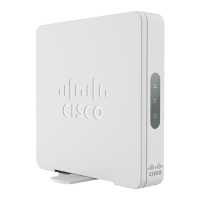
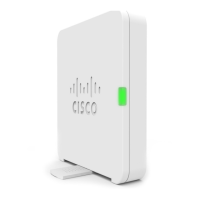
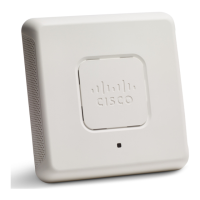
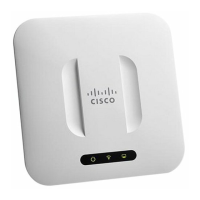
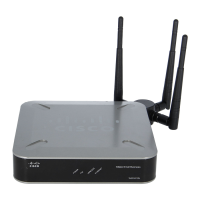
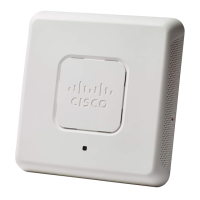
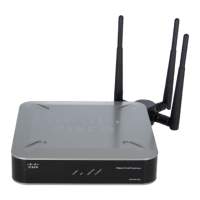
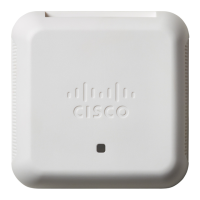
Cisco WAP150 Wireless-AC/N Dual Radio Access Point with PoE / Cisco WAP361 Wireless-AC/N Dual Radio Wall Plate Access Point with PoE
56
Wireless
Configuring Security Settings



 To Next Page
