Using Basic Phone Functions
Placing, Answering, and Managing Calls
Cisco SPA300 and SPA500 Series IP Phones with Cisco Unified Communications UC320W 32
2
Redialing a number
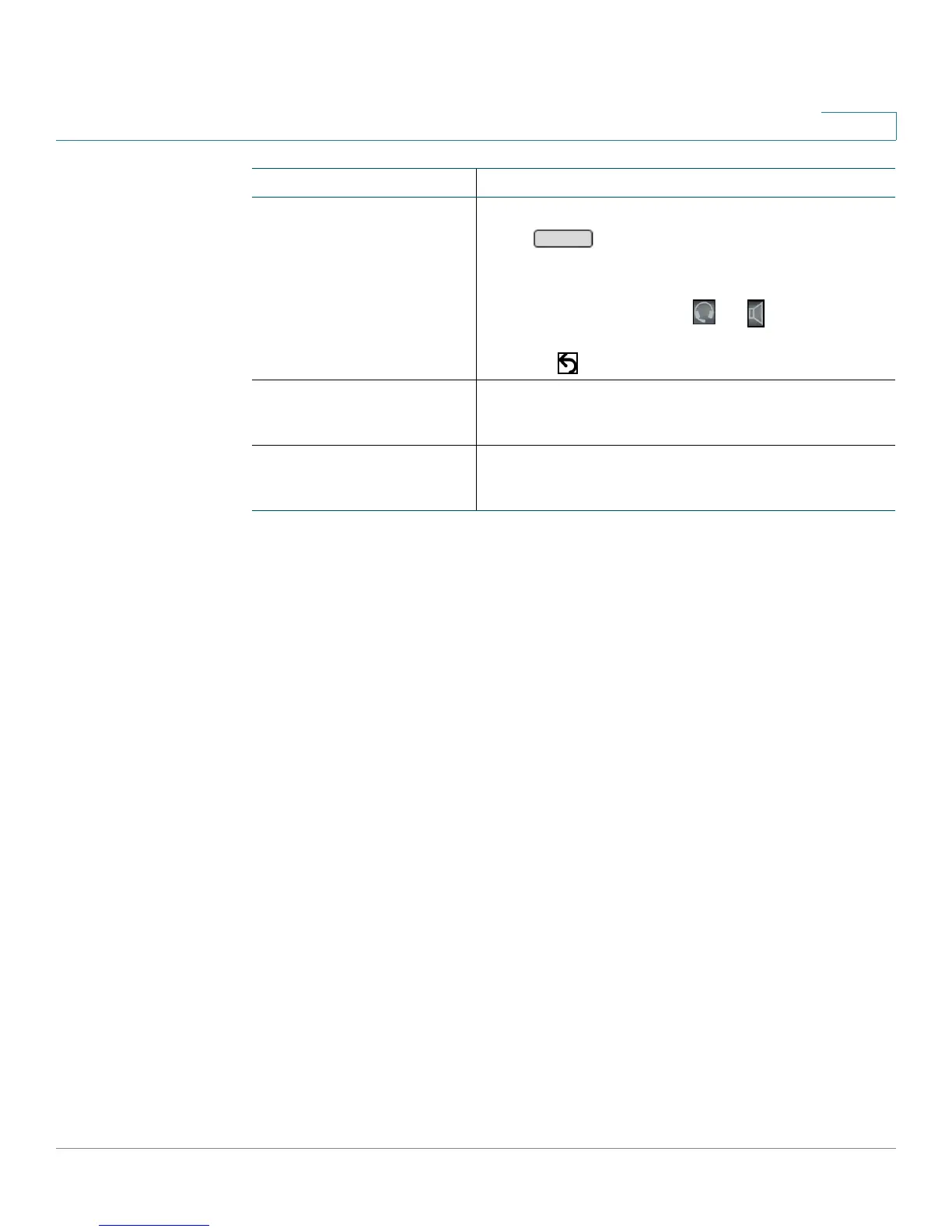
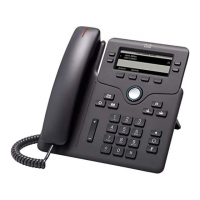
All models except Cisco
SPA301 and Cisco
SPA501G
Press . (Optionally, choose an audio device
first.)
Cisco SPA301 and Cisco
SPA501G
1. Lift the handset, press or , or press a line
button (if applicable).
2. Press
.
Dialing from the
Directory
Not available on Cisco SPA301 or Cisco SPA501G
See Using the Phone Directories, page 50.
Dialing from the Call
History list
Not available on Cisco SPA301 or Cisco SPA501G
See Using the Call History Lists, page 54.
Task Instructions


 To Next Page