Using Basic Phone Functions
Viewing and Returning Missed Calls
Cisco SPA300 and SPA500 Series IP Phones with Cisco Unified Communications UC320W 41
2
Viewing and Returning Missed Calls
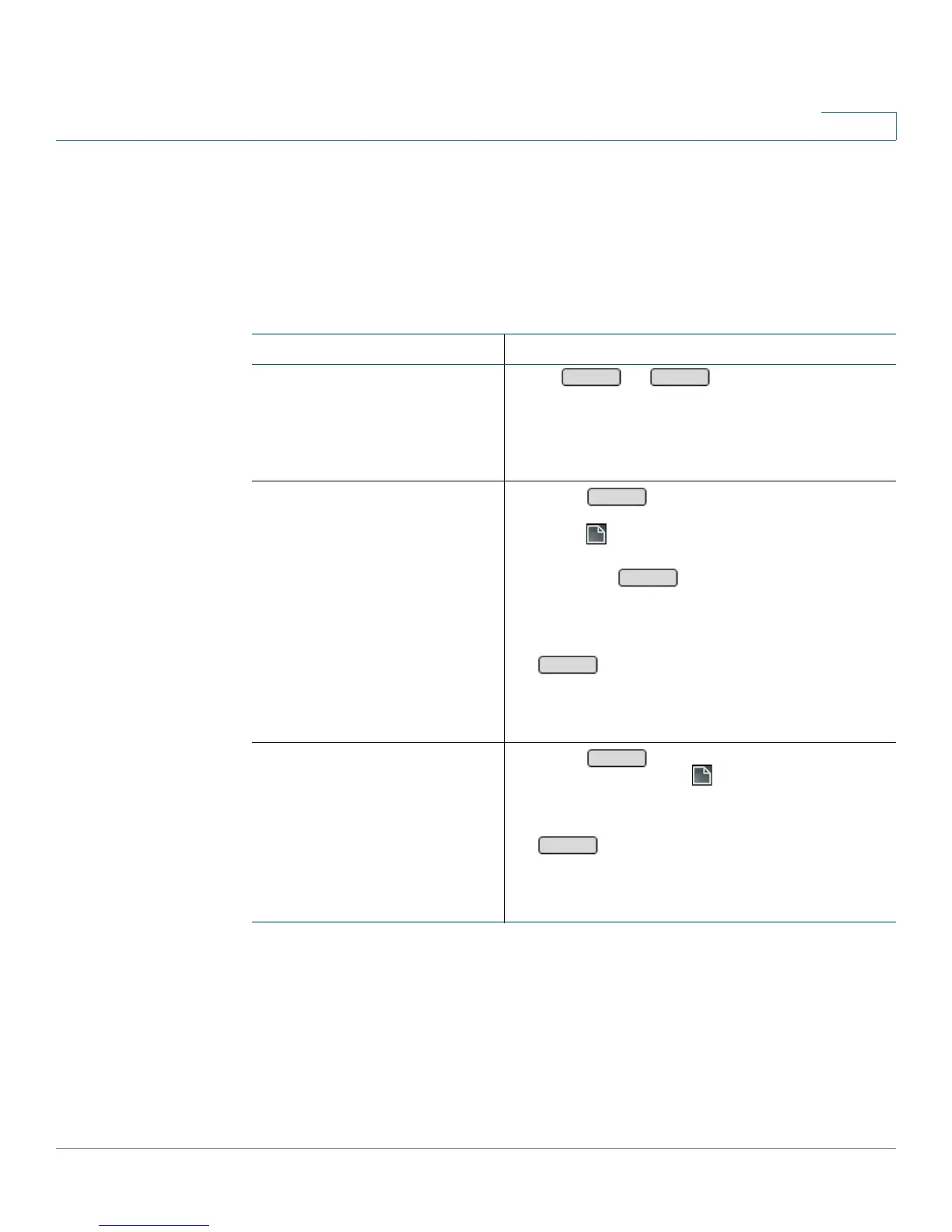
You can easily view and return missed calls by using the LCR and Miss softkeys
(Cisco SPA50xG models) or CallRtn and Miss (Cisco SPA525G/G2).
Not available on Cisco SPA301 or Cisco SPA501G.
Task Instructions
Returning the most recent
missed call (“last call
return”)
Press or . Note: This softkey
appears automatically on the home page if a call
is missed and the Miss Call Shortcut is enabled.
This softkey also is available by pressing the
right-arrow softkey icon on the home screen.
Viewing or returning missed
calls
Cisco SPA50xG models
1. Press to view a list of missed calls.
OR
Press . Select Call History, and then select
Missed Calls.
Note: The softkey appears
automatically if a call is missed and the Miss
Call Shortcut is enabled.
2. To return a call, scroll to the call. Then press
.
Note: You can edit a number before dialing.
See Editing an entry before dialing,
page 55.
Viewing or returning missed
calls
Cisco SPA525G/G2
1. Press to view a list of missed calls.
Alternatively, press . Select Call History,
and then select Missed Calls.
2. To return a call, scroll to the call. Then press
.
Note: You can edit a number before dialing.
See Editing an entry before dialing,
page 55.


 To Next Page