32-21
Cisco Catalyst Blade Switch 3020 for HP Software Configuration Guide
OL-8915-03
Chapter 32 Configuring QoS
Configuring Auto-QoS
Generated Auto-QoS Configuration
By default, auto-QoS is disabled on all ports.
When auto-QoS is enabled, it uses the ingress packet label to categorize traffic, to assign packet labels,
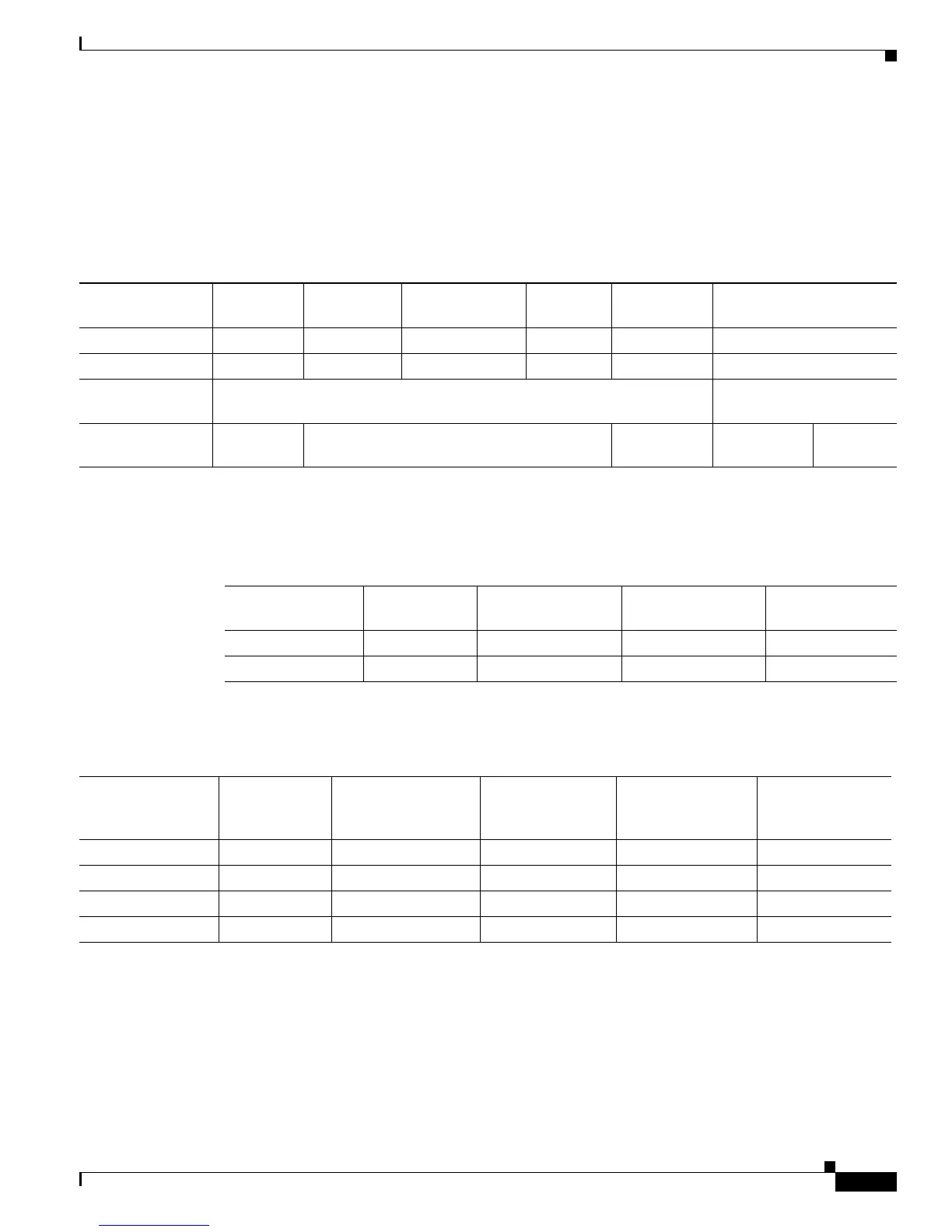
and to configure the ingress and egress queues as shown in Table 32-2.
Table 32-3 shows the generated auto-QoS configuration for the ingress queues.
Table 32-4 shows the generated auto-QoS configuration for the egress queues.
When you enable the auto-QoS feature on the first port, these automatic actions occur:
• QoS is globally enabled (mls qos global configuration command), and other global configuration
commands are added.
• When you enter the auto qos voip cisco-phone interface configuration command on a port at the
edge of the network that is connected to a Cisco IP Phone, the switch enables the trusted boundary
feature. The switch uses the Cisco Discovery Protocol (CDP) to detect the presence or absence of a
Cisco IP Phone. When a Cisco IP Phone is detected, the ingress classification on the port is set to
Table 32-2 Traffic Types, Packet Labels, and Queues
VoIP
1
Data
Traffic
1. VoIP = voice over IP
VoIP Control
Traffic
Routing Protocol
Traffic
STP BPDU
Traffic
Real-Time
Video Traffic All Other Traffic
DSCP 46 24, 26 48 56 34 –
CoS 5 3 6 7 4 –
CoS-to-Ingress
Queue Map
2, 3, 4, 5, 6, 7 (queue 2) 0, 1 (queue 1)
CoS-to-Egress
Queue Map
5 (queue 1) 3, 6, 7 (queue 2) 4 (queue 3) 2 (queue 3) 0, 1
(queue 4)
Table 32-3 Auto-QoS Configuration for the Ingress Queues
Ingress Queue Queue Number CoS-to-Queue Map
Queue Weight
(Bandwidth)
Queue (Buffer)
Size
SRR shared 1 0, 1 81 percent 67 percent
Priority 2 2, 3, 4, 5, 6, 7 19 percent 33 percent
Table 32-4 Auto-QoS Configuration for the Egress Queues
Egress Queue Queue Number CoS-to-Queue Map
Queue Weight
(Bandwidth)
Queue (Buffer) Size
for Gigabit-Capable
Ports
Queue (Buffer)
Size for 10/100
Ethernet Ports
Priority (shaped) 1 5 10 percent 16 percent 10 percent
SRR shared 2 3, 6, 7 10 percent 6 percent 10 percent
SRR shared 3 2, 4 60 percent 17 percent 26 percent
SRR shared 4 0, 1 20 percent 61 percent 54 percent













 To Next Page