35-13
Cisco Catalyst Blade Switch 3020 for HP Software Configuration Guide
OL-8915-03
Chapter 35 Configuring IPv6 Host Functions
Configuring IPv6
Configuring IPv6
These sections contain this IPv6 forwarding configuration information:
• Default IPv6 Configuration, page 35-13
• Configuring IPv6 Addressing and Enabling IPv6 Host, page 35-14
• Configuring IPv6 ICMP Rate Limiting, page 35-15
• Configuring Static Routes for IPv6, page 35-16
Note Before you configure IPv6 on a switch, you must enter the sdm prefer {dual-ipv4-and-ipv6 {default |
routing | vlan} global configuration command and reload the switch to configure a dual template.
Default IPv6 Configuration
Table 35-2 shows the default IPv6 configuration.
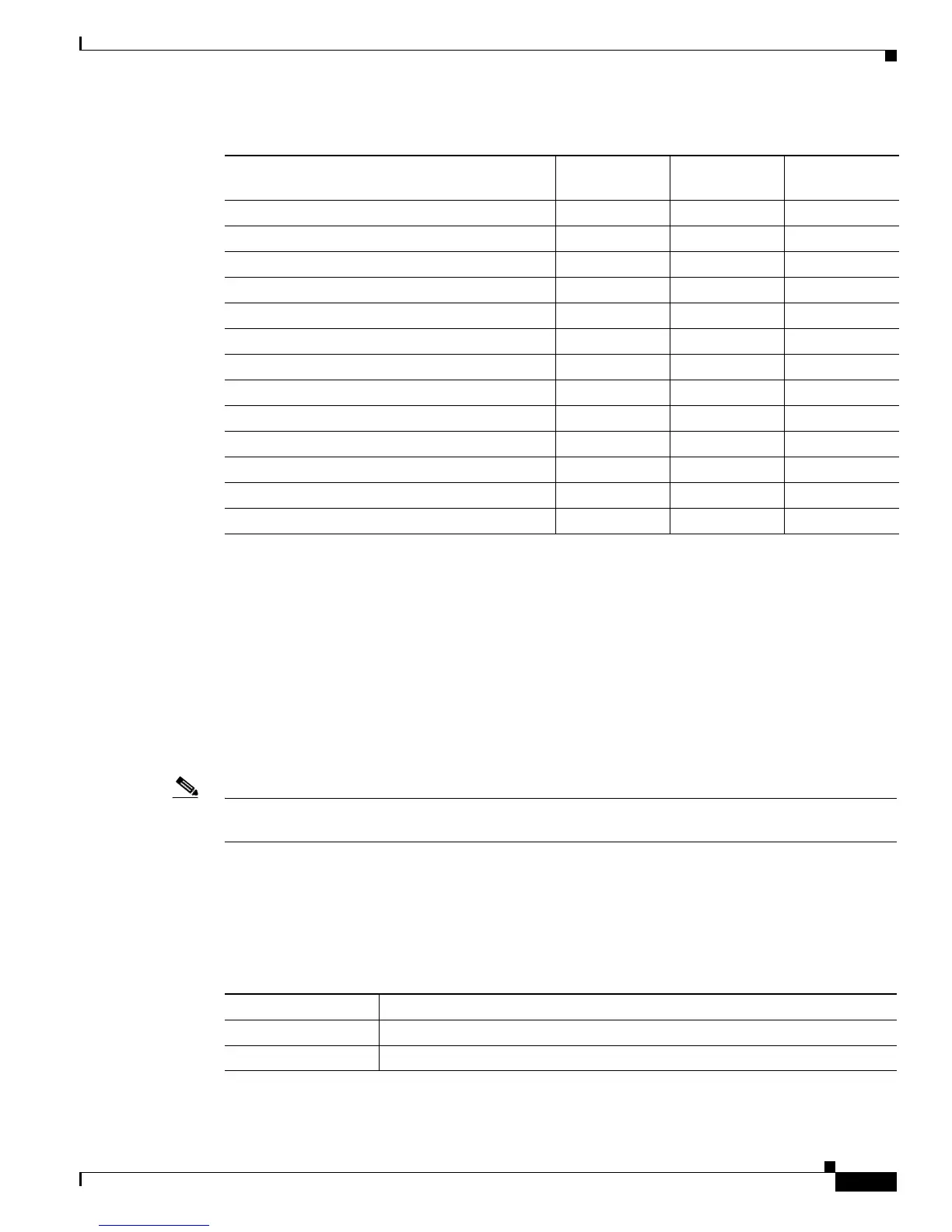
Total IPv4 unicast routes: 3 K 2.75 K 0
• Directly connected IPv4 hosts 2 K 1.5 K 0
• Indirect IPv4 routes 1 K 1.25 K 0
IPv6 multicast groups 1.125 K 1.125 K 1.125 K
Total IPv6 unicast routes: 3 K 2.75 K 0
• Directly connected IPv6 addresses 2 K 1.5 K 0
• Indirect IPv6 unicast routes 1 K 1.25 K 0
IPv4 policy-based routing ACEs 0 0.25 K 0
IPv4 or MAC QoS ACEs (total) 0.75 K 0.75 K 0.75 K
IPv4 or MAC security ACEs (total) 1 K 0.5 K 1K
IPv6 policy-based routing ACEs
1
0 0.25 K 0
IPv6 QoS ACEs 0.5 K 0.5 K 0.5 K
IPv6 security ACEs 0.5 K 0.5 K 0.5 K
1. IPv6 policy-based routing is not supported.
Table 35-1 Approximate Feature Resources Allowed by Dual IPv4-IPv6 Templates (continued)
Resource
IPv4-and-IPv6
Default
IPv4-and-IPv6
Routing
IPv4-and-IPv6
VLAN
Table 35-2 Default IPv6 Configuration
Feature Default Setting
SDM template Default
IPv6 addresses None configured













 To Next Page