34-24
Cisco Catalyst Blade Switch 3020 for HP Software Configuration Guide
OL-8915-03
Chapter 34 Configuring IP Unicast Routing
Configuring Stub Routing
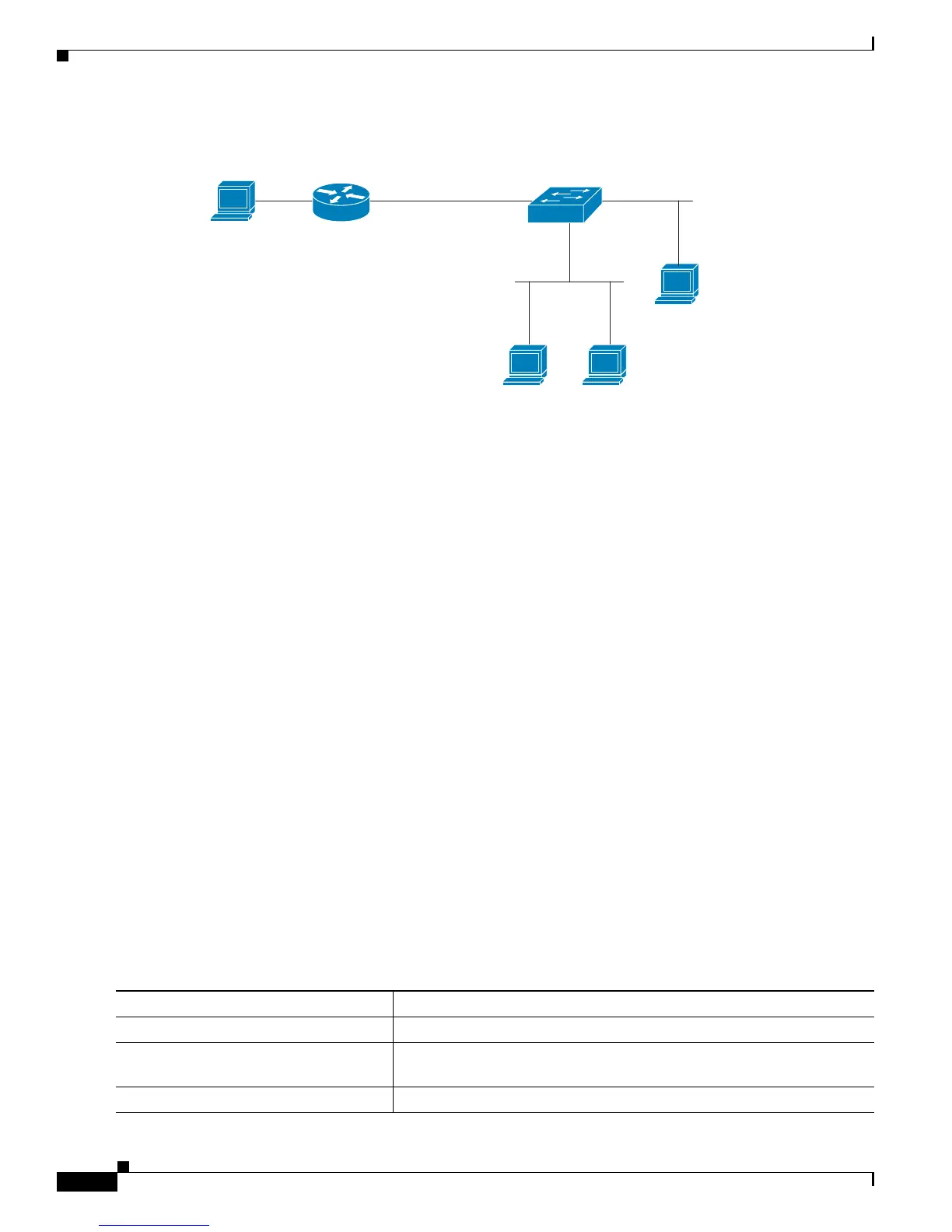
Figure 34-4 PIM Stub Router Configuration
Configuring PIM Stub Routing
The PIM stub routing feature supports multicast routing between the distribution layer and the access
layer. It supports two types of PIM interfaces, uplink PIM interfaces, and PIM passive interfaces. A
routed interface configured with the PIM passive mode does not pass or forward PIM control traffic, it
only passes and forwards IGMP traffic.
PIM Stub Routing Configuration Guidelines
Follow these guidelines when enabling PIM stub routing on an interface:
• Before configuring PIM stub routing, you must have IP multicast routing configured on both the stub
router and the central router. You must also have PIM mode (dense-mode, sparse-mode, or
dense-sparse-mode) configured on the uplink interface of the stub router.
• The PIM stub router does not route the transit traffic between the distribution routers. Unicast
(EIGRP) stub routing enforces this behavior. You must configure unicast stub routing to assist the
PIM stub router behavior. For more information, see the “Configuring EIGRP Stub Routing” section
on page 34-27.
• Only directly connected multicast (IGMP) receivers and sources are allowed in the Layer 2 access
domains. The PIM protocol is not supported in access domains.
• The redundant PIM stub router topology is not supported.
Enabling PIM Stub Routing
Beginning in privileged EXEC mode, follow these steps to enable PIM stub routing on an interface. This
procedure is optional.
Source
200.1.1.3
Router
3.1.1.2.255.255.255.0
Switch
A
Host 1 Host 2
VLAN 100 Host 3
Port 25 Port 20
202361
Command Purpose
Step 1
configure terminal Enter global configuration mode.
Step 2
interface interface-id Specify the interface on which you want to enable PIM stub routing, and
enter interface configuration mode.
Step 3
ip pim passive Configure the PIM stub feature on the interface.













 To Next Page