Citrix ADC MPX
Switch on the appliance
Aer you have installed the appliance in a rack and connected the cables, verify that the power cable
is properly connected. If you have installed more than one power supply, make sure the other cable
is connected to an outlet for a dierent circuit than the first. Aer verifying the connections, you are
ready to switch on the appliance.
To switch on the appliance
1. Verify that the appliance is connected through a console or Ethernet port. This connection en‑
sures that you can configure the appliance aer it is switched on.
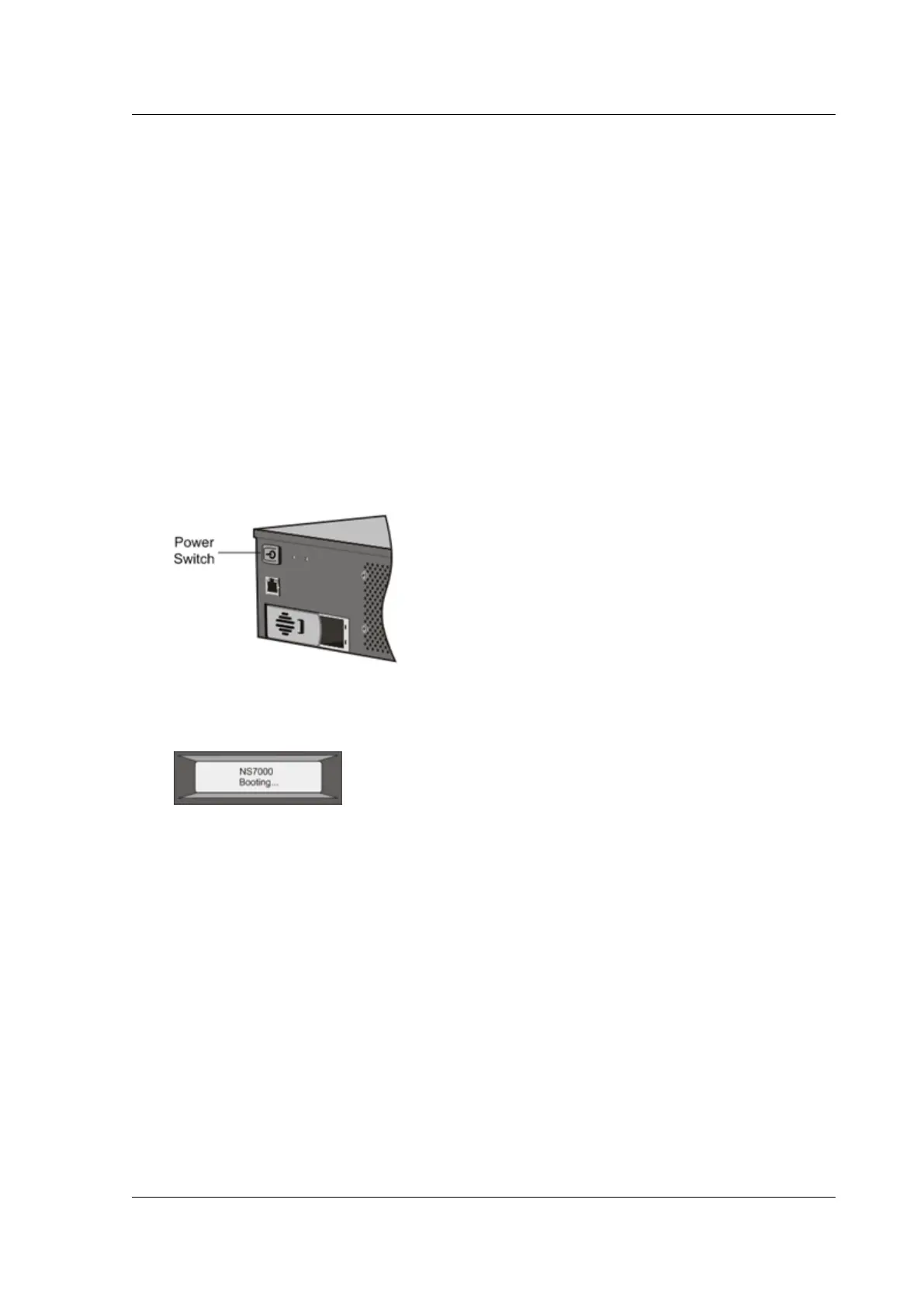
2. Press the ON/OFF toggle power switch on the back panel of the appliance.
Figure 11. Power switch on back panel
Figure 12. LCD startup screen
Caution: Be aware of the location of the emergency power o (EPO) switch, so that if an electrical
accident occurs you can quickly remove power from the appliance.
Initial configuration
September 19, 2022
Aer you have installed your appliance in a rack, you are ready to perform the initial configuration.
Once the initial configuration is complete, refer to the specific configuration guides for the features
you are using.
Initial configuration is the same for the multifunction Citrix ADC, Citrix Gateway, and the dedicated
© 1999–2023 Cloud Soware Group, Inc. All rights reserved. 144



 To Next Page