Citrix ADC MPX
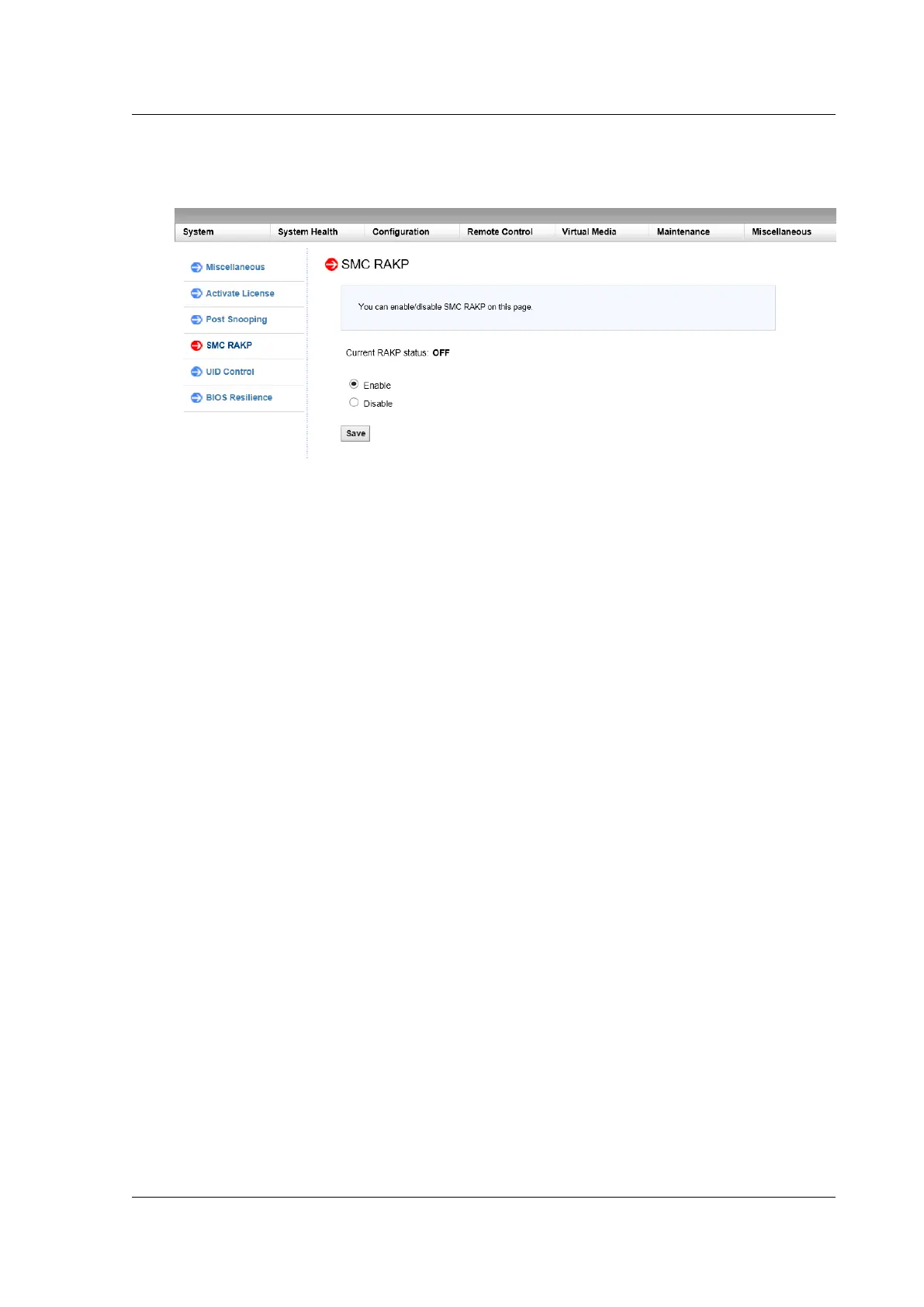
3. Select Enable or Disable.
4. Click Save.
Enable or disable RAKP using the ADC bash shell
• To enable RAKP, type: ipmitool raw 0x30 0x72 0x01 0x01
• To disable RAKP, type: ipmitool raw 0x30 0x72 0x01 0x00
Configure Active Directory in LOM
April 26, 2022
Add an active directory in LOM to use LDAP authentication with LOM.
Follow these steps to add an Active Directory in LOM.
1. Log on to the LOM GUI.
2. Navigate to Configuration > Active Directory.
© 1999–2023 Cloud Soware Group, Inc. All rights reserved. 178



 To Next Page