ci5000 Series Printer Operation Guide
Version 1.0 5-15
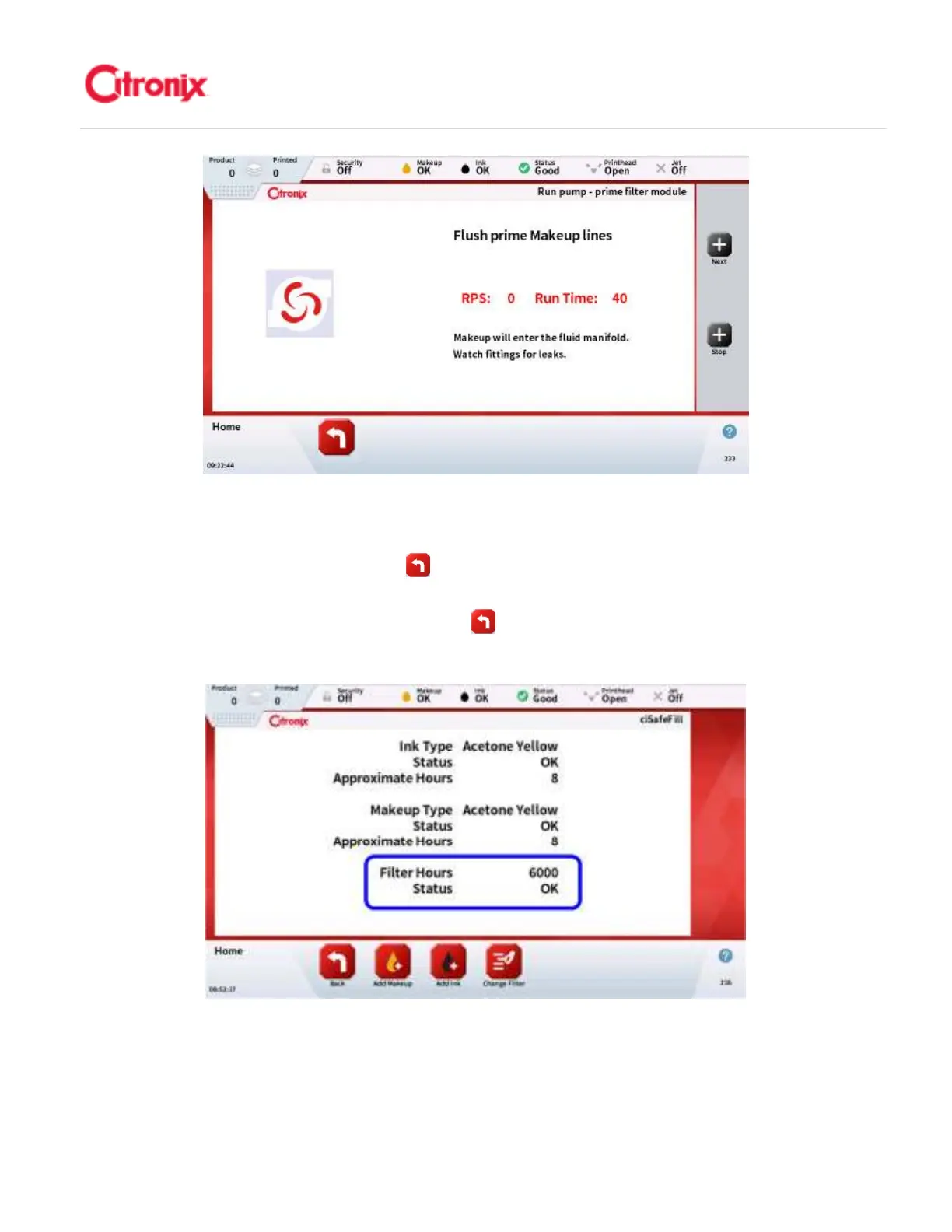
When this final priming sequence is finished press [Next] to continue. This will change the screen to
show the new filter hours. Press the [Back] button to go back to the Main screen. Press the Jet Start
button to now continue to run the printer. 当灌注程序最后一步完成以后,按“下一步”继续。这个操作将
使屏幕切换到显示新的过滤器剩余时间。按“返回” 键,退回到主菜单。现在可以按开墨线键继续投入
生产。
Note: The amount of filter hours will vary depending on the environmental conditions
注意:“快易护”
的使用时间取决于生产环境。



 To Next Page