ci5000 Series Printer Operation Guide
Version 1.0 3-28
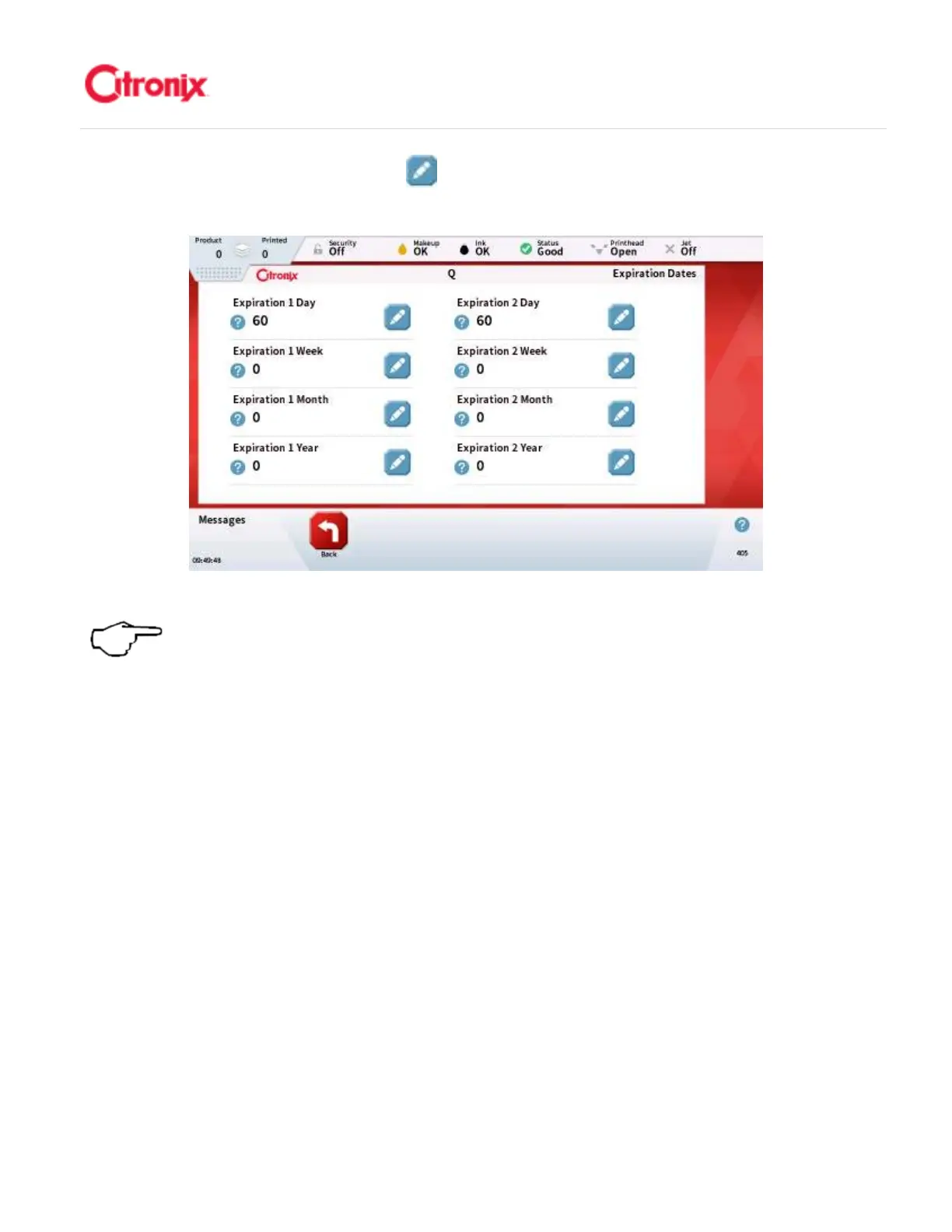
设置/编辑两组时钟偏移。按编辑 键,然后完成下图显示的允许设定/编辑选项中需要修改的
设定。
NOTE: if only using 1 expiration clock, select Expiration as the Date Type
and setup using Expiration 1.
注意:
注意:注意:
注意:如果只使用
1
组时钟偏移,将日期种
类选择和设置使用时钟偏移
5. Set Date Delimiter: the delimiter is configurable and can be changed using the “Delimiter”
property in screen 2. (See below) It is important that the date field is highlighted for the
delimiter property to be available. 设置日期分隔符:分隔符是可以编辑的。可以利用页面 2 中
的“分隔符”属性修改(见下图)。调用分隔符属性页面首先要选中日期字段。



 To Next Page