ci5000 Series Printer Operation Guide
Version 1.0 3-32
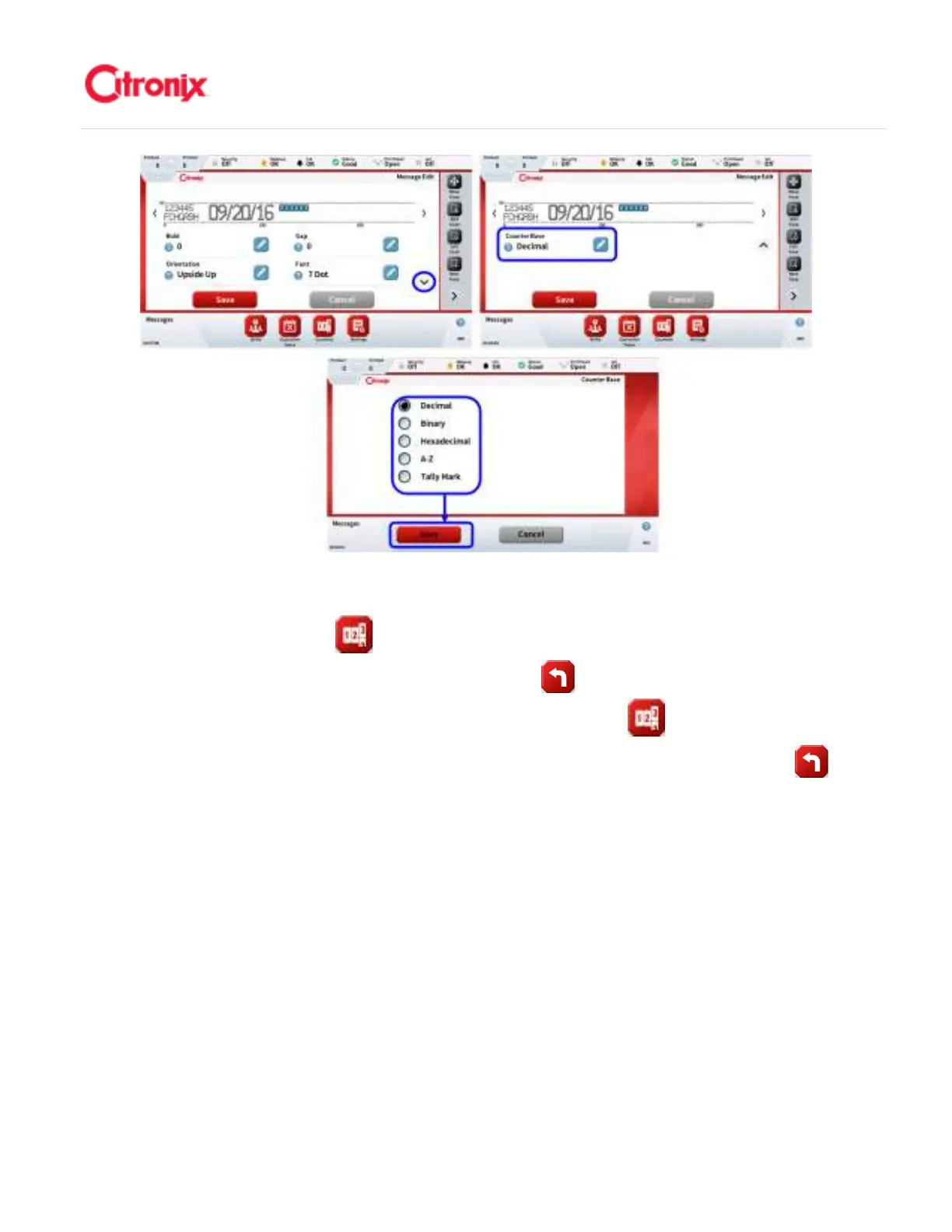
4. Counter Properties: Once the number of counters being used has been selected the counters
properties can be displayed and edited by selecting the counter (by touching the field) and
pressing the [Counter] button. Refer to the images below for the different parameters
that can be set. Once configured press the [Back] button and now the counters are ready
to be used. 计数器属性:一旦有计数器被使用,按“计数器” 键,被选中计数器属性将显
示并可以进行编辑。参考下面的可修改参数截图。一旦完成计数器配置,按“返回” 键,
计数器就可以使用了。



 To Next Page