ci5000 Series Printer Operation Guide
Version 1.0 3-31
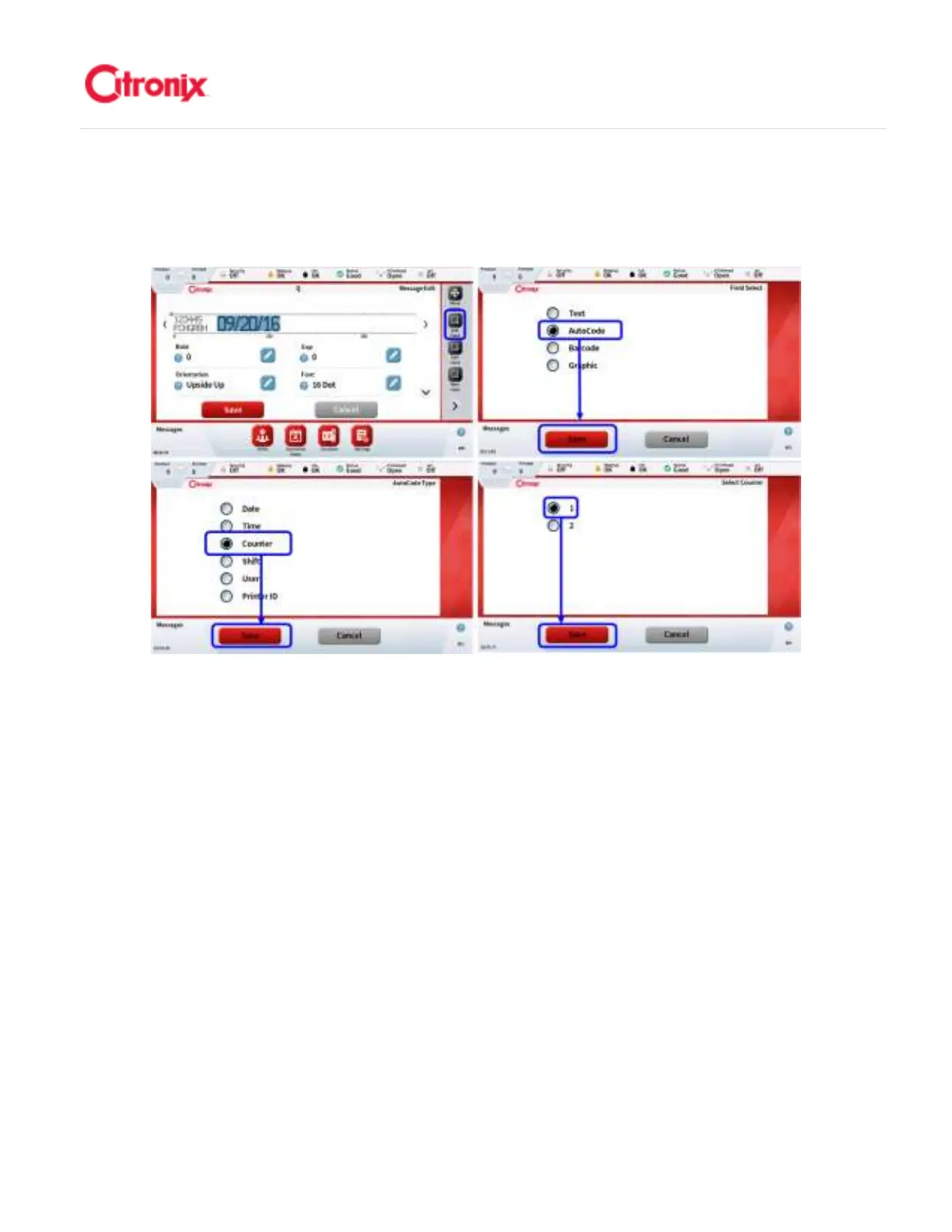
2. Select Counter: After the counters are made available, you will need to insert a counter field
into the message. This is done by first adding a field and selecting an Autocode and then
selecting the counter. Refer to the images below. 选择计数器:选择计数器数量以后,在信息
中插入一个计数器字段。先选择插入自动编码然后选择计数器。参考下面截图。
3. Set Counter Base: The base units that are used for counting can be set by editing the
counter base as shown below. It is important that the date field is highlighted for the delimiter
property to be available. 设置计数器制式:使用的计数进制可以通过下图显示的计数器进制设
置。先选择时间字段,才可以调用分隔符设置选项



 To Next Page