ci5000 Series Printer Operation Guide
Version 1.0 3-30
Autocode Counter: When inserting a counter field there are four steps that need to be taken which are:
add counter, select counter, select counter base and set counter properties. These are described below:
计数器:需要插入计数器字段的时候,需要采取 3 个步骤,添加计数器,选择计数器进制和设置计数器属
性。操作如下
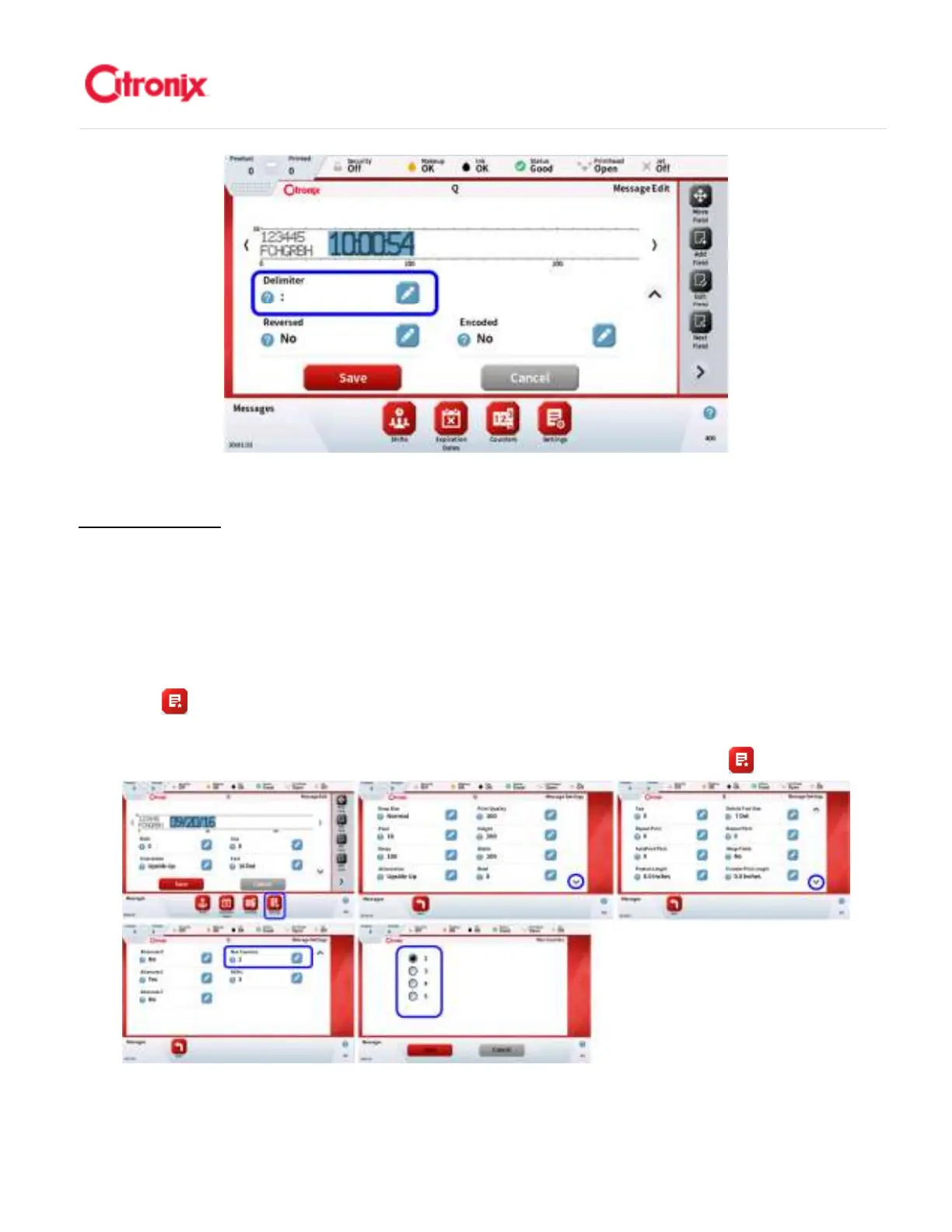
1. Adding Counters: Each message can have up to 5 independent counters. The default
number of counters for each message can be configured from the message settings screen
button found in the Navigation Tool bar before or while creating a message. See the
image below 添加计数器:每条信息最多可以添加 5 个不同的计数器。每条信息中默认可以插
入计数器的数量可以设置。新建信息前,从信息设置页面的快捷键栏中选择 键。见下方截图。



 To Next Page