DVD Video Player Operations
Switching among languages
On discs in which two or more audios or audio
languages have been recorded, you can switch
among the audio languages during playback.
1. Touch the [Audio] key during playback.
• Each time you touch the key, you can switch
among audio languages.
• It may take time to switch among audios.
* Depending on the disc, up to 8 audios may be
recorded. For details, see the mark of the disc
( : Indicates that 8 audios have been
recorded).
* When the power is turned on and when the
disc is changed to a new one, the language set
as the factory default is selected. If that
language has not been recorded, the language
specified on the disc.
* Depending on the disc, switching may be
completely impossible or impossible on some
scenes.
2. The DVD PLAYER mode screen will hide in
5 seconds after your selection is made.
Switching subtitles
On DVD discs in which two or more subtitle
languages have been recorded, you can switch
among the subtitle languages during playback.
1. Touch the [Sub T. ] key during playback.
Each time you touch the key, you can switch
among subtitles.
• It may take time to switch among subtitles.
* Depending on the disc, up to 32 kinds of
subtitles may be recorded. For details, see the
mark of the disc ( : Indicates that 8 kinds of
subtitles have been recorded).
* Depending on the disc, switching may be
completely impossible or impossible on some
scenes.
2. The DVD PLAYER mode screen will hide in
5 seconds after your selection is made.
To turn off sub ti tl es
1. Repeat touching the [Sub T. ] key until “Sub
Title: OFF” is displayed on the screen.
Subtitles are turned off.
Switching angles
On DVD discs in which video images have been
recorded in two or more angles, you can switch
among the angles during playback.
1. Touch the [Angle] button on the remote
controller during playback. Each time you
touch the key, you can switch among angles.
• It may take time to switch among angles.
* Depending on the disc, up to 9 angles may be
recorded. For details, see the mark of the disc
( : Indicates multi-angle).
* Depending on the disc, angles may switch
smoothly or switch with a momentary still
image.
* Depending on the disc, switching may be
completely impossible or impossible on some
scenes.
* Depending on the disc, scenes recorded in two
or more angles may be played back.
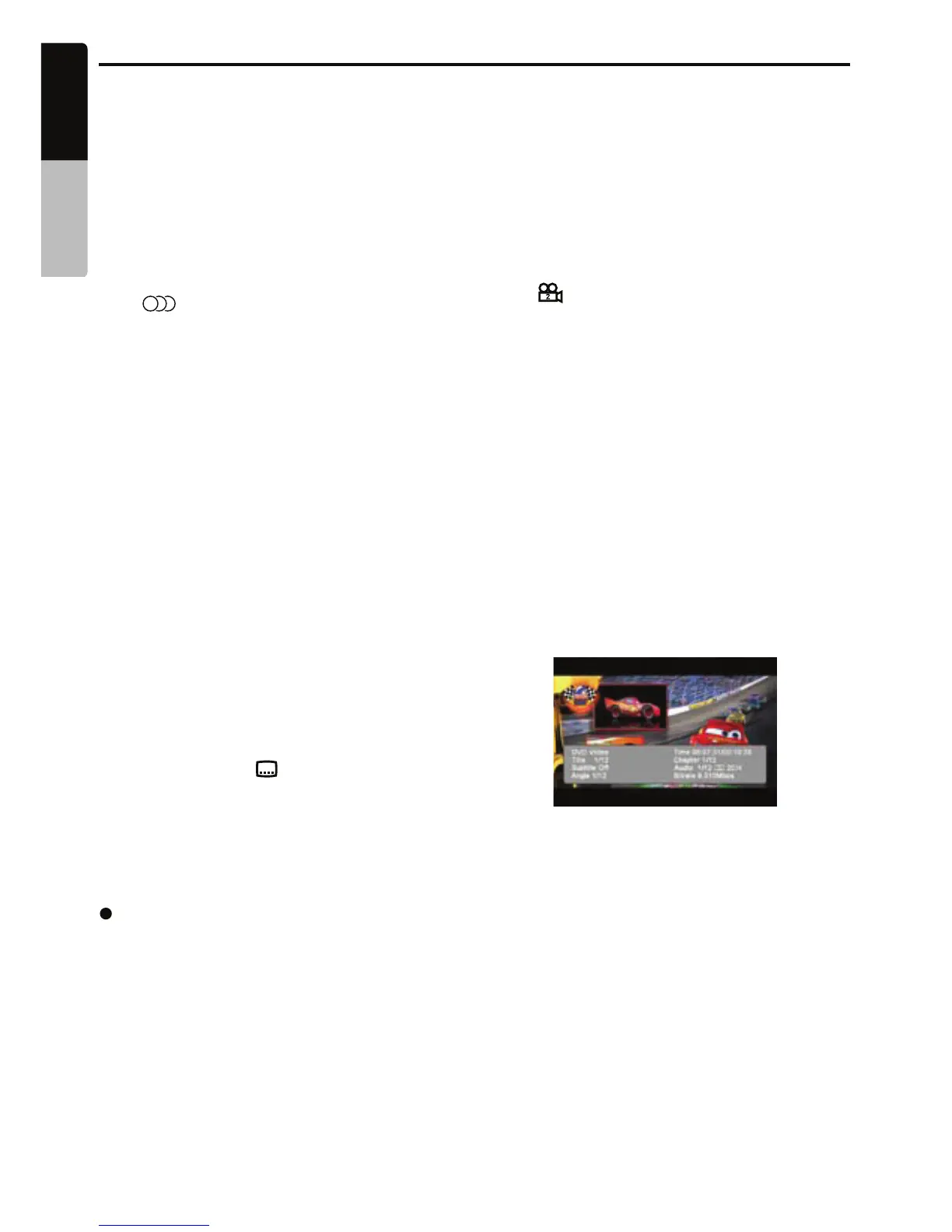
Displaying th e playback status
1. Showing the DVD PLAYER mode screen,
touch the [INFO] key.
2. or Touch the [ INFO ] button on the remote.
3. Touch the screen to hide the playback status
screen.
Playback status is displayed on the screen
until it is manually hidden.
8
8
28
English
Owner’s manual
VX409/VZ409


 To Next Page